Android calendar agenda and next alarm
Agenda and alarms shows upcoming Android calendar entries and the next alarm Android reports. It gives you a quick way to open the system calendar or alarm app to make changes there.
Install the signed Dikciz APK, complete first-run setup, then open Dikciz > Dikciz apps > Agenda and alarms.
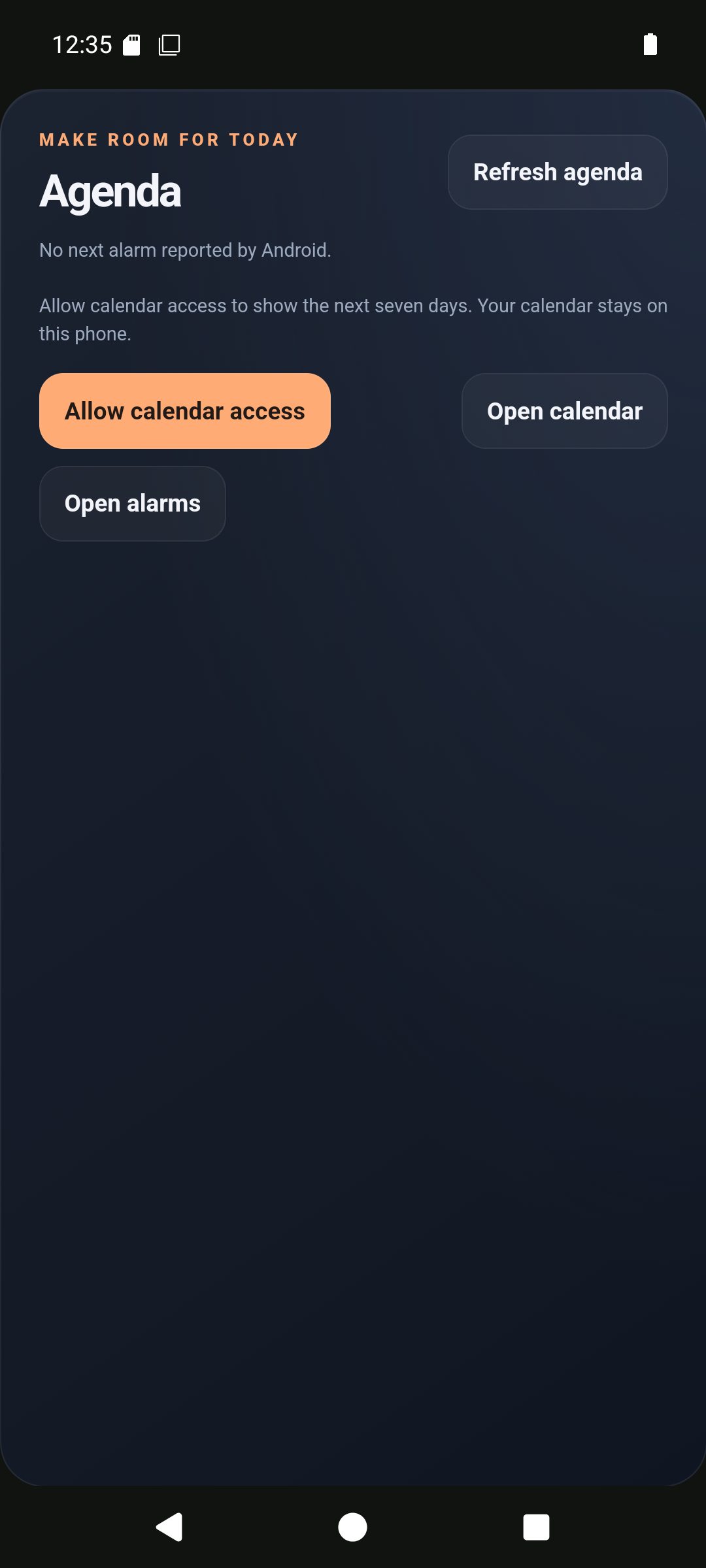
- Grant Calendar access, then tap Refresh agenda. The agenda reads the events Android exposes to Dikciz.
- Use Open calendar to create or edit an event in the Android calendar app.
- Use Open alarms to set, edit or confirm alarms in the Android clock app. An empty next-alarm field means Android did not report a next alarm to Dikciz.
The Agenda and alarms source is an editable example of reading device data and delegating edits to system apps.