Dikciz tutorial
Build a home you can edit, connect an AI that can use the phone, and make HTML widgets, Lua or headless JavaScript scripts and complete custom apps react to events. This walkthrough starts with the signed APK and ends with direct Android SDK discovery. Follow it in order for a new installation, or jump to the part you need.
The examples inspect state and use a local custom-event pipeline. Messaging, calls, recordings and device changes have separate opt-in exercises. Exact accepted fields belong to the installed tool schemas and the command reference.
Screenshots use a private Android emulator. The starter, native menus, custom apps, provider forms, templates and command-result illustrations were captured from the current development build. The populated starter uses a configured London location, live weather, sample calendar entries and an emulator recording. Chat replies and model lists use a local demonstration API with example model names; the native chat, database and phone tools are real. Provider forms also show the built-in OpenAI and Anthropic host templates. Command-result screens use a temporary HTML inspector to display actual API responses. Click an image for the full capture.
For menus, forms and recovery dialogs, use Screens and guided workflows. It includes app Recents, bundle editing, conversation management, provider/model setup, access tokens, backups and companion forms.
Contents
- Install and grant access
- Explore the starter home
- Build and customize a page
- Connect the on-device assistant
- Connect without USB
- Build an event pipeline
- Use Android data and hardware
- Manage files, installs and long-running work
- Discover public Android SDK calls
- Check results and recover
- Complete template gallery
1. Install and grant access
Download the signed APK from GitHub Releases. For ongoing updates, add https://github.com/psyb0t/dikciz-launcher to Obtainium. Open Dikciz, choose it as the Android Home app, tap Grant file access, allow the requested shared-storage access and return.
Dikciz creates /sdcard/Dikciz/. The public home is editable files: root configuration, pages, widget documents and state, scripts, automation policies, libraries, themes and logs. Chat history and provider keys live separately in private app storage.
Open Settings, Automation, Set up full device access. This is a screen you can return to after Android opens another settings screen. Grant the capabilities you intend to use. For cross-app reading and control, enable Dikciz cross-app automation in Android Accessibility settings. For most-used app ranking, allow usage access. Location, contacts, notifications, camera and microphone have their own grants.
A permission is not the same as a role, special access or hardware support. Dikciz does not need to become your default SMS app. The Android access guide maps each feature to its actual requirements.
Check: press Home. Dikciz opens and the starter pages render. Return from an Android permission screen and continue setup without starting the sequence again.
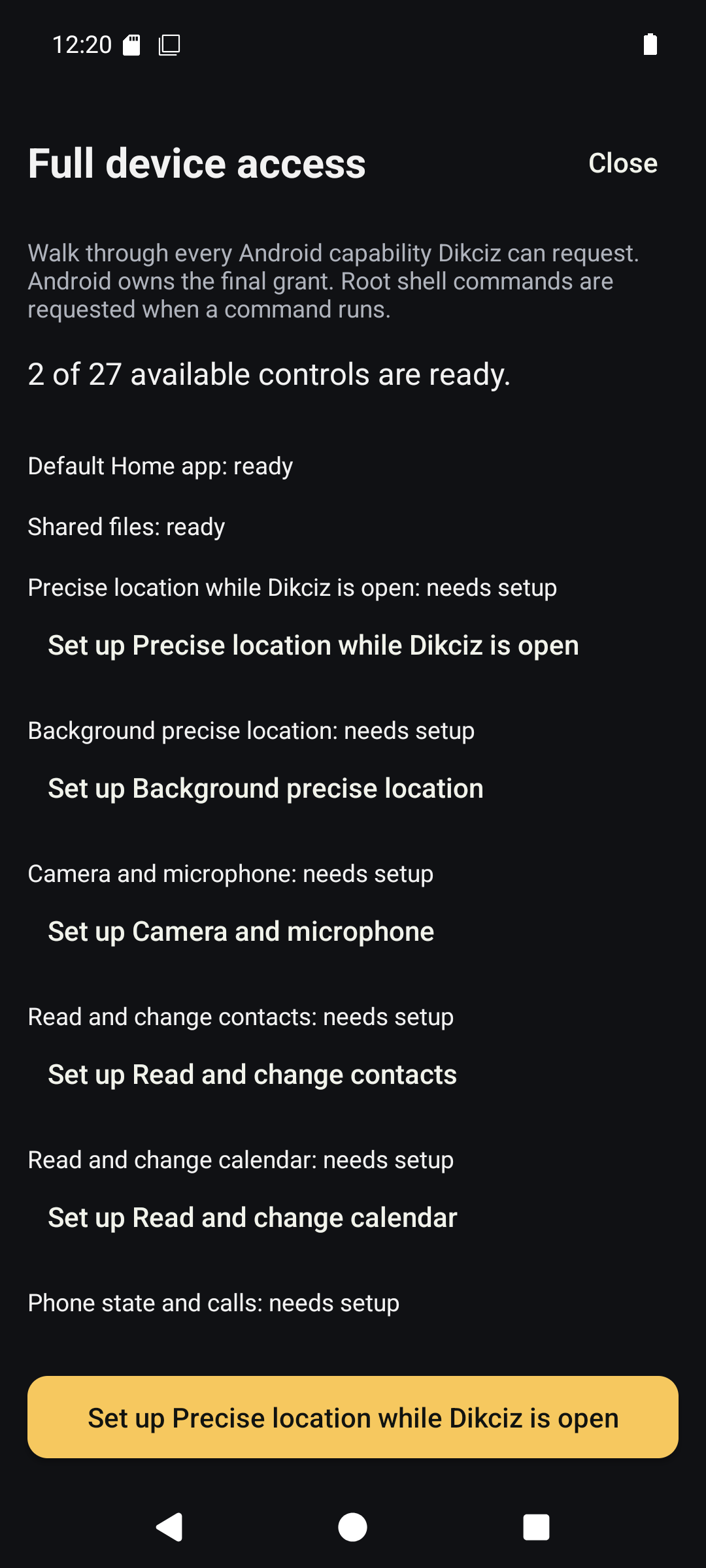
Full device-access setup, with progress and individual Android access steps.
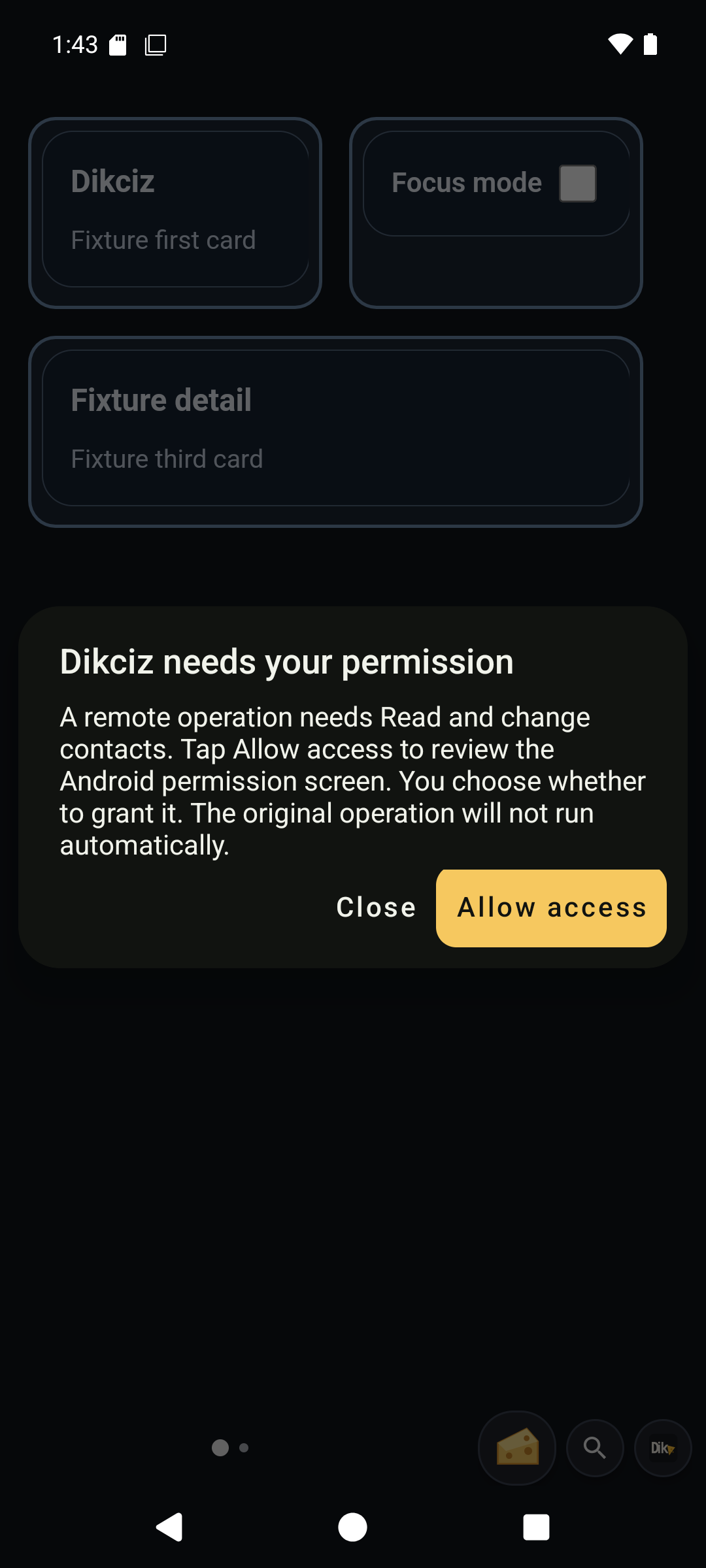
A remote request asks the owner to review only the missing contacts access.
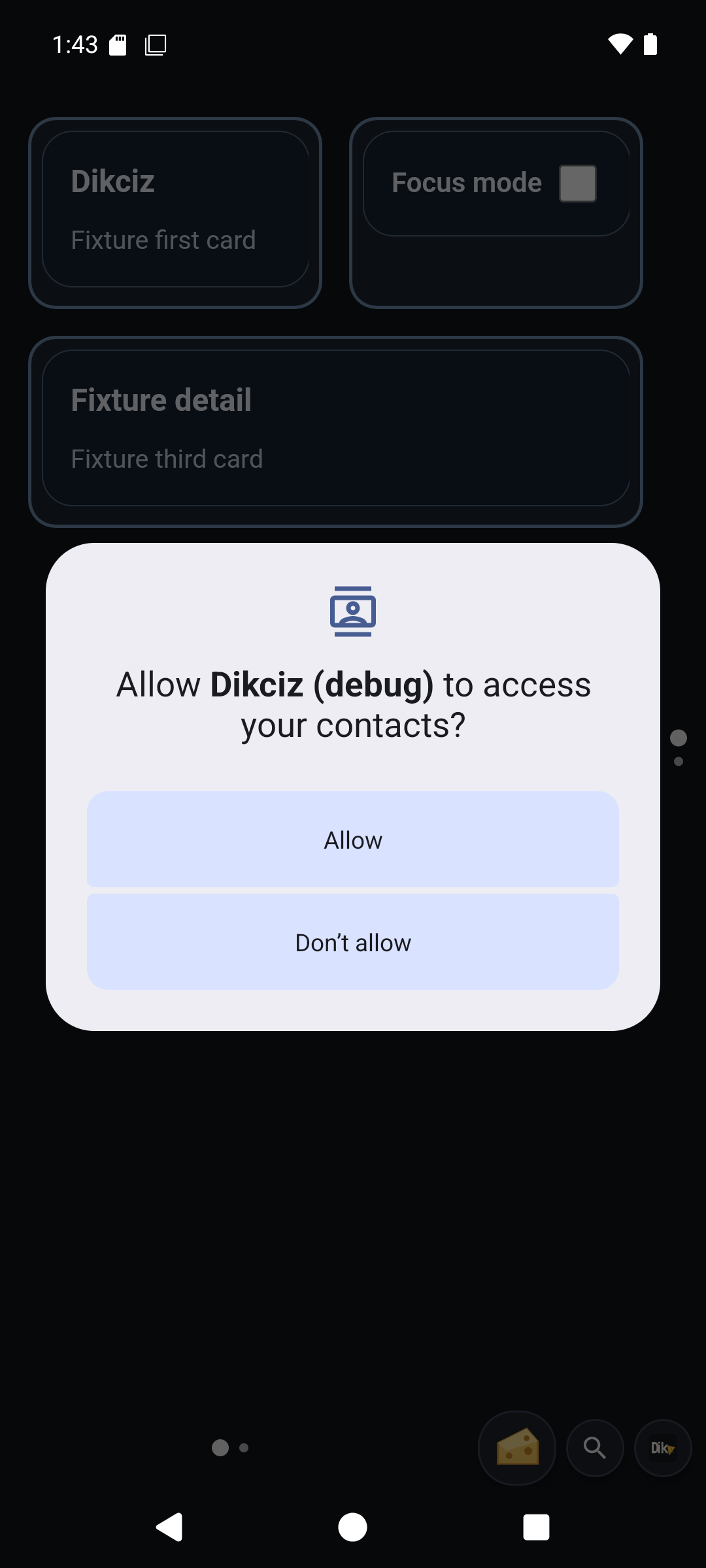
The owner button opens the actual Android permission prompt. Approval still belongs to the user.
2. Explore the starter home
The bundled home has four pages. Some data needs a grant or an explicit refresh; missing values stay unknown instead of being invented.
| Page | Try this | What it demonstrates |
|---|---|---|
| Home | Read the clock/weather, open an app icon and try a quick action | Time and weather, usage-ranked app icons and a native dock for Phone, Camera, Settings and an installed app store when available |
| Tools | Inspect the agenda and deliberately record a short voice note | Calendar access and a saved recording with its own widget state |
| Device | Read the battery ring, RAM/storage meters and CPU history | Live Android measurements with explicit limits for protected system counters |
| Goblin | Tap speech, alien sound or finite torch pulses, then stop them | JavaScript driving native tools and local audio from an editable document |
Weather can use permitted phone location when no city is set. Check the age and error state of fetched data. Whole-phone CPU counters may be protected even when ordinary permissions are granted; CPU frequency is not CPU utilization.
The library includes nineteen complete HTML templates, including Live sensors, BTC and economic news, app search, notes and combined dashboards. Six Lua examples start disabled: low-battery and charging reminders, lock-on-demand, and the London, heat and speed rules. The starter catalog describes every template, trigger, data source and cleanup behavior.
Check: visit all four pages. Try one manual Goblin effect and stop it. Do not enable background rules until you have reviewed their source and triggers.
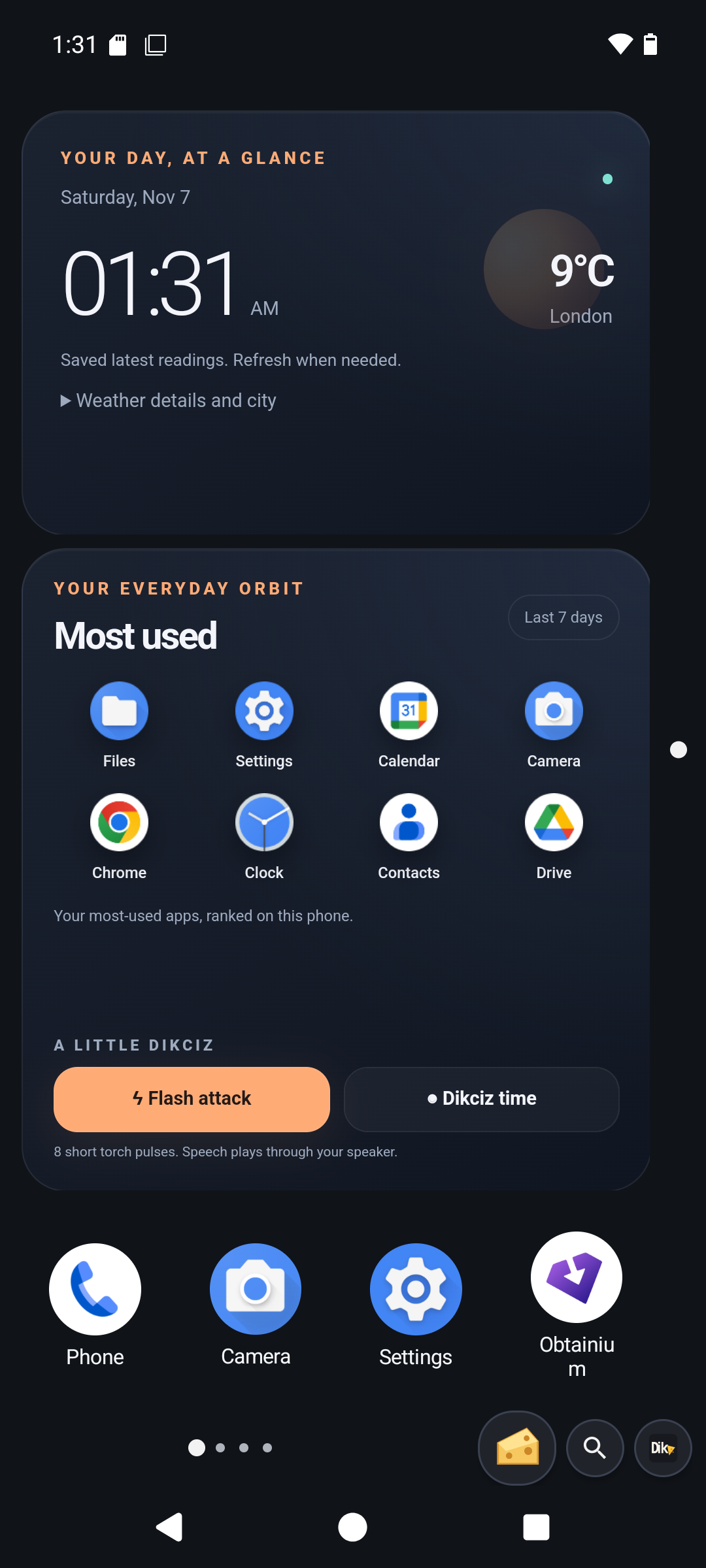
Home with populated weather, app icons and the native dock.
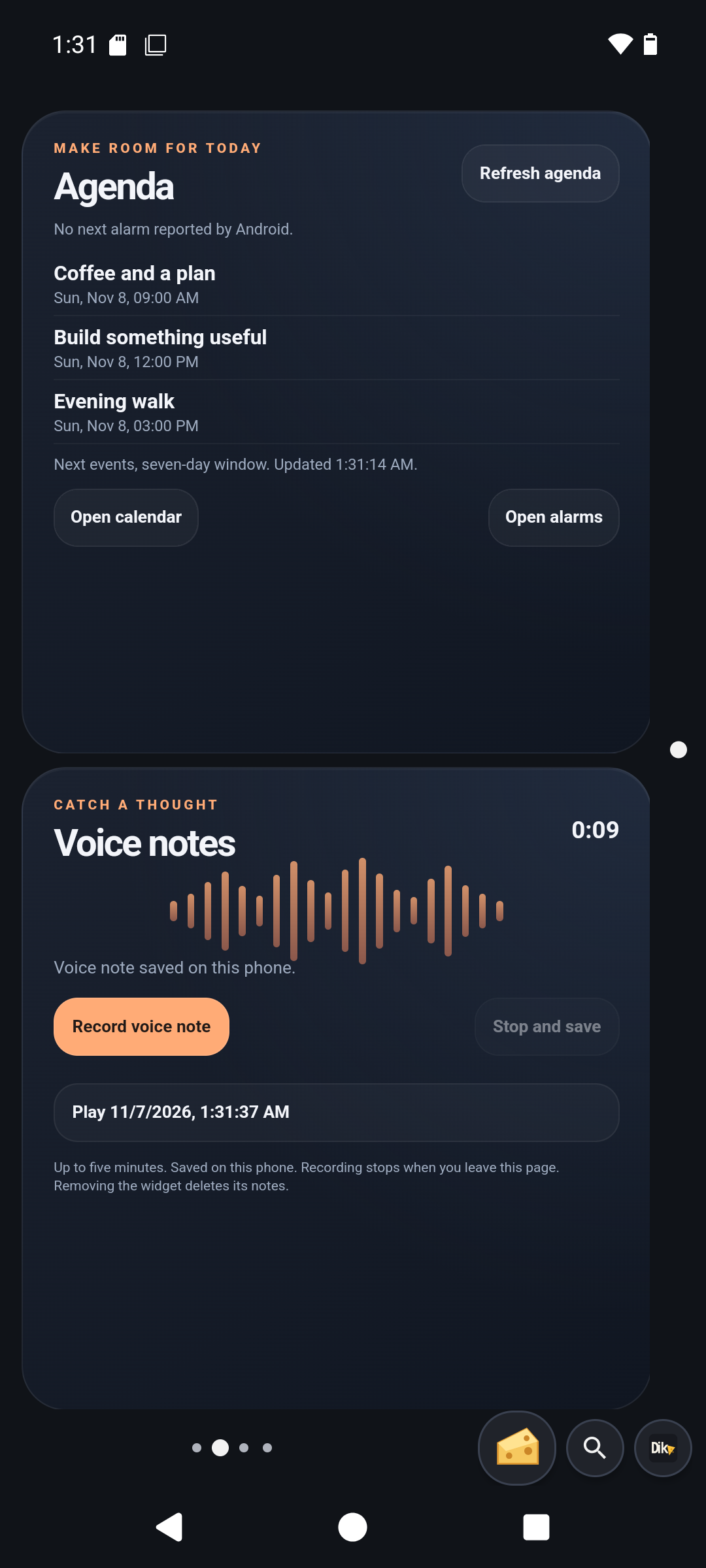
Tools with sample calendar entries and a saved emulator voice note.
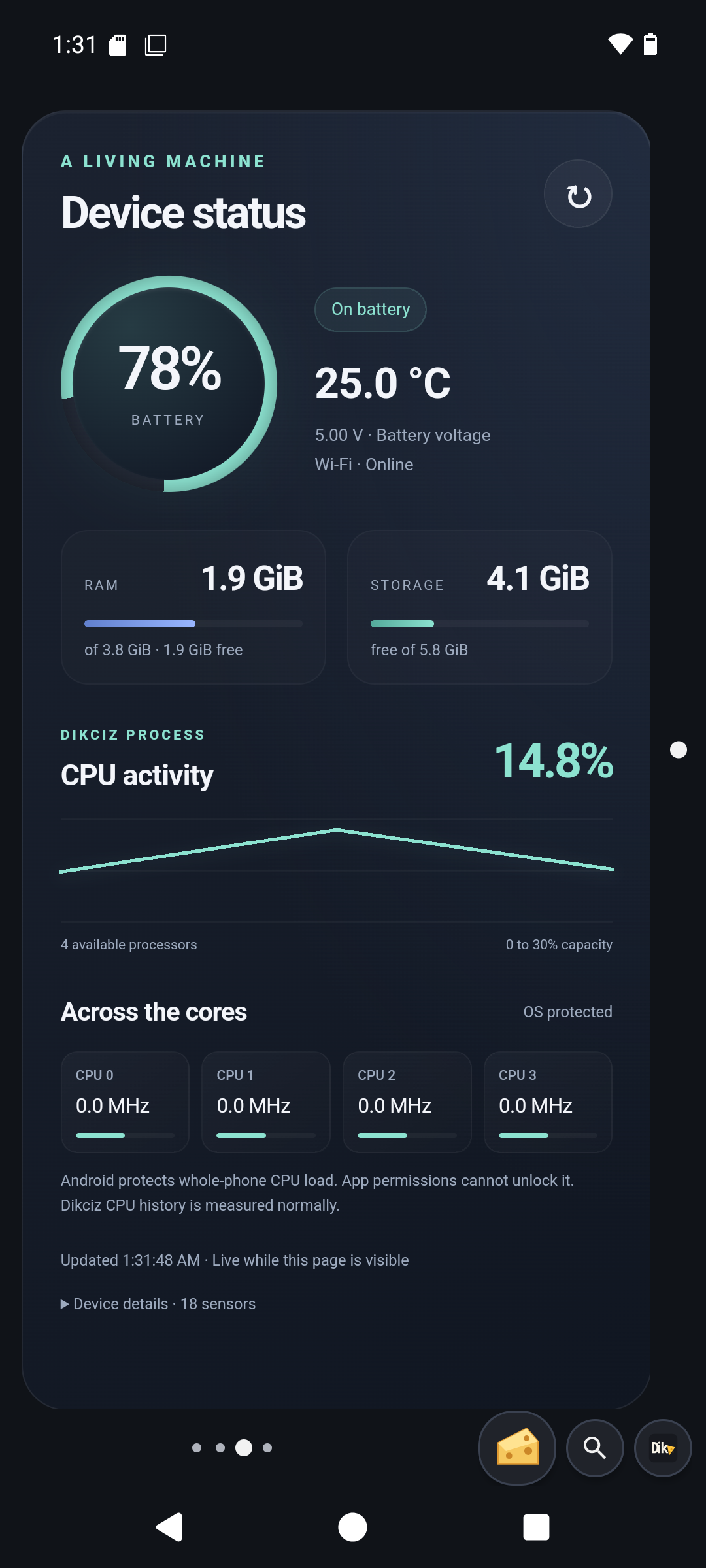
Device with actual battery, memory, storage and CPU measurements.
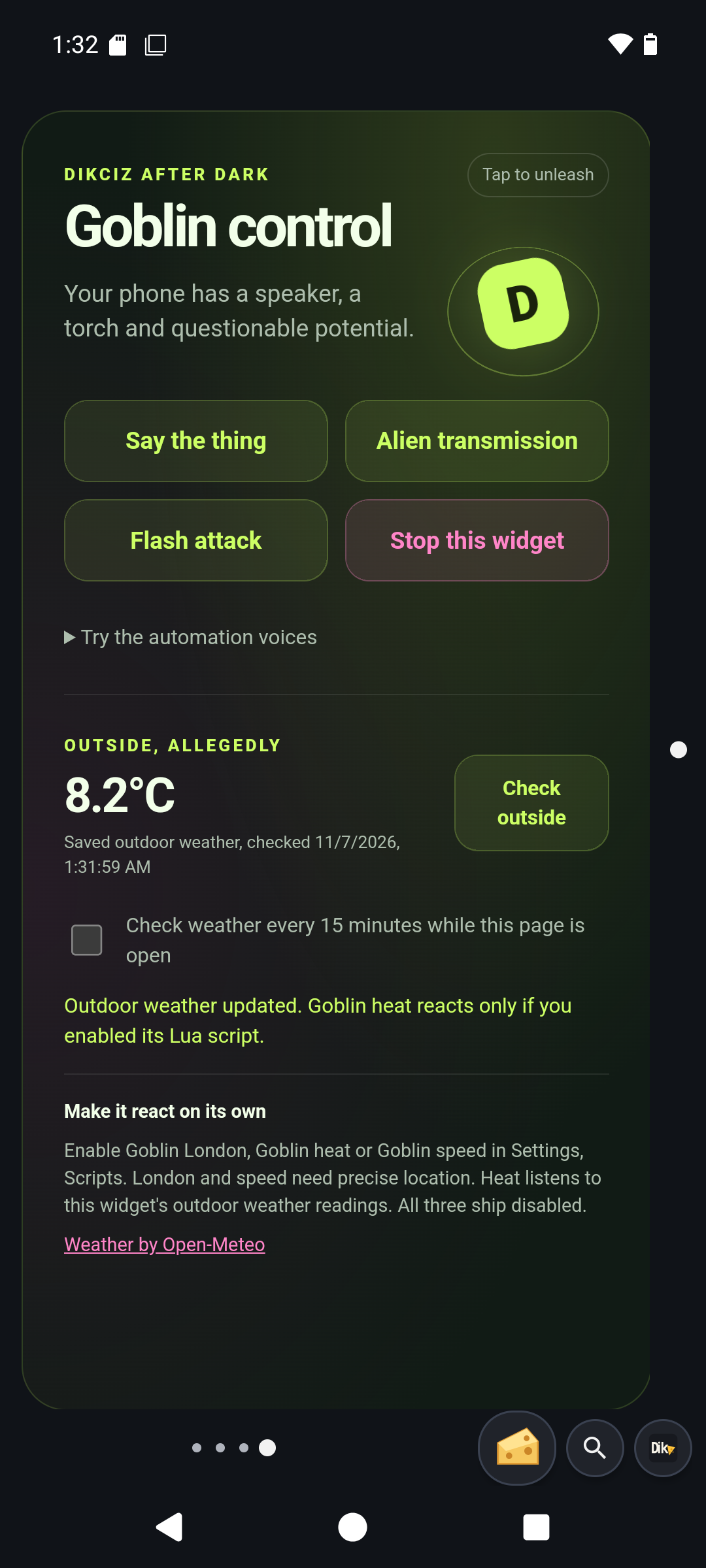
Goblin controls for manual speech, finite light effects and alien sounds.
3. Build and customize a page
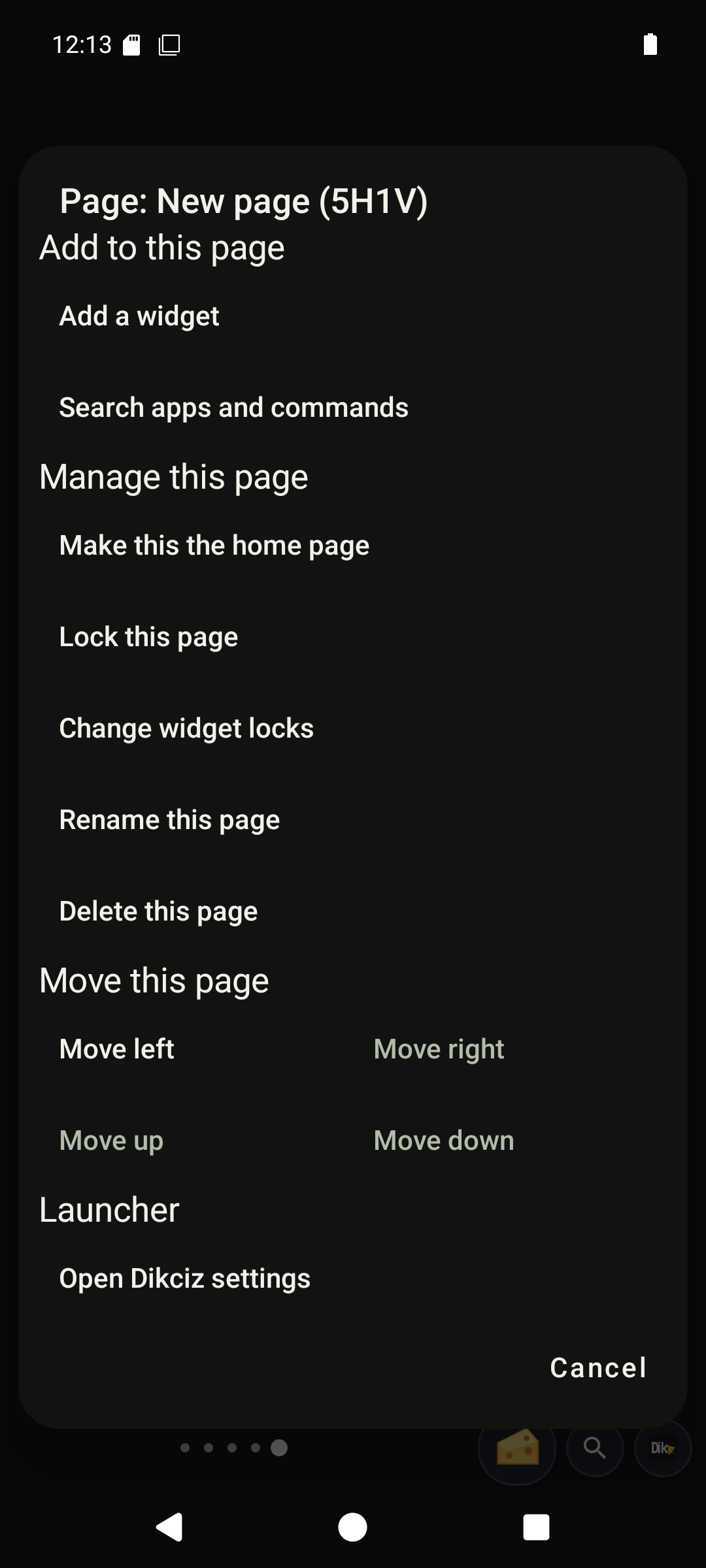
Tap the Dikciz mark beside the page rail to reach page controls, the app drawer, widgets and Settings. Pages occupy a two-axis map and have stable IDs as well as readable addresses such as 1H1V. Use the page search control to find one by name or address.
Create a spare page for experiments. Open Add to this page. The Dikciz category lists complete HTML templates with descriptions. Add Quick note, edit it, then add a second copy. Change each note independently.
A template copies the whole HTML, CSS and JavaScript document. Each placed copy keeps independent state. Save to library makes the customized source reusable; it does not copy live widget state, and later library changes do not silently overwrite placed copies. An Empty HTML widget starts a document from scratch.
Long press the move handle, HTML content or background for the same whole-widget controls. Edit exposes the complete HTML, CSS, JavaScript and JSON state. Change an inner section by editing its markup and code. Delete removes the entire WebView and its scoped state, never just the DOM section under your finger. See the HTML editing walkthrough.
In Appearance, open Border, Widths, and set All sides to 0 to remove the native outline. Set individual edges to 0 too if the widget or theme overrides them. A border drawn by your own HTML must be removed in its CSS. WebViews hide native and CSS scrollbars while preserving scrolling; your document controls overflow and layout.
Saved widget files belong to the exact page/widget instance, so two copies can keep different notes or settings across workspaces. Removing a widget removes its scoped state. Save reusable source or export wanted data before removing an instance. Use stable widget IDs and selfWidget in code instead of screen pixels.
Add native app shortcuts or Android provider widgets through the same page controls. Hold an app icon for at least one second to arm dragging; an earlier swipe does not move it. Changing the global grid can shrink full-width widgets and reflow others. Read evictedWidgets when changing it programmatically: items that cannot fit are removed from the layout, with their scoped state. Evicting an app shortcut does not uninstall the app.
Check: your two notes differ after leaving and returning to the page. Edit one document and confirm the other stays unchanged. See configuration for the file layout, grid, locks, themes, wallpaper and validation.
Page and editor screens
Show the page, app and widget walkthrough
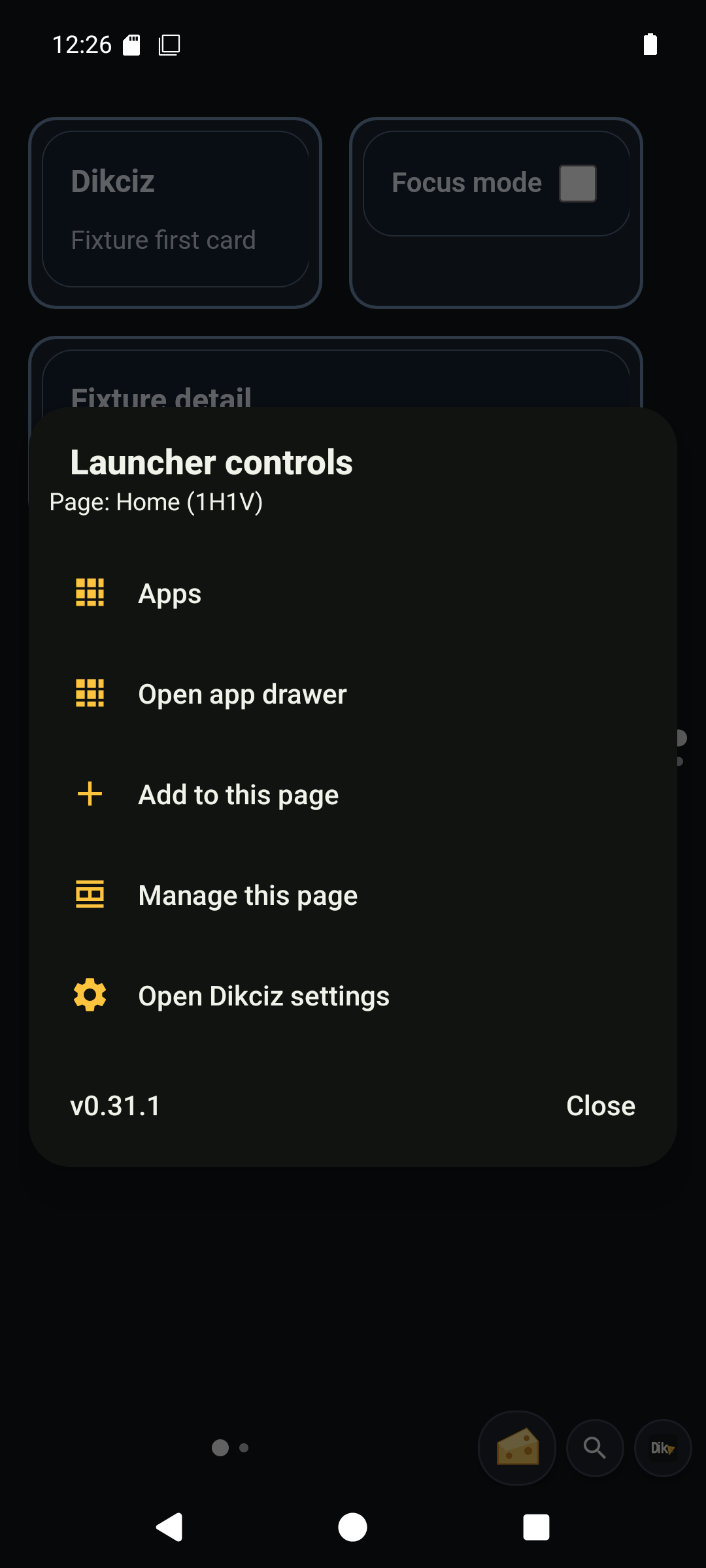
Launcher controls open the drawer, widgets, page actions and Settings.
Create a spare page before trying layout changes.
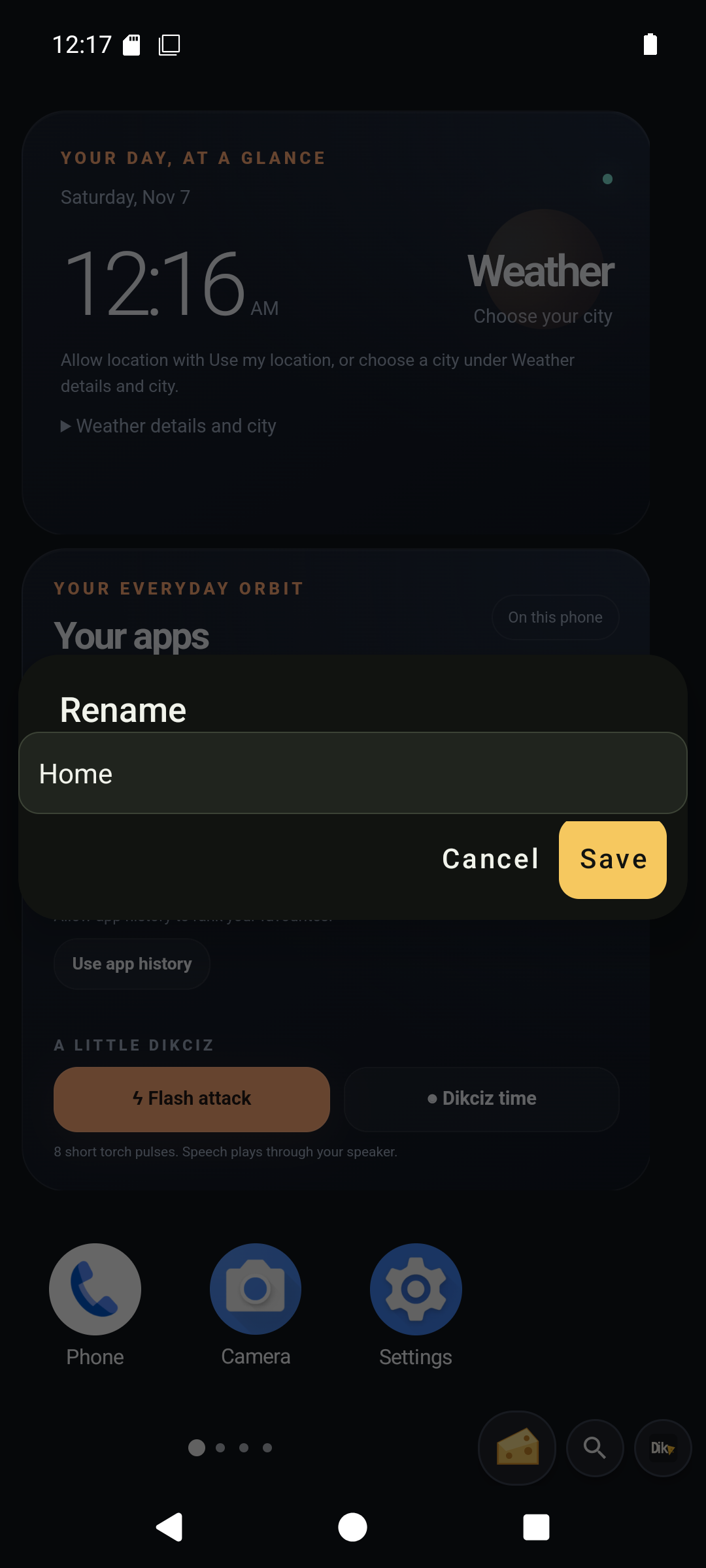
Give the page a recognizable title.
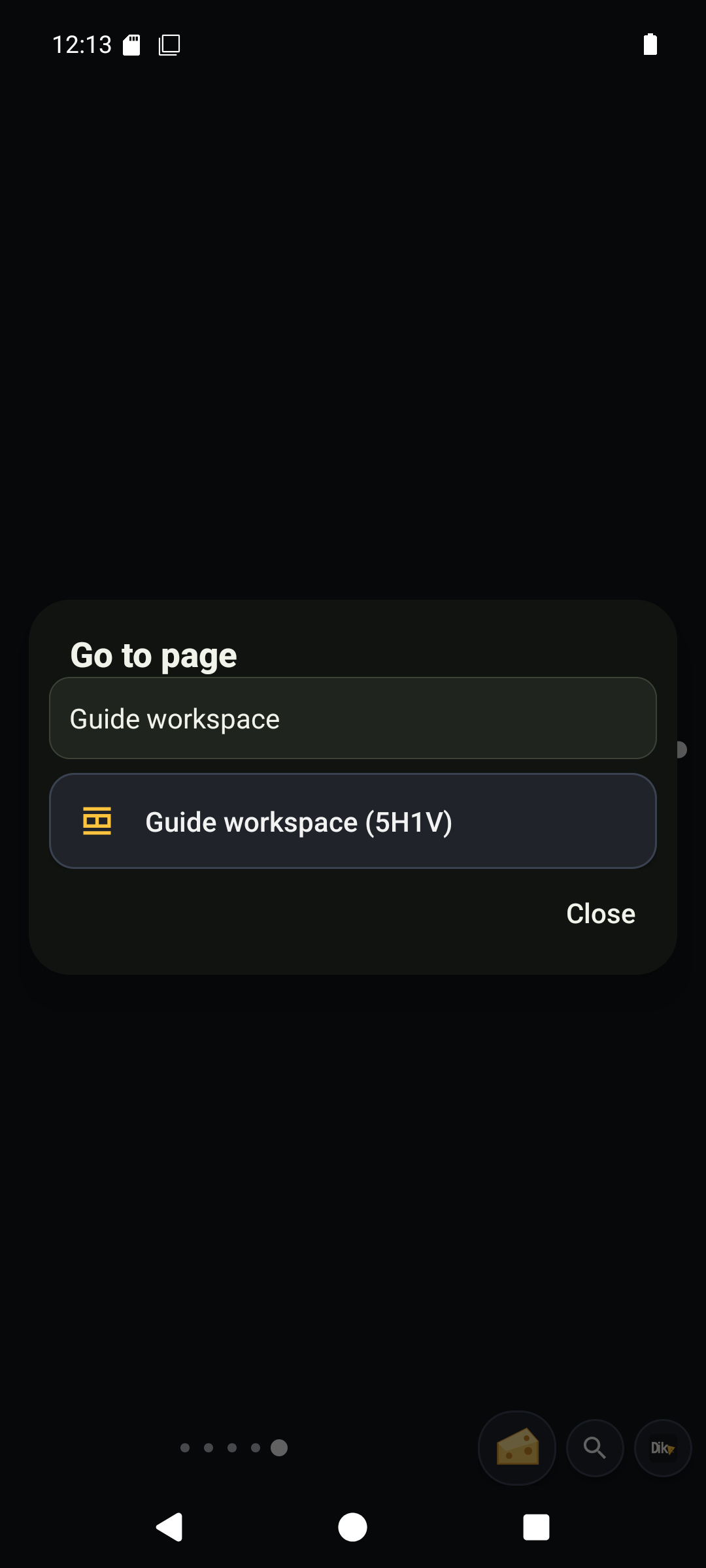
Search pages by title or address.
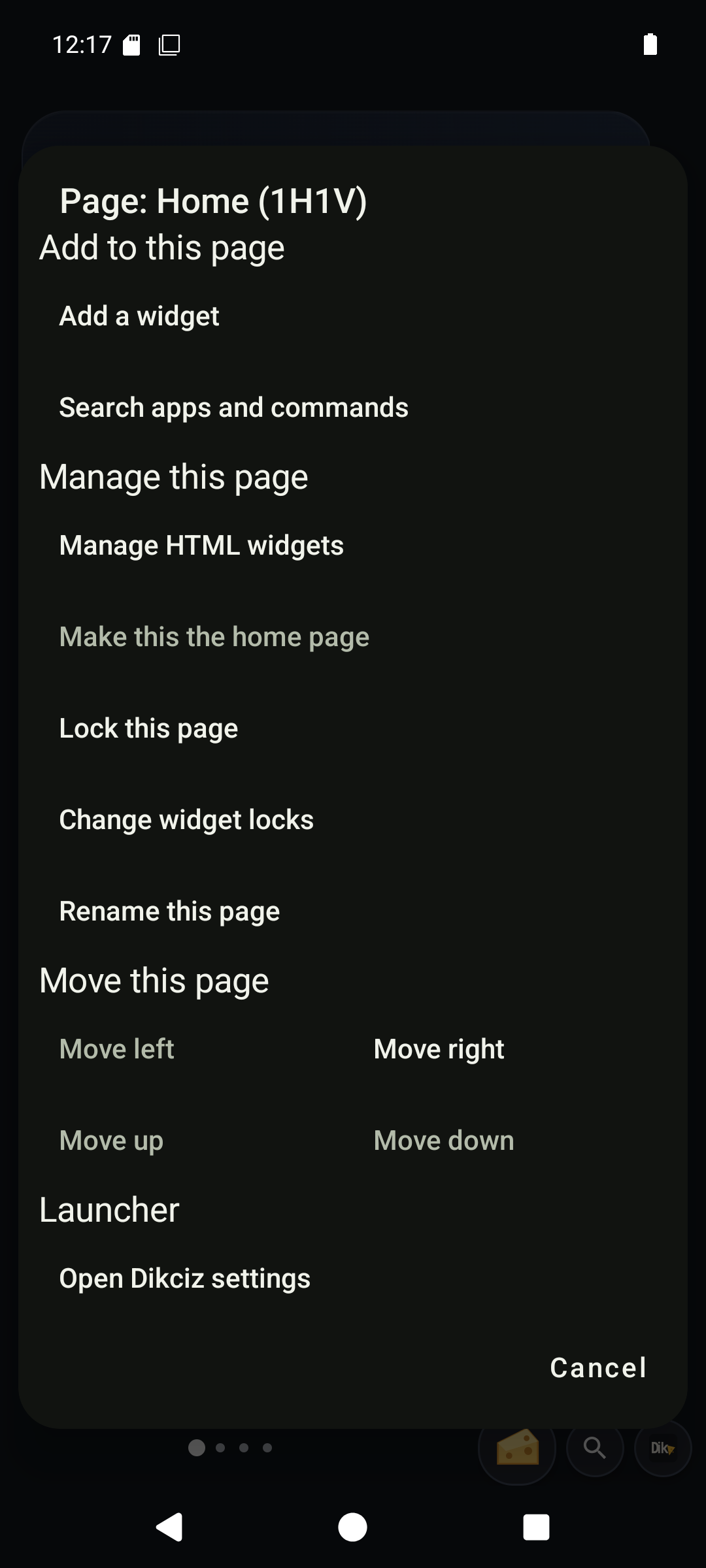
Page actions include navigation, layout and editing controls.
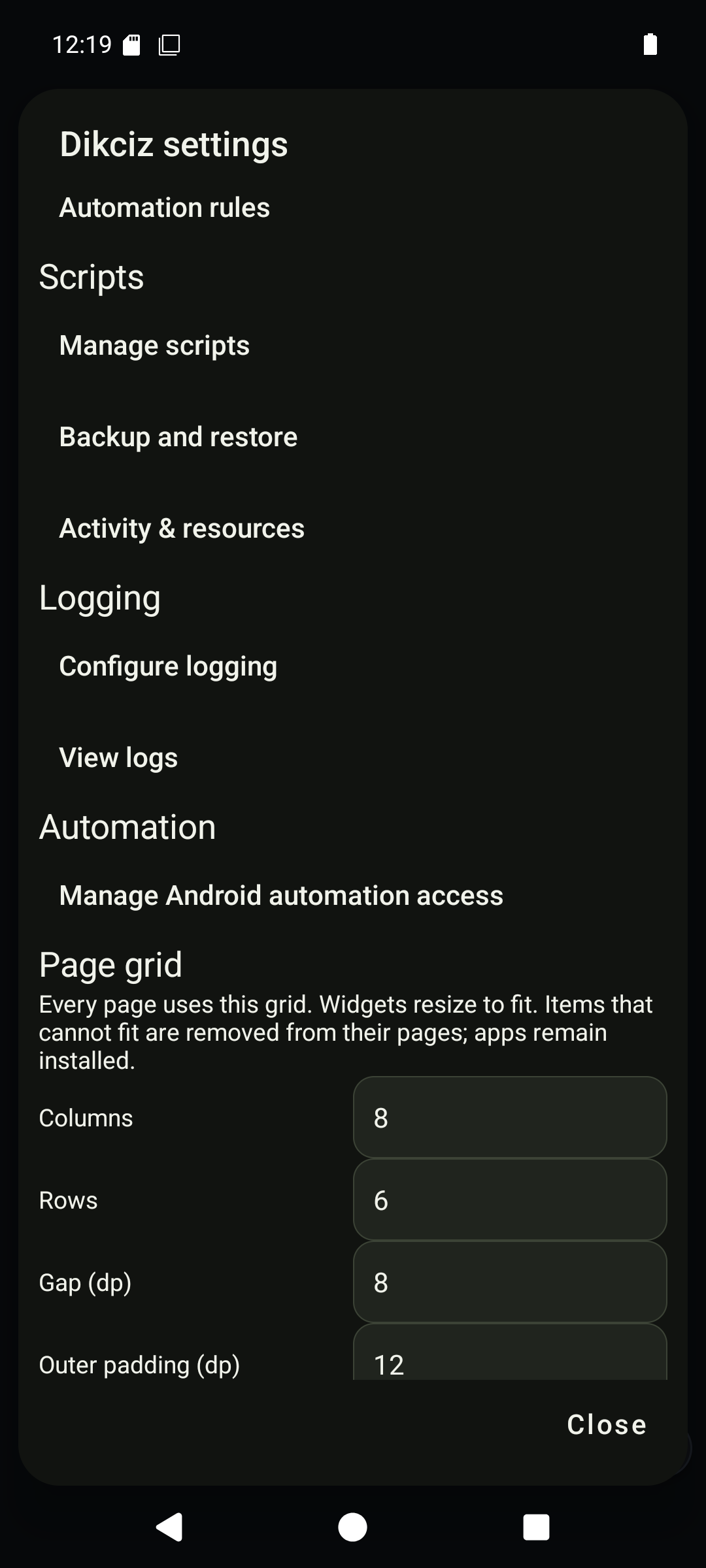
The global page grid controls columns, rows and spacing.
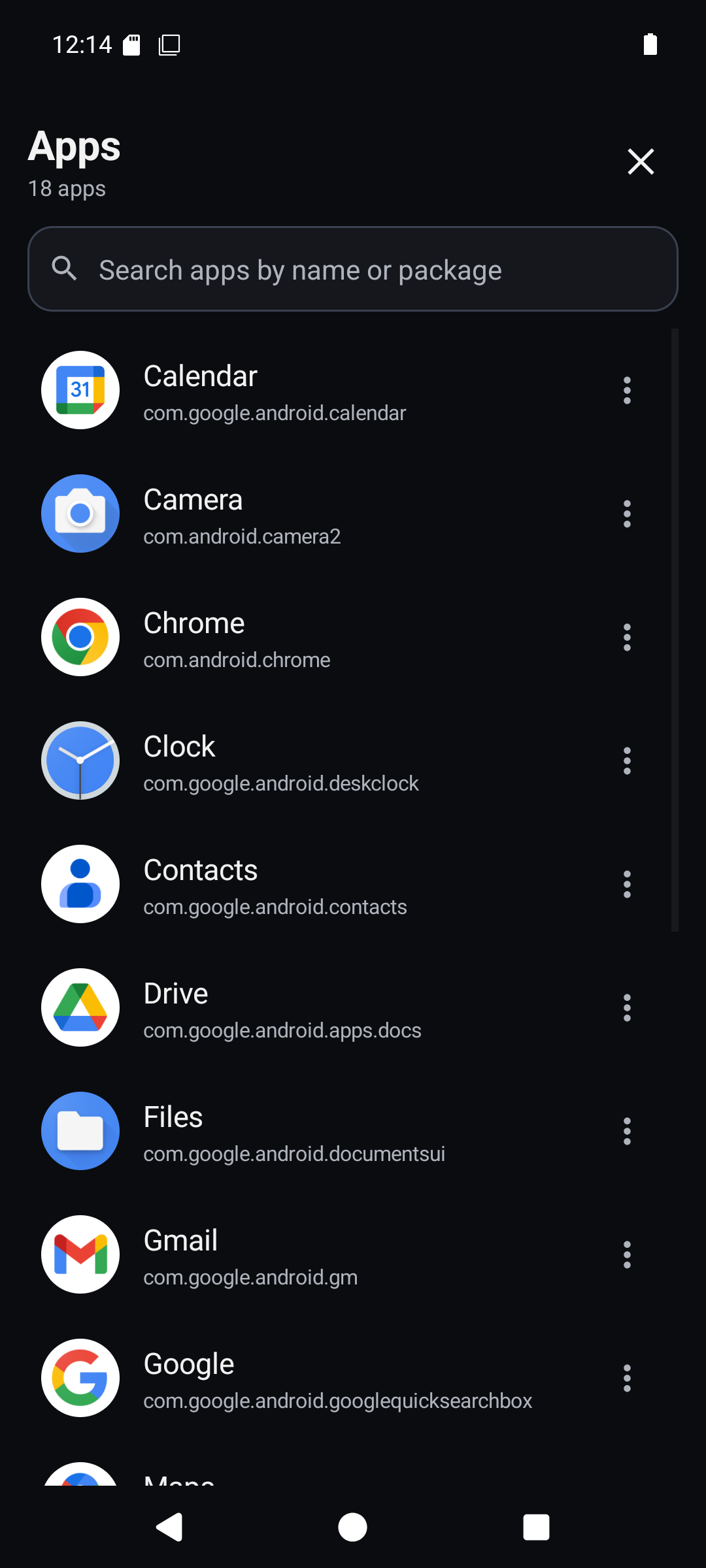
Browse installed apps in the drawer.
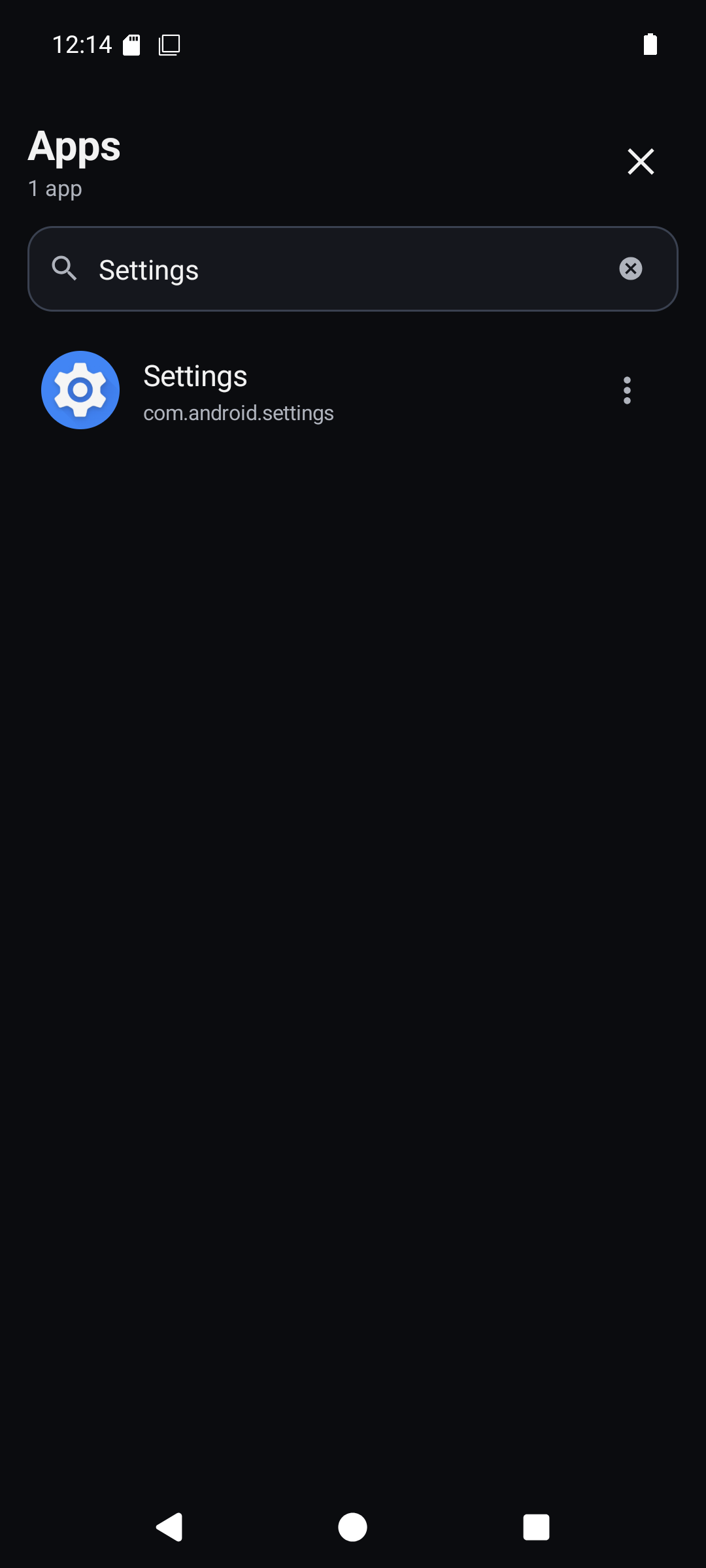
Filter the app drawer before choosing an app.
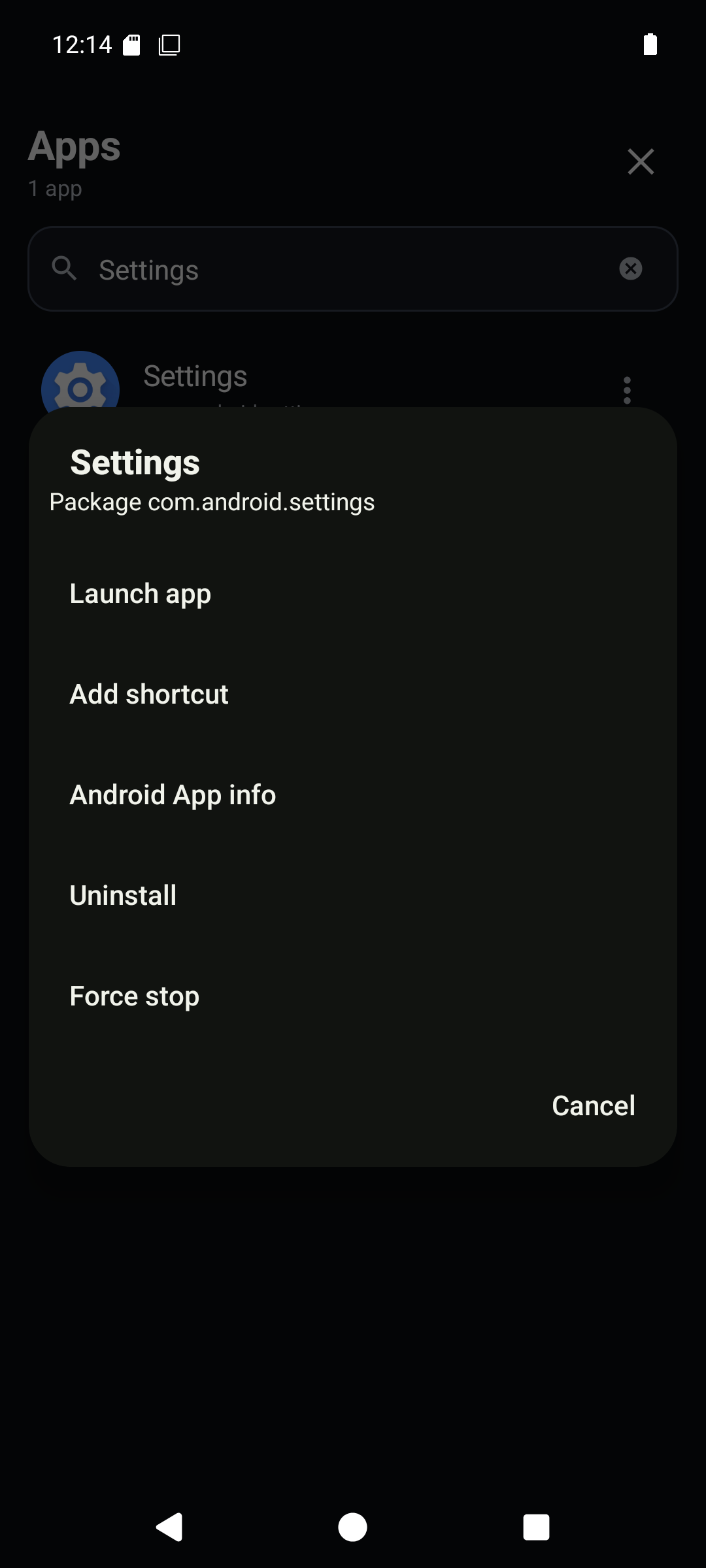
App actions include launching and adding a native shortcut.
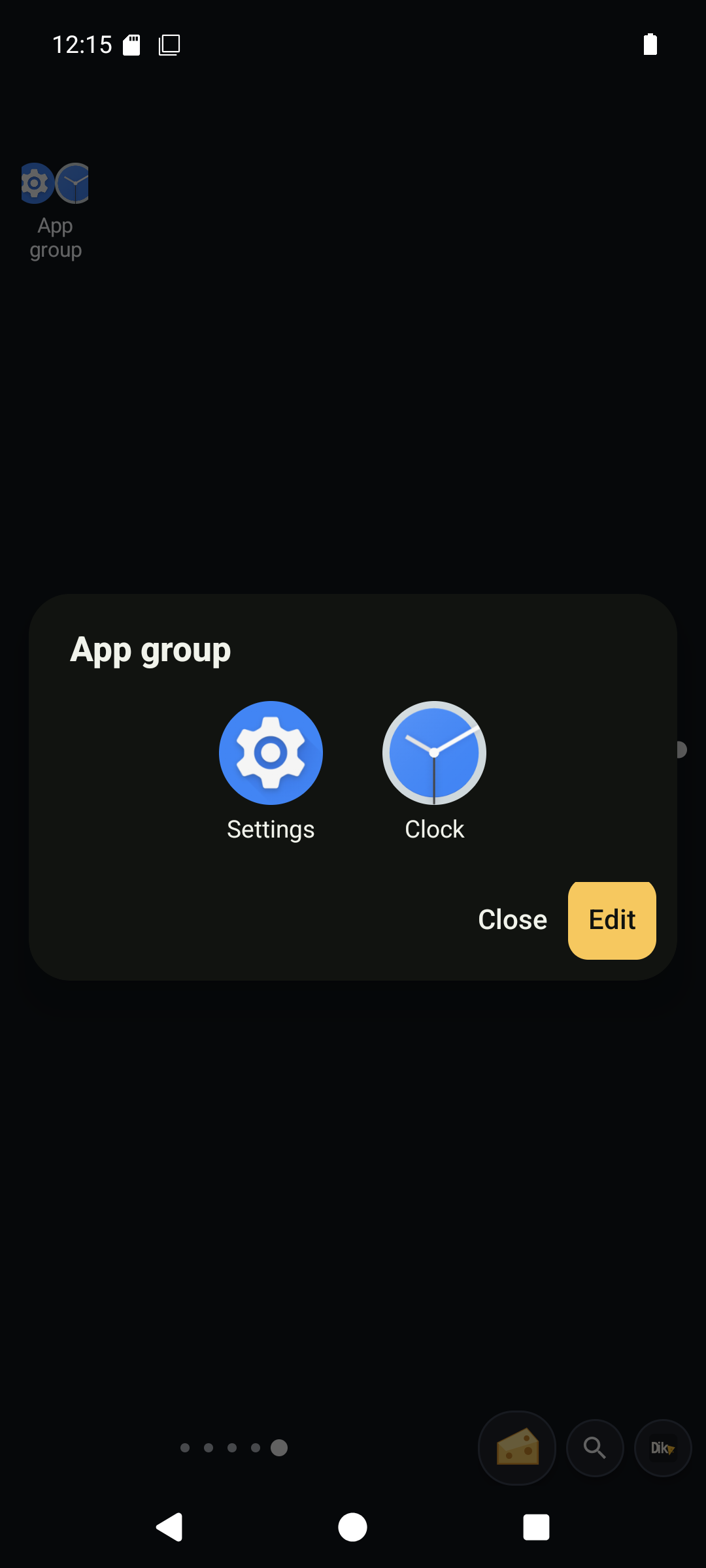
A real app group after holding an icon before dragging it onto another.
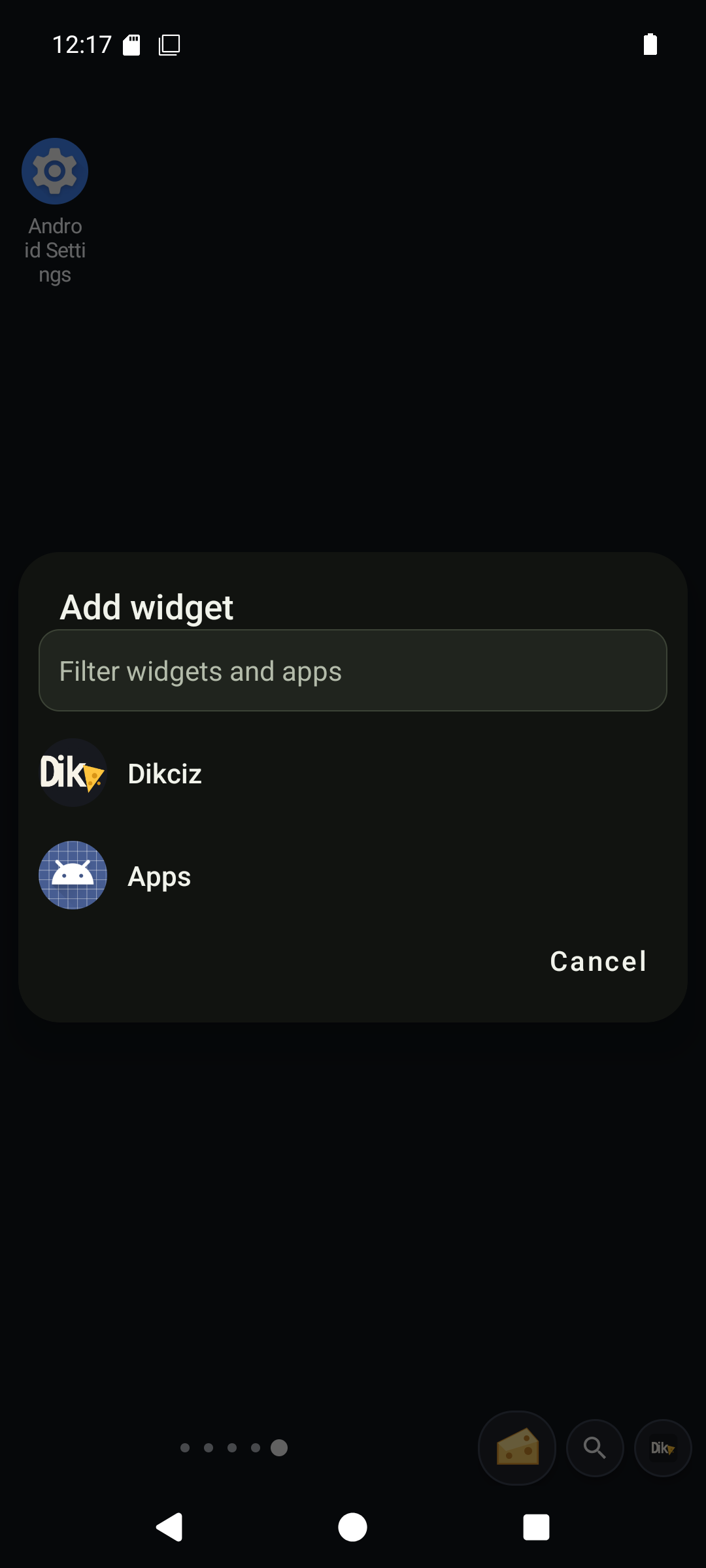
Choose the Dikciz library or an Android app widget provider.
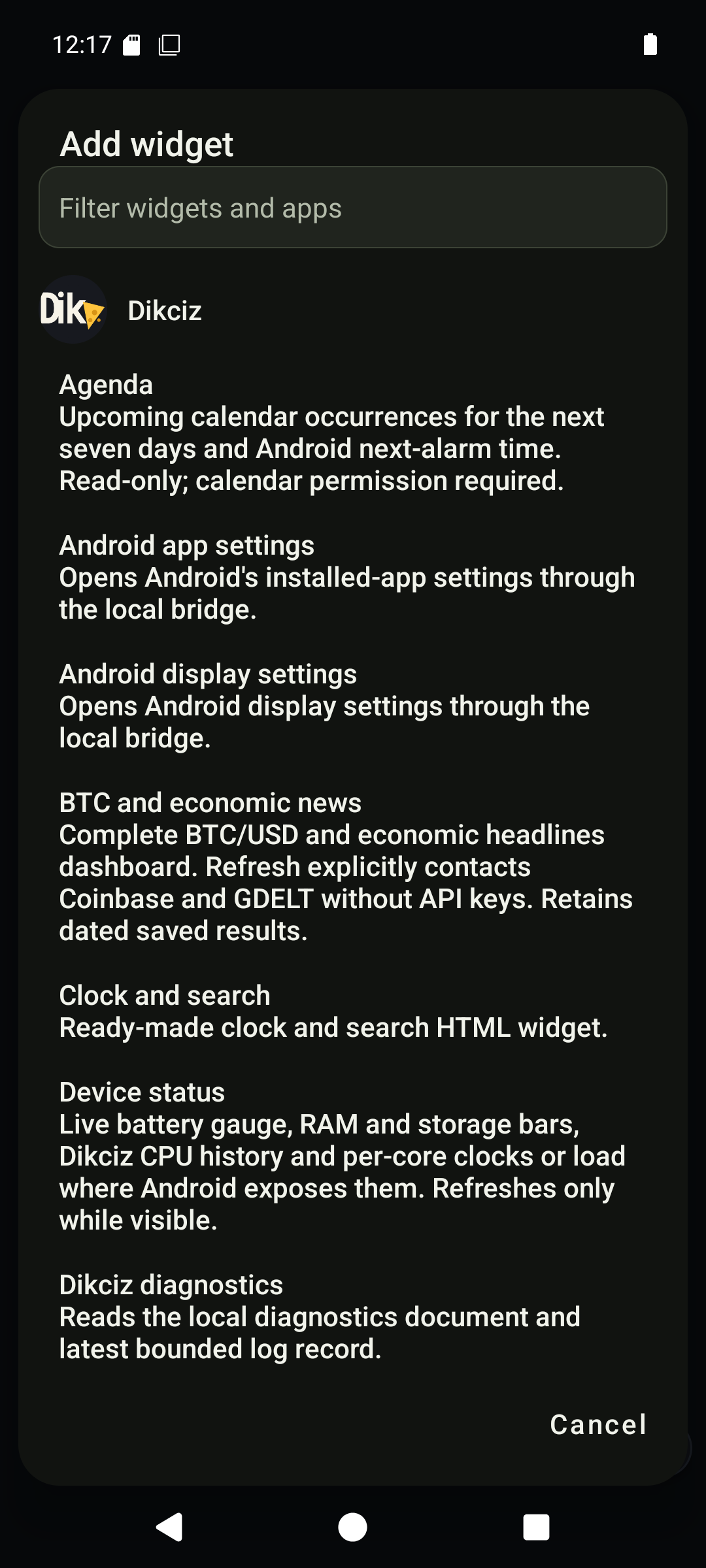
The HTML library lists complete documents with descriptions.
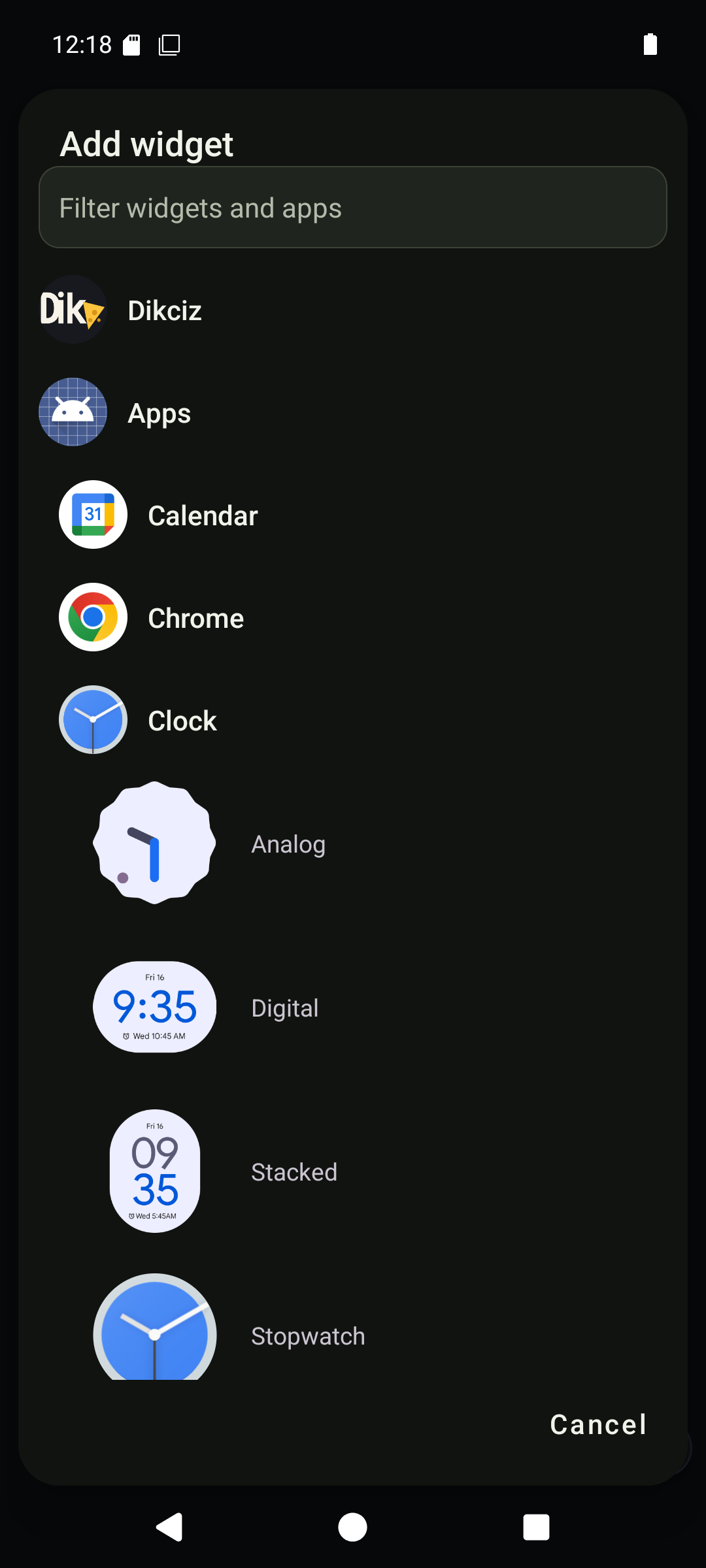
Android provider widgets use their native binding flow.
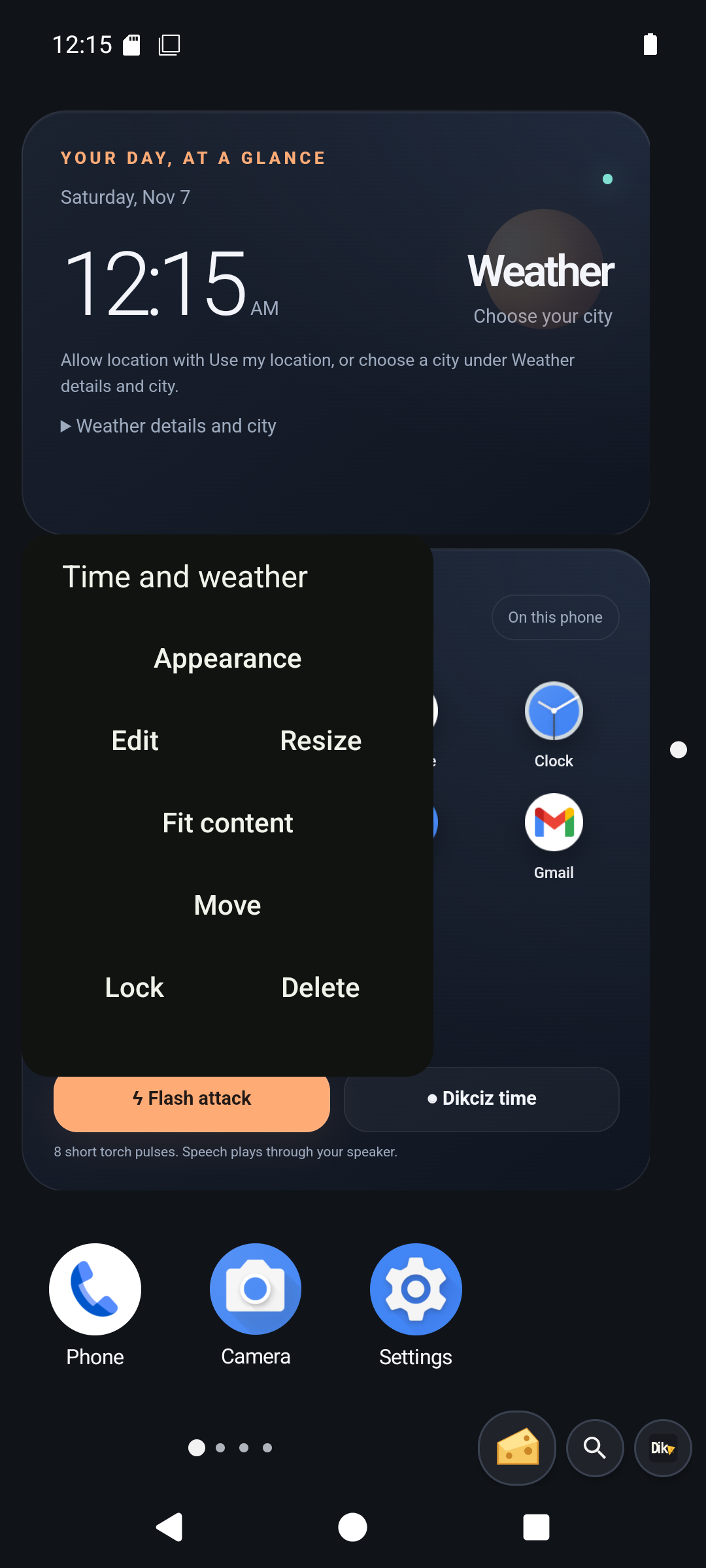
Long press opens whole-widget editing controls.
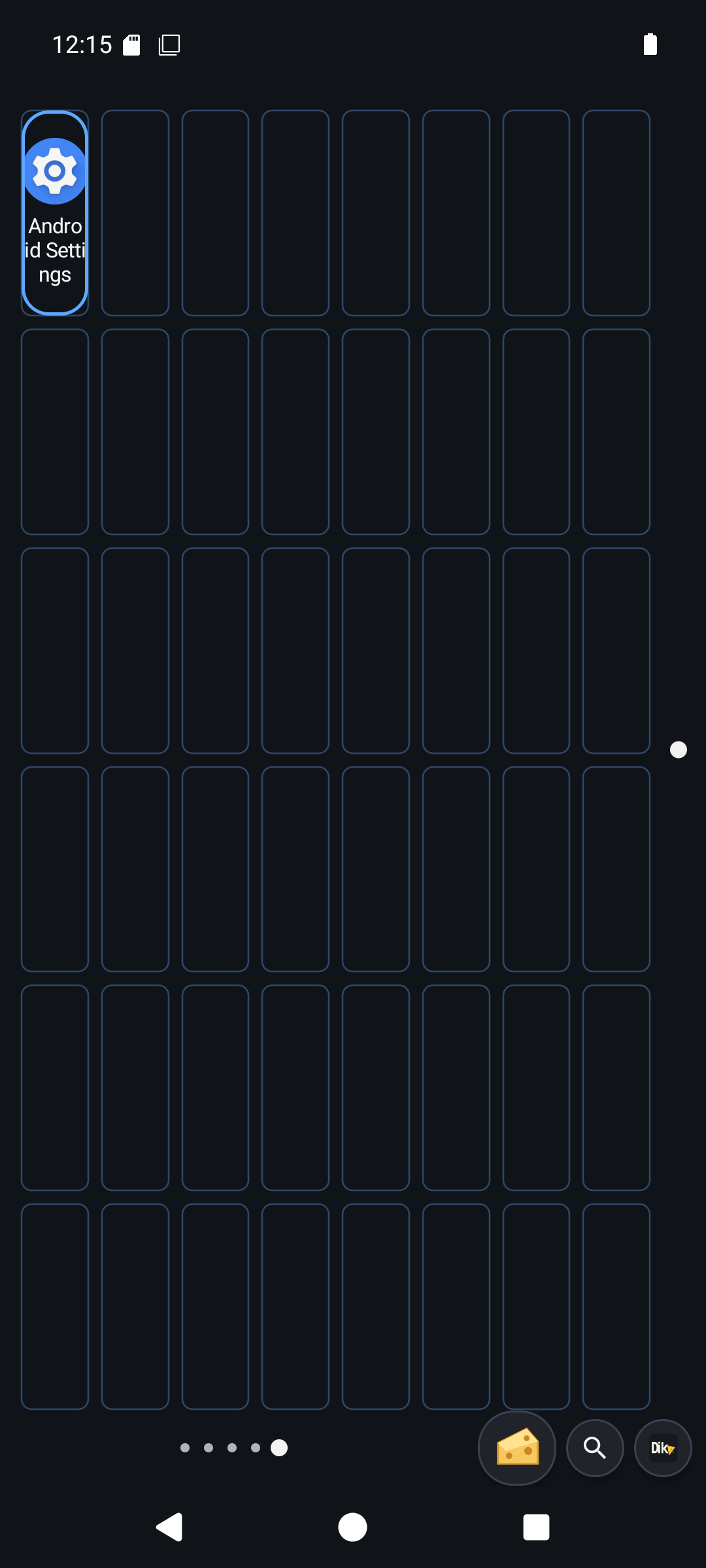
Move an item inside the native page grid.
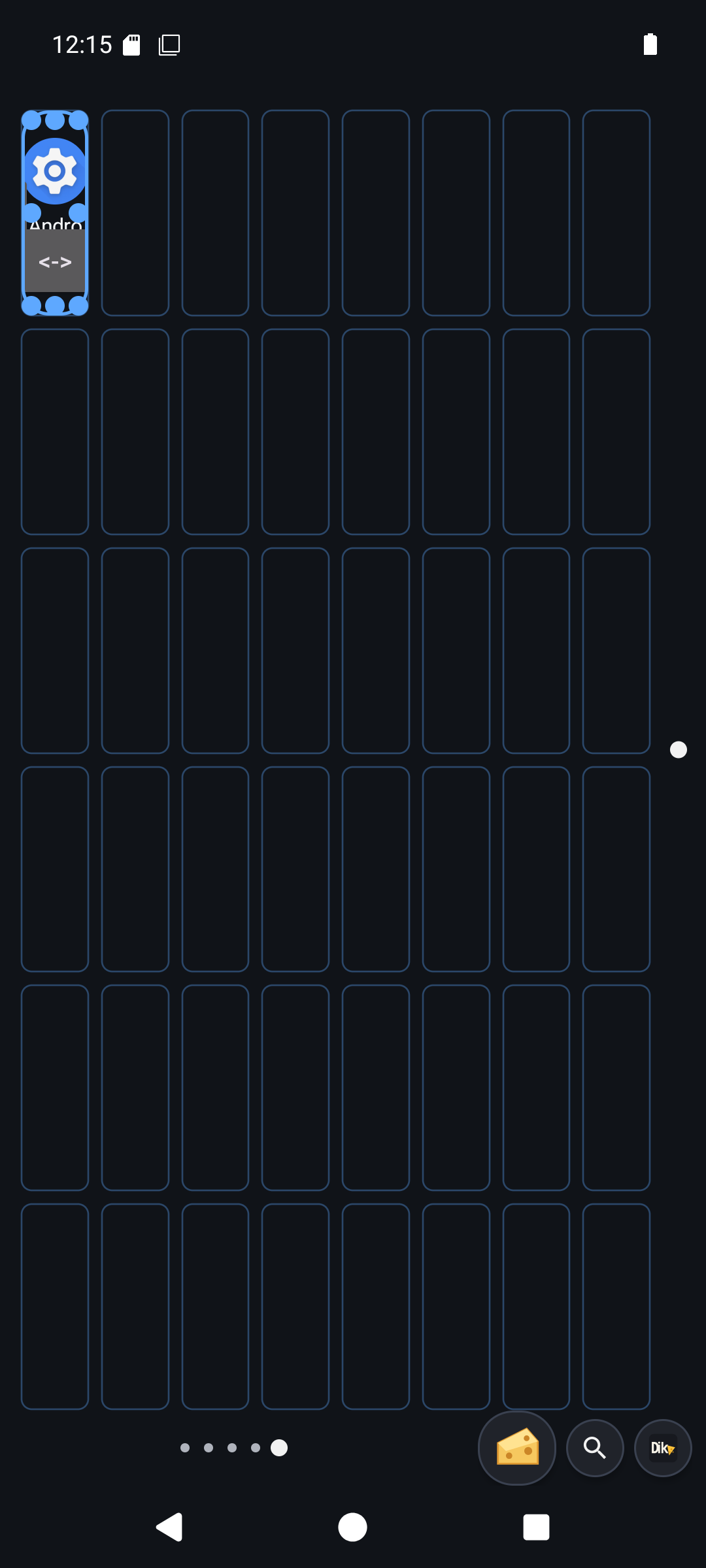
Resize using the grid outline and handles.
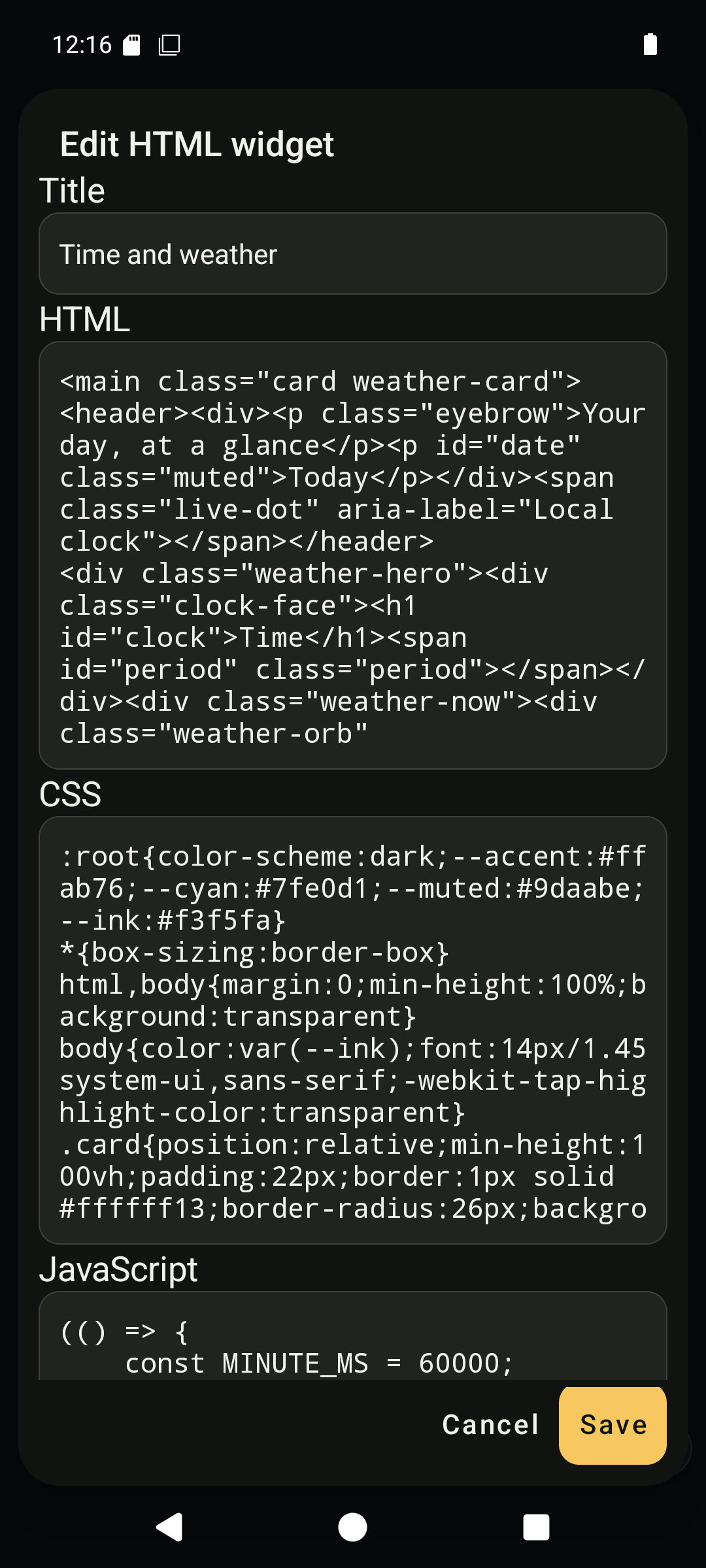
Edit the complete widget source and state.
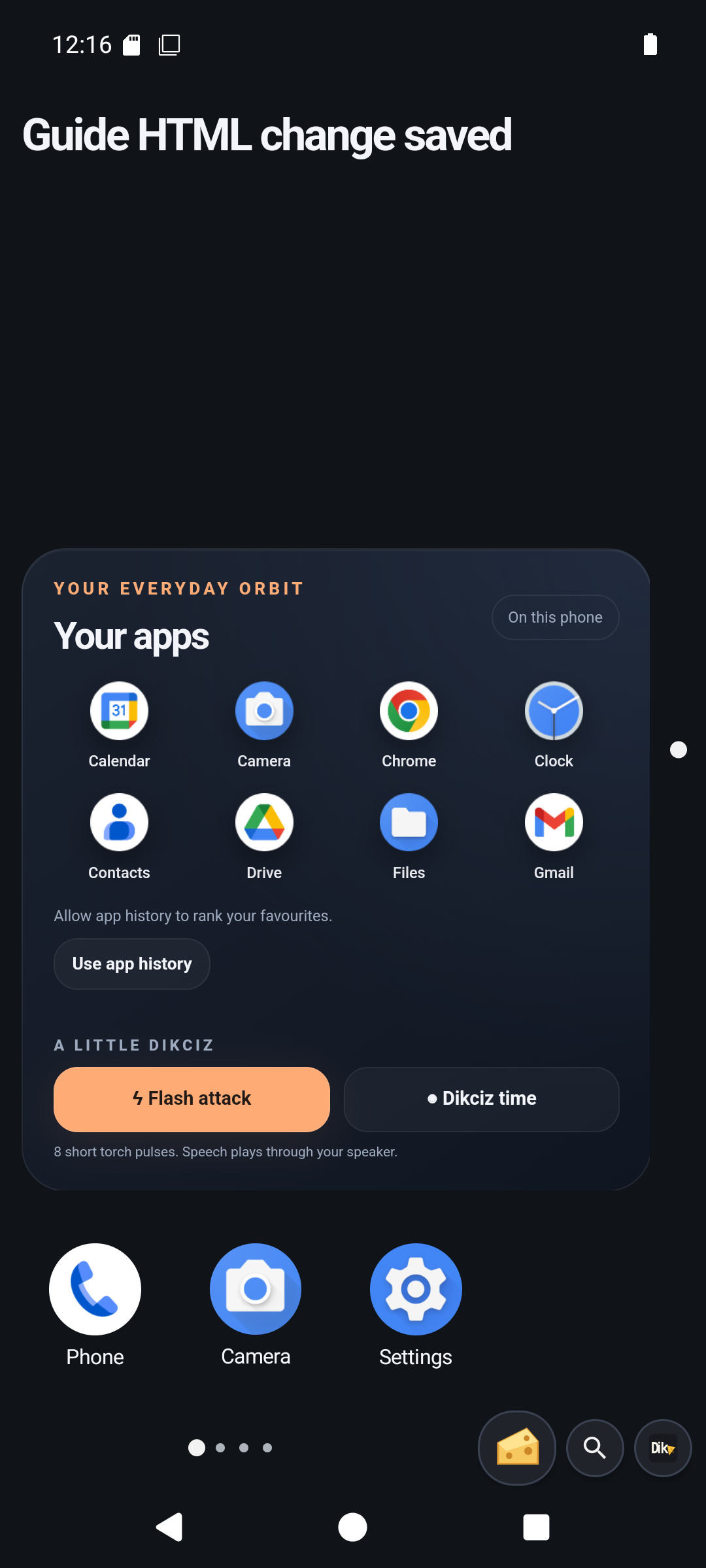
A saved source edit rendered by the WebView.
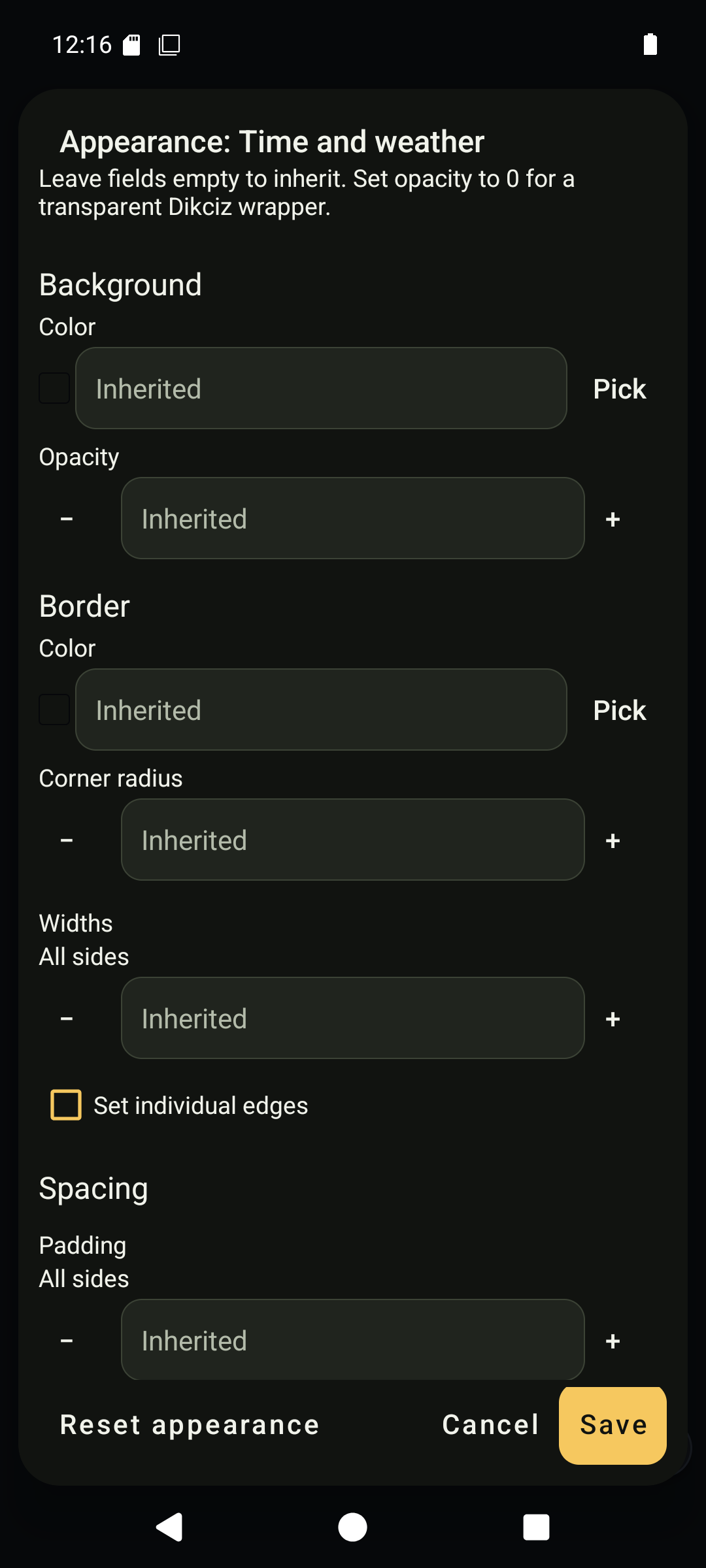
Appearance controls include native borders, spacing and inherited styles.
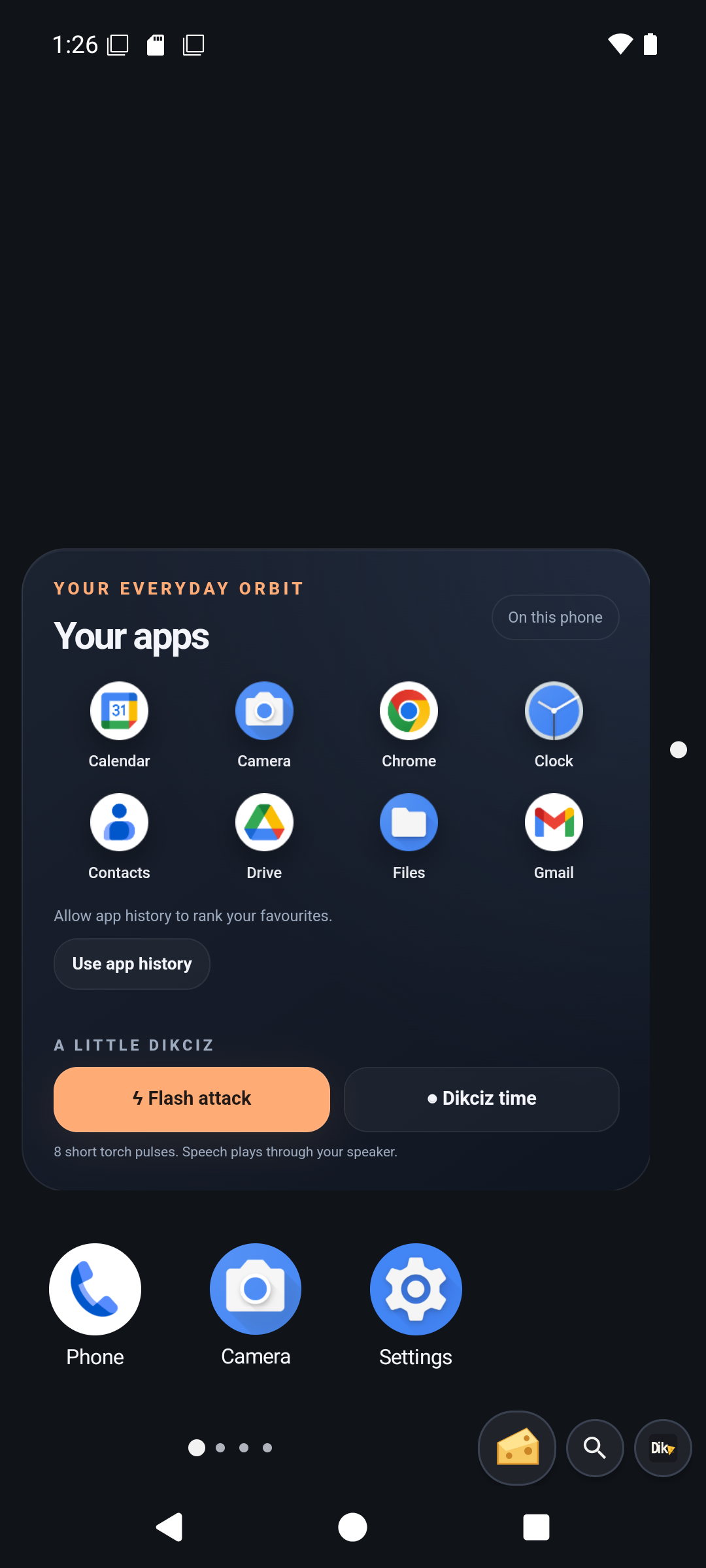
Removing a widget frees its cells and removes its scoped state.
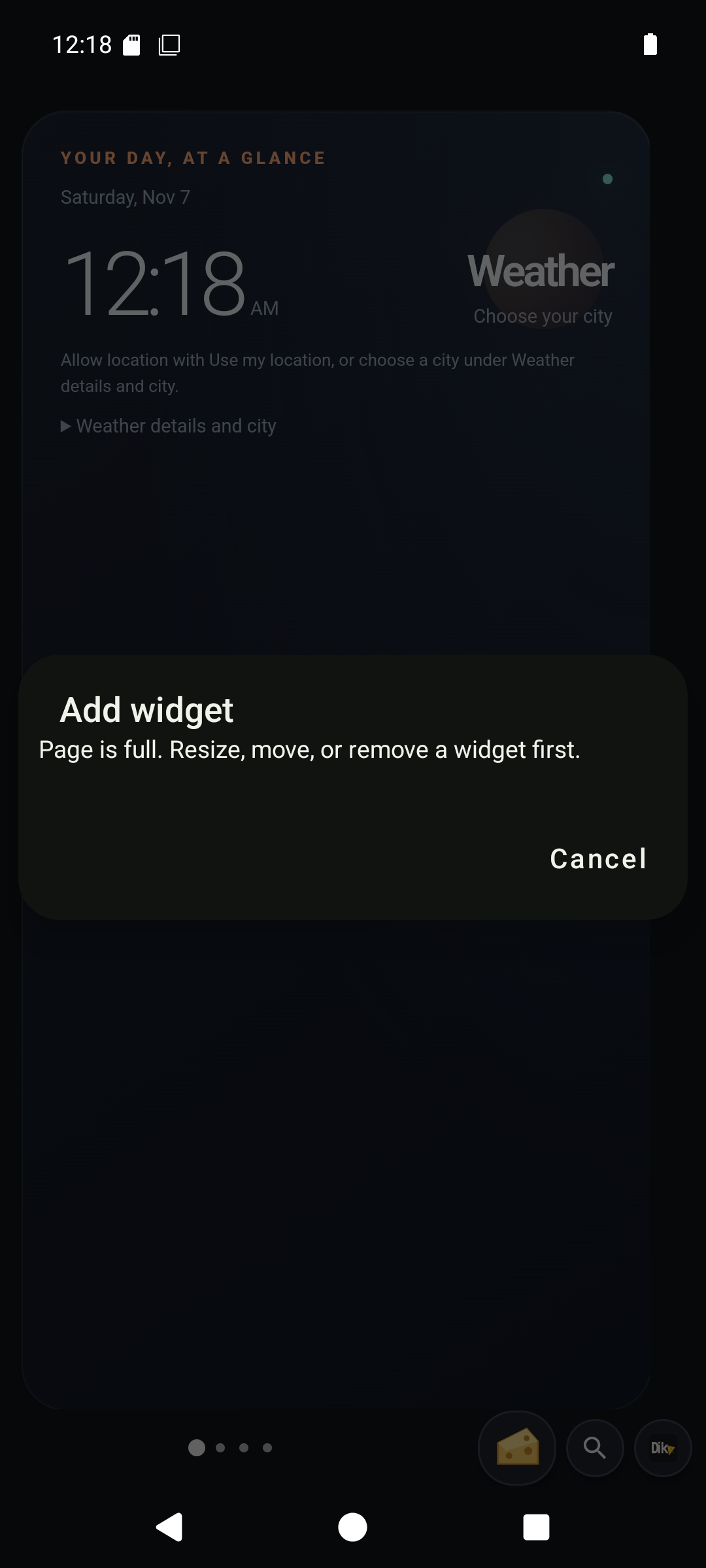
A deliberately full page refuses another item.
4. Connect the on-device assistant
Tap the cheese beside the launcher controls. The chat opens as a half-screen panel; expand it when you need more room.
- Open the header gear and Add provider.
- Choose OpenAI, Anthropic or Custom. The first two fill the standard host and protocol. Custom accepts your own compatible base URL.
- Enter the API key and save. Keys are stored separately with Android Keystore encryption and omitted from reads.
- Create a conversation using that provider. Choose Chat model from the API-backed list; refresh it when needed. If discovery cannot list a private model, enter its exact ID under Tune.
- Review the context size, maximum output, reasoning and access setting for this conversation. Several conversations can share one provider connection while using different models and budgets.
The current OpenAI-compatible protocol is streaming Chat Completions; Anthropic-compatible uses streaming Messages. A provider template does not make every model or API feature compatible. Read provider settings before choosing an endpoint that only supports another protocol.
Known model metadata can fill token limits. Unknown models need manual values. Maximum output is both the provider response cap and a reserve subtracted from total context alongside the safety margin. Choose drop-oldest to omit older complete exchanges from outgoing requests, or summarize to replace an older prefix with a saved summary. Both keep the full local transcript.
Start with Read-only phone access enabled in model settings. Ask the assistant to inspect battery state and explain the result. Read-only mode hides write tools and independently blocks direct write calls in the executor. A model cannot bypass it with an argument. Permission prompts, app launches, shell commands and messaging are writes, so arrange needed grants yourself before this exercise.
For a separate writable exercise, disable read-only while idle and use Make me a widget on the spare page. Describe a small note or status widget. Inspect the resulting document and tool results; generation can fail or leave a partial result. Explain this screen hides chat, captures the display and accessibility tree, and sends them to an image-capable model. That turn is read-only even in a writable conversation, without changing its saved access setting.
Chat streams Markdown. Scroll up to inspect earlier messages; use Latest to resume following output. Hidden work appears in a progress notification. Tap it to return to the exact conversation, or use Stop to cancel active and queued work. Completed phone actions remain completed. The quiet Open chat notification opens the panel over another app when Android access and notification settings permit it.
An event rule can wake a conversation while chat is closed. Configure one only after testing its trigger and instructions. It can make paid API requests. Stopping a turn does not disable its event rules; clear those separately.
Check: send a follow-up question that depends on the previous reply. Confirm continuity, inspect a tool result, then test Stop during a new turn. The chat guide covers failures, context recovery, conversations and event rules.
Chat screens
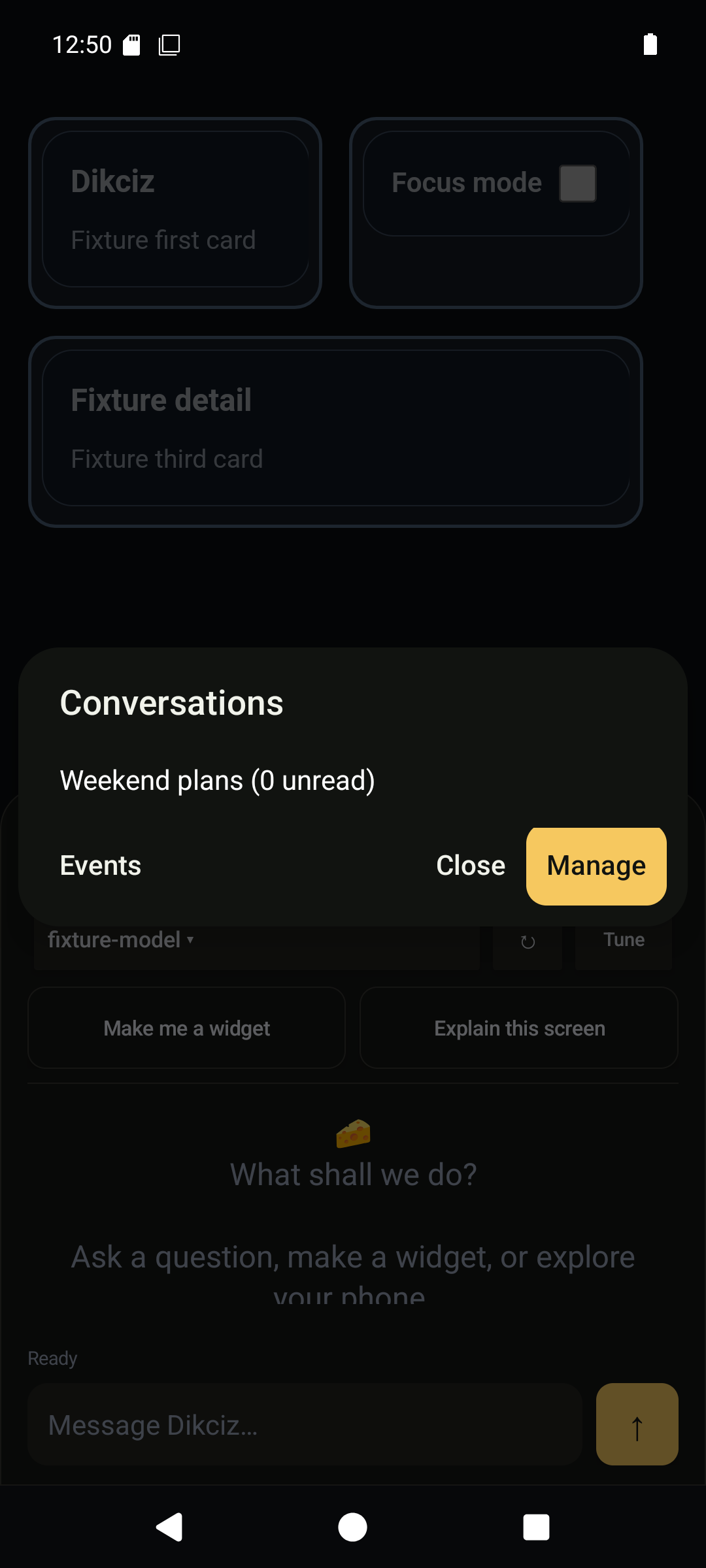
Switch between independent conversations.
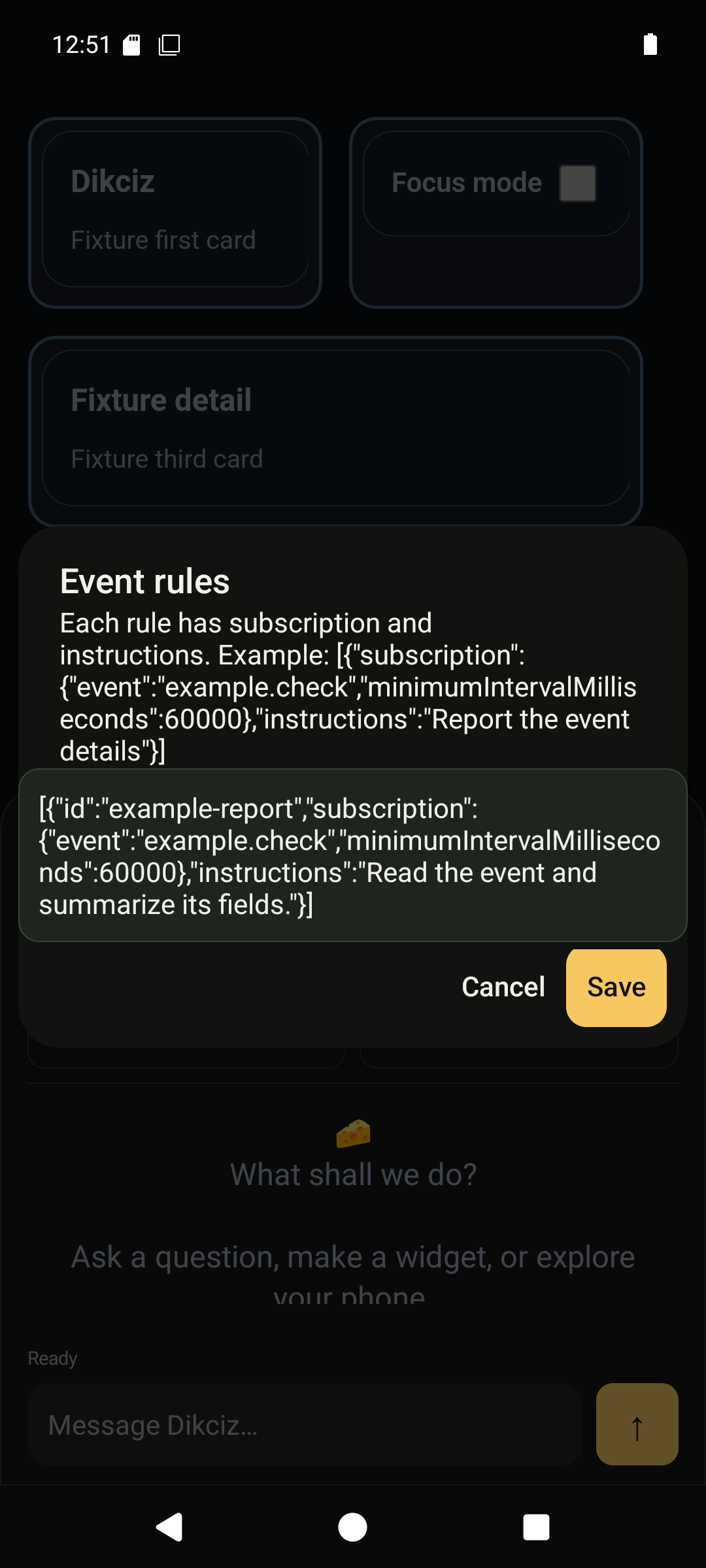
An event rule can wake this conversation for a scoped read-only task.
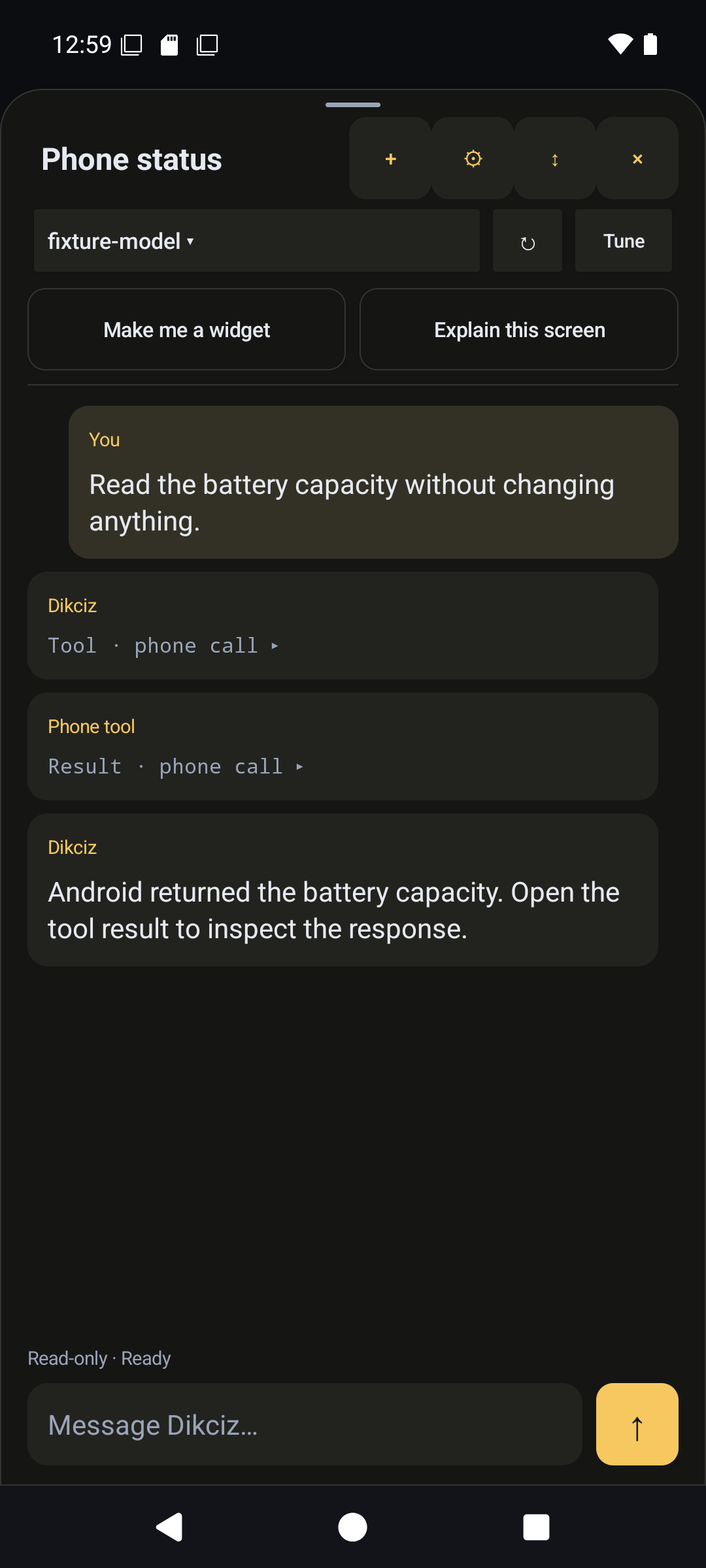
The assistant executed a real read-only SDK call through the phone tools.
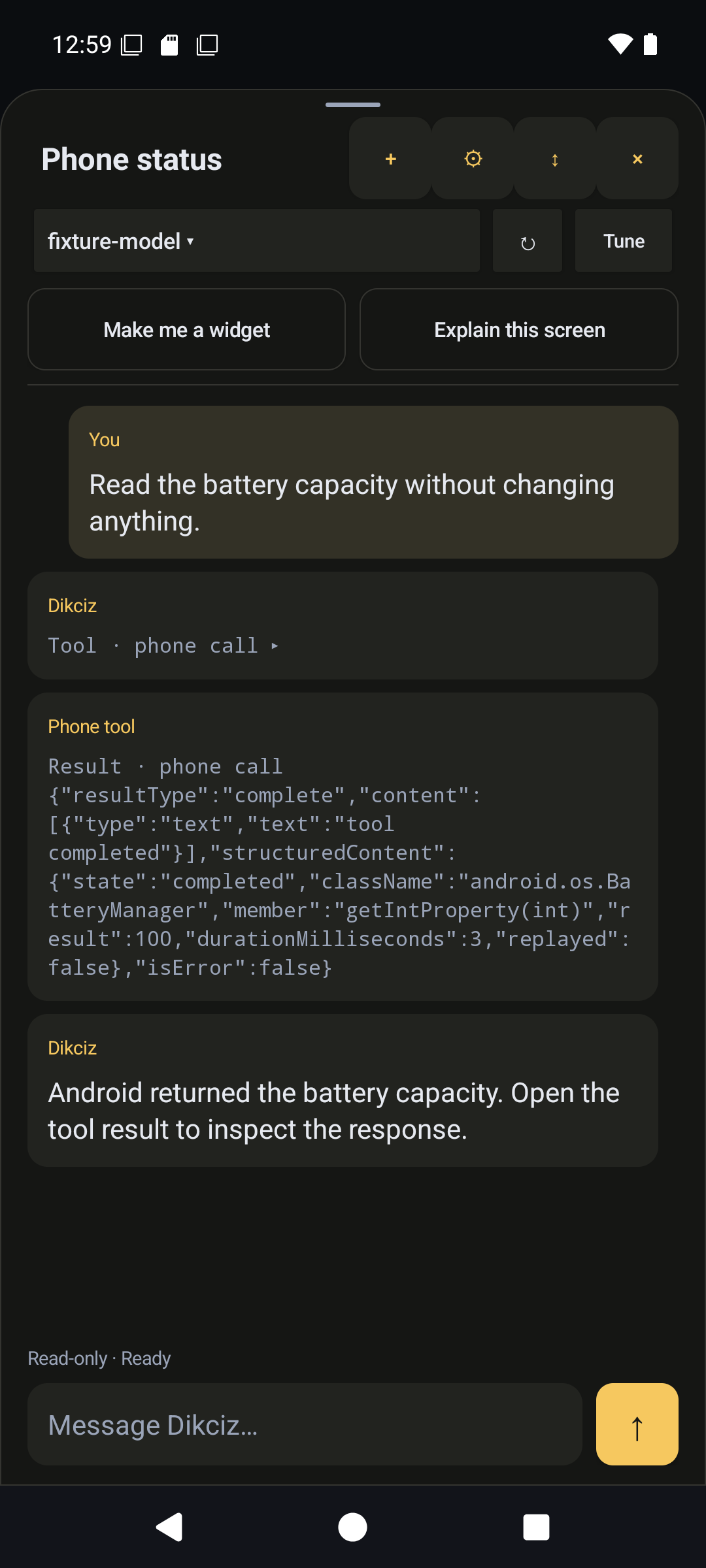
Expand a tool result to inspect the actual response instead of trusting only the reply.
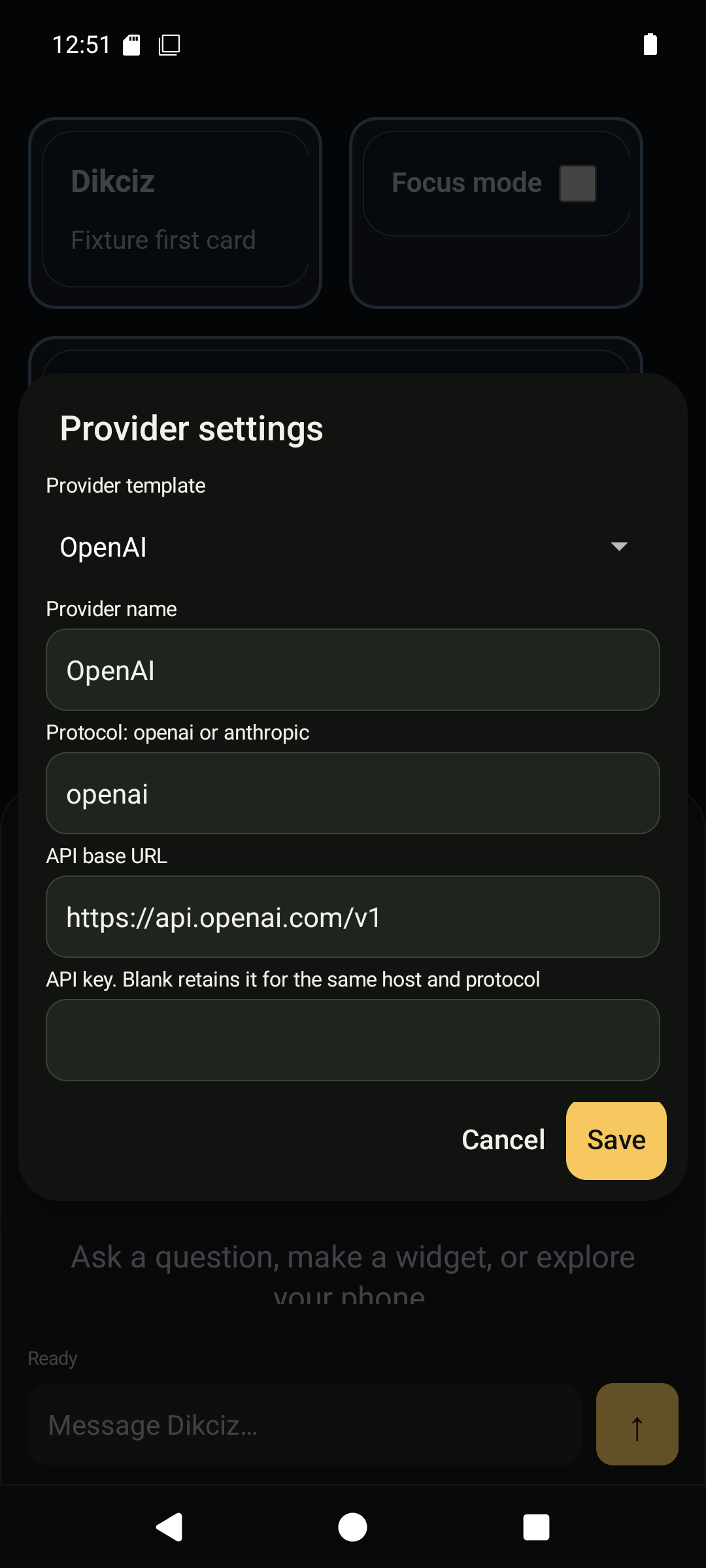
The OpenAI template fills its standard API host and protocol.
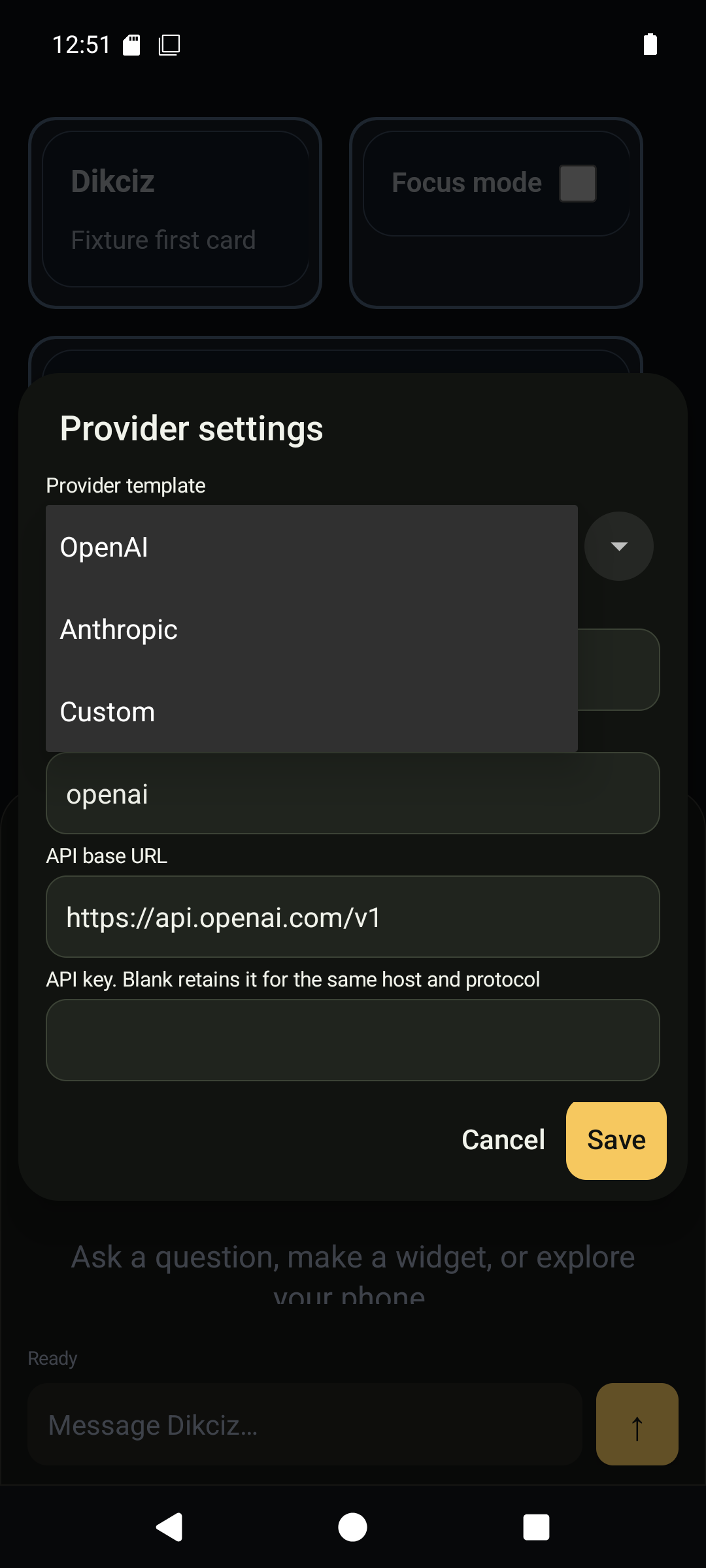
Choose OpenAI, Anthropic or Custom before entering connection details.
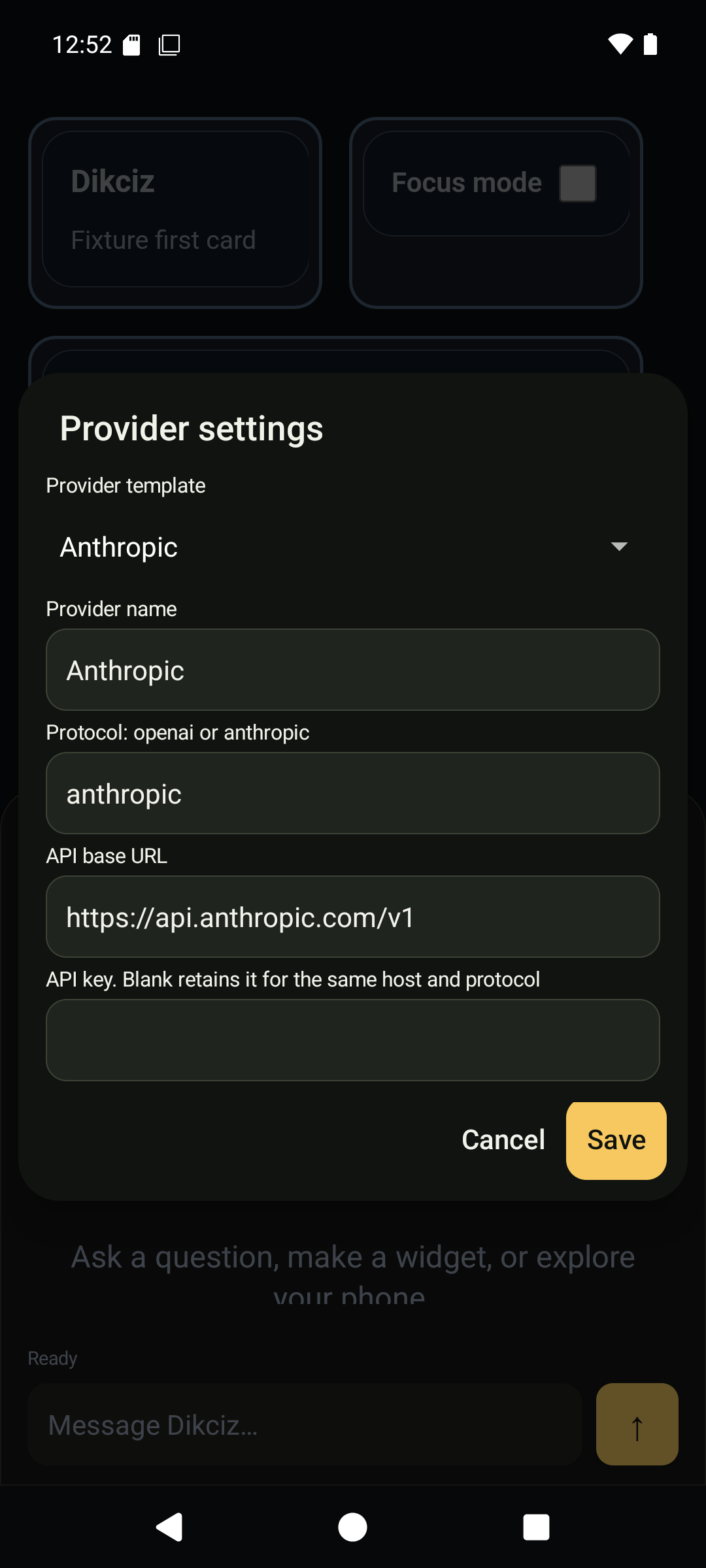
The Anthropic template fills the Messages-compatible provider connection.
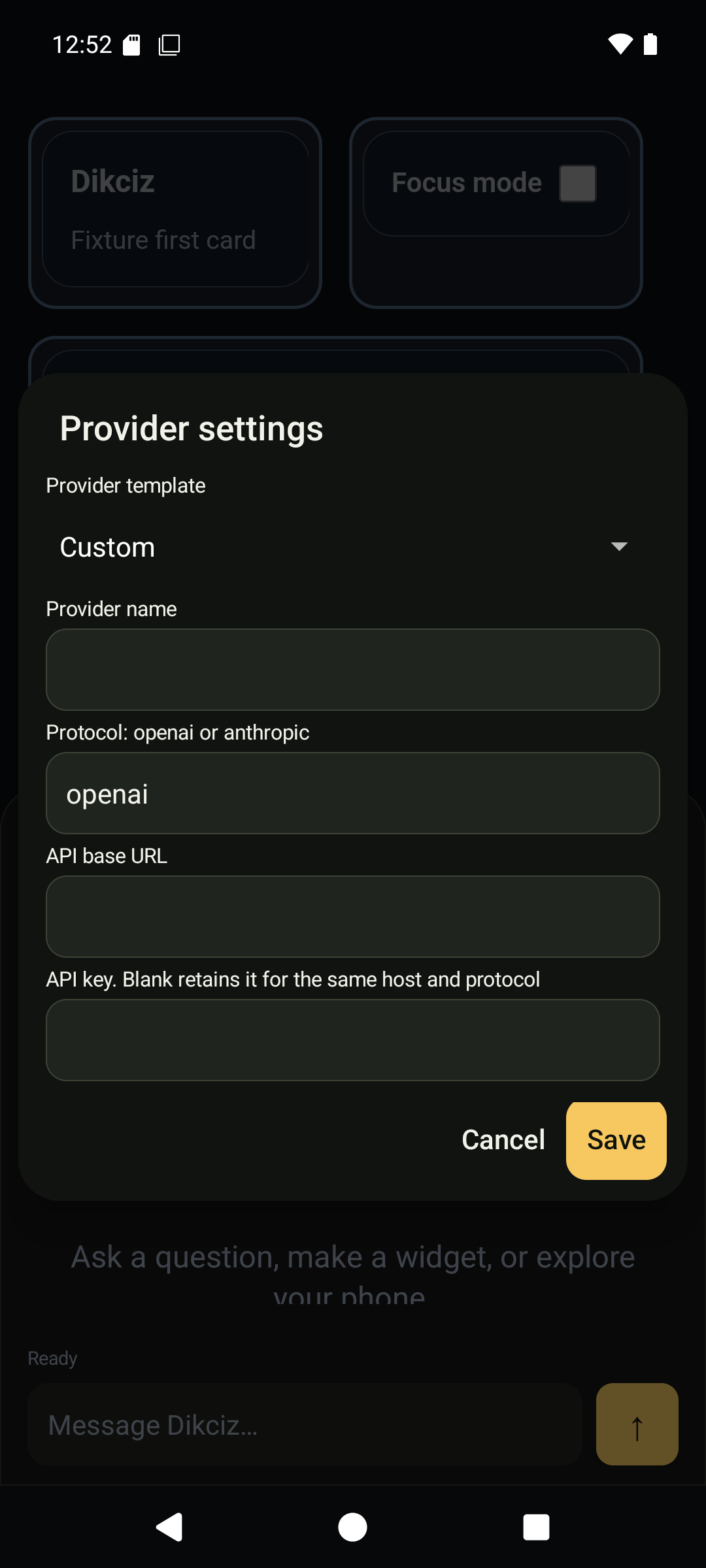
Custom enables your own compatible host and protocol. Replace this example URL with your real server.
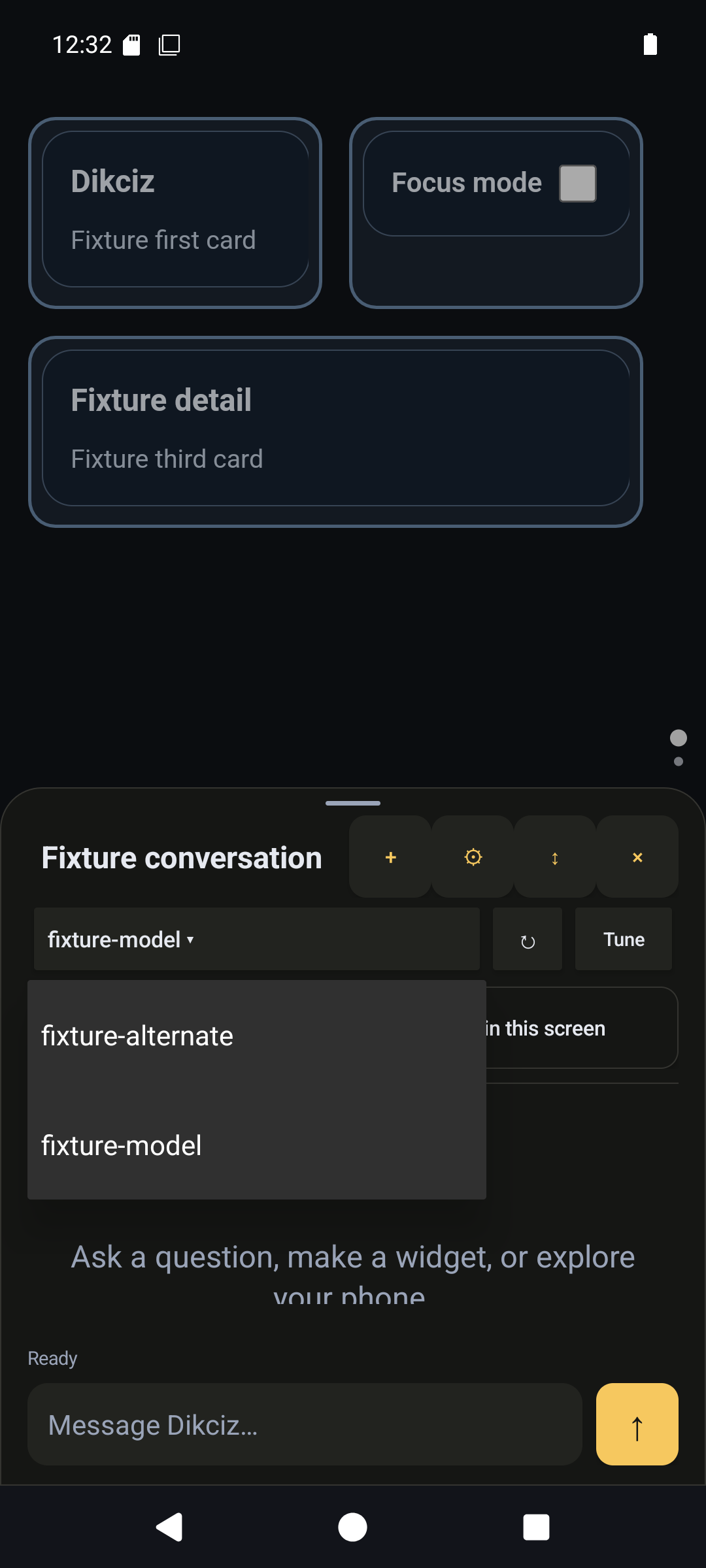
Choose a discovered model from the provider catalogue. Names here are demonstration models.
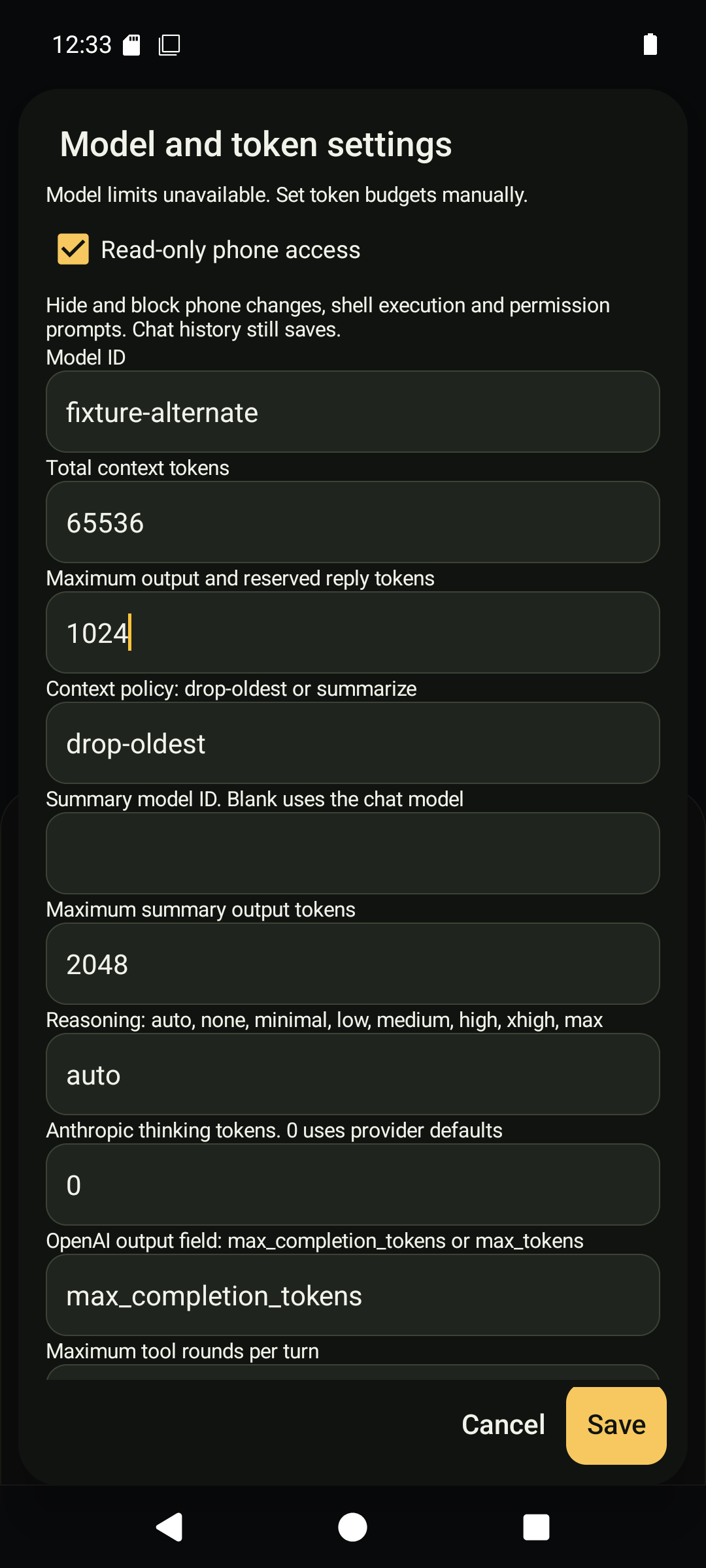
Set read-only access, total context and the reserved reply/output budget.
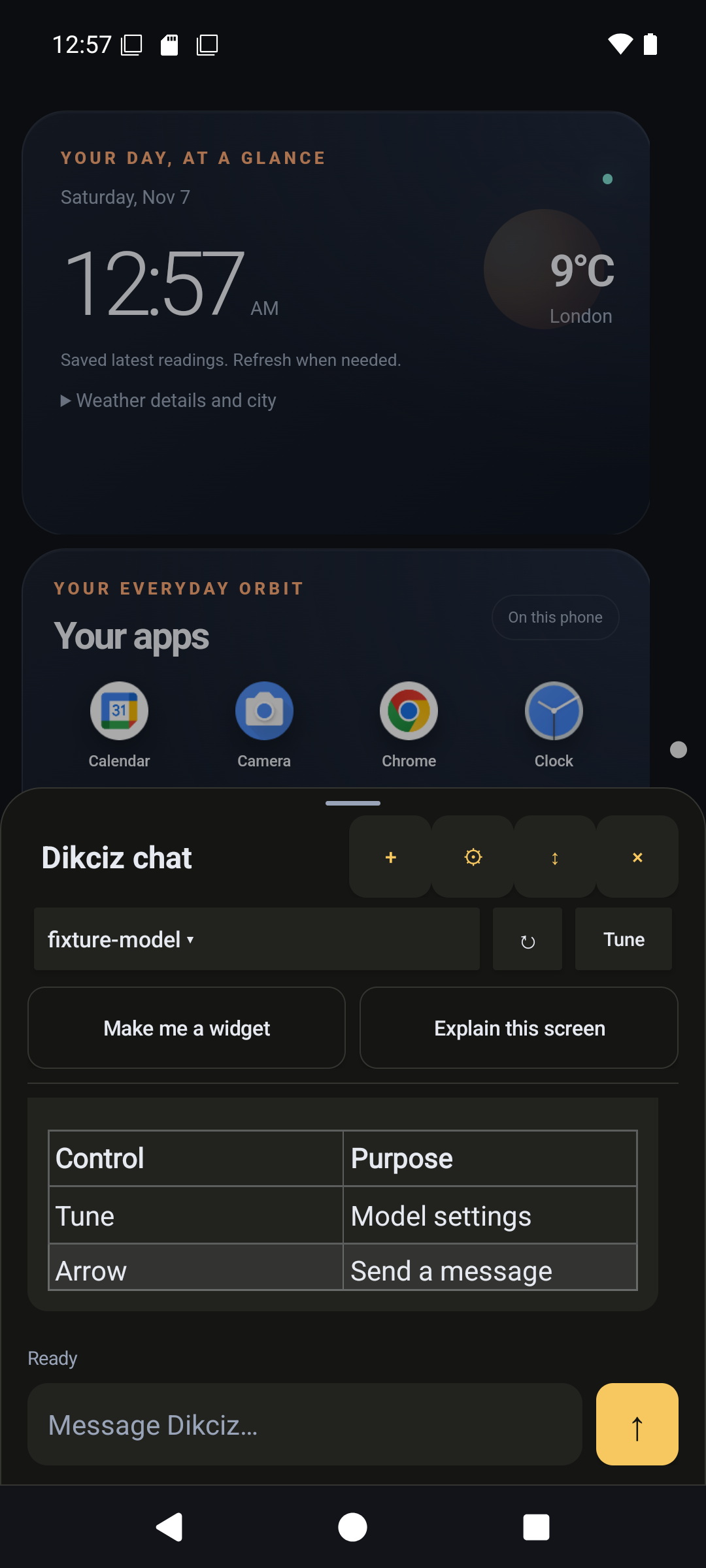
Half-screen chat renders streamed Markdown.
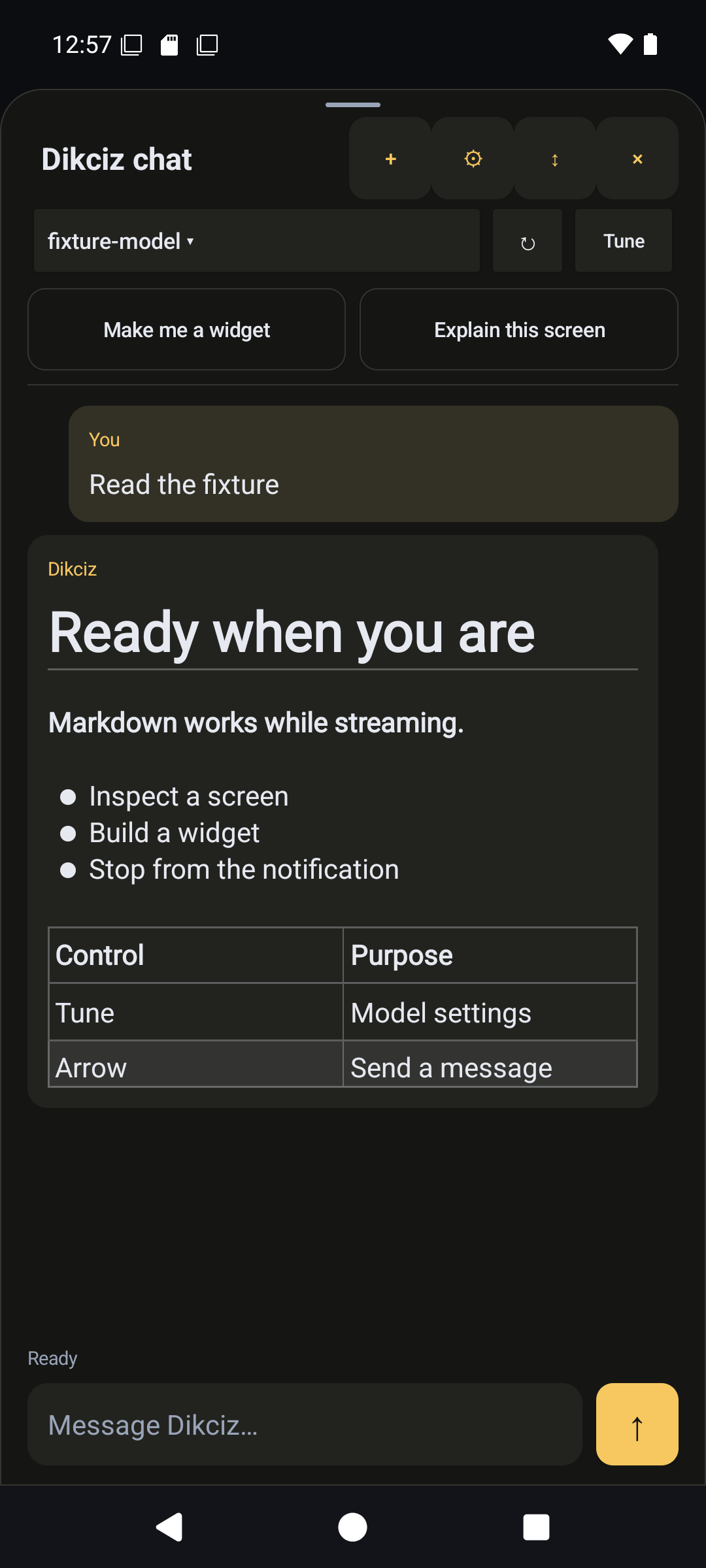
Expand the same conversation for more reading space.
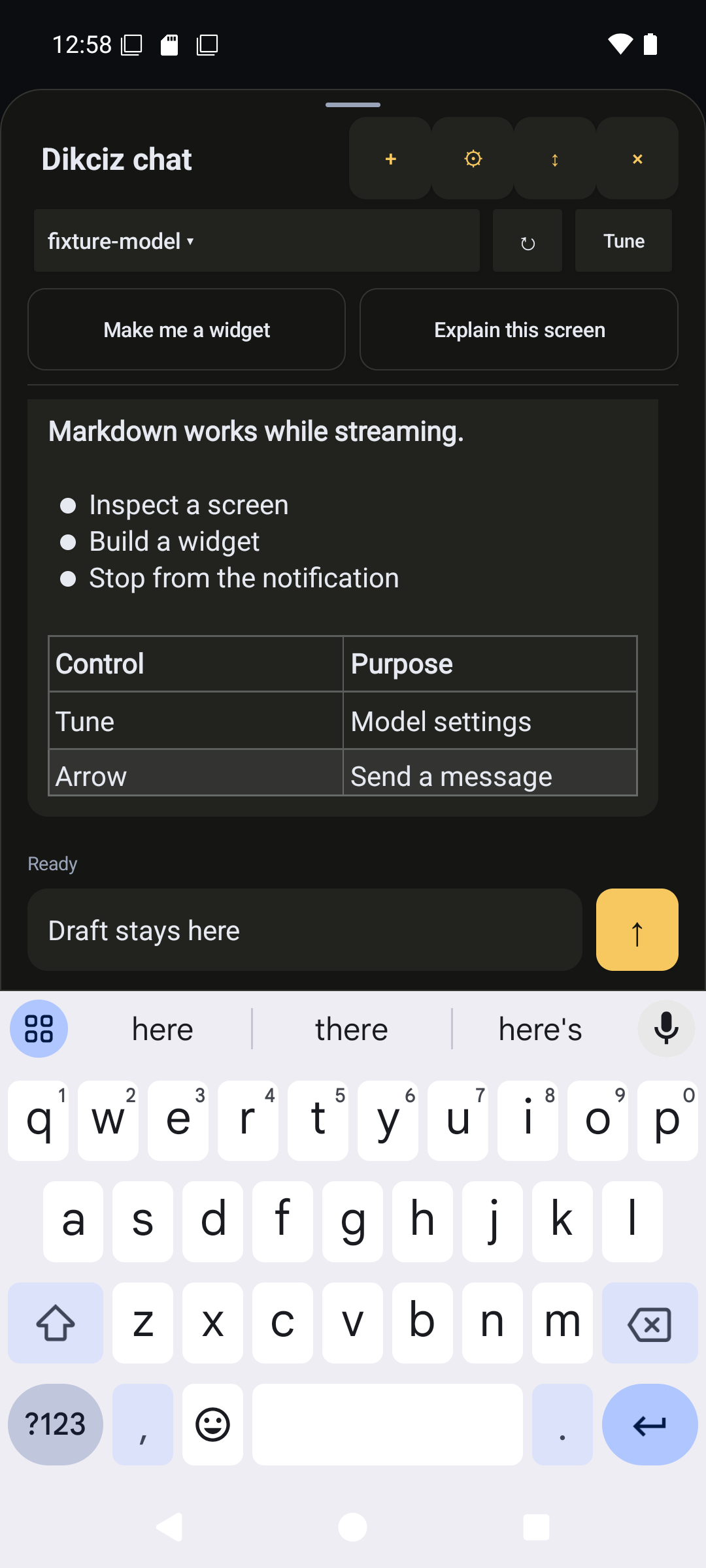
The composer moves above the keyboard and retains its draft.
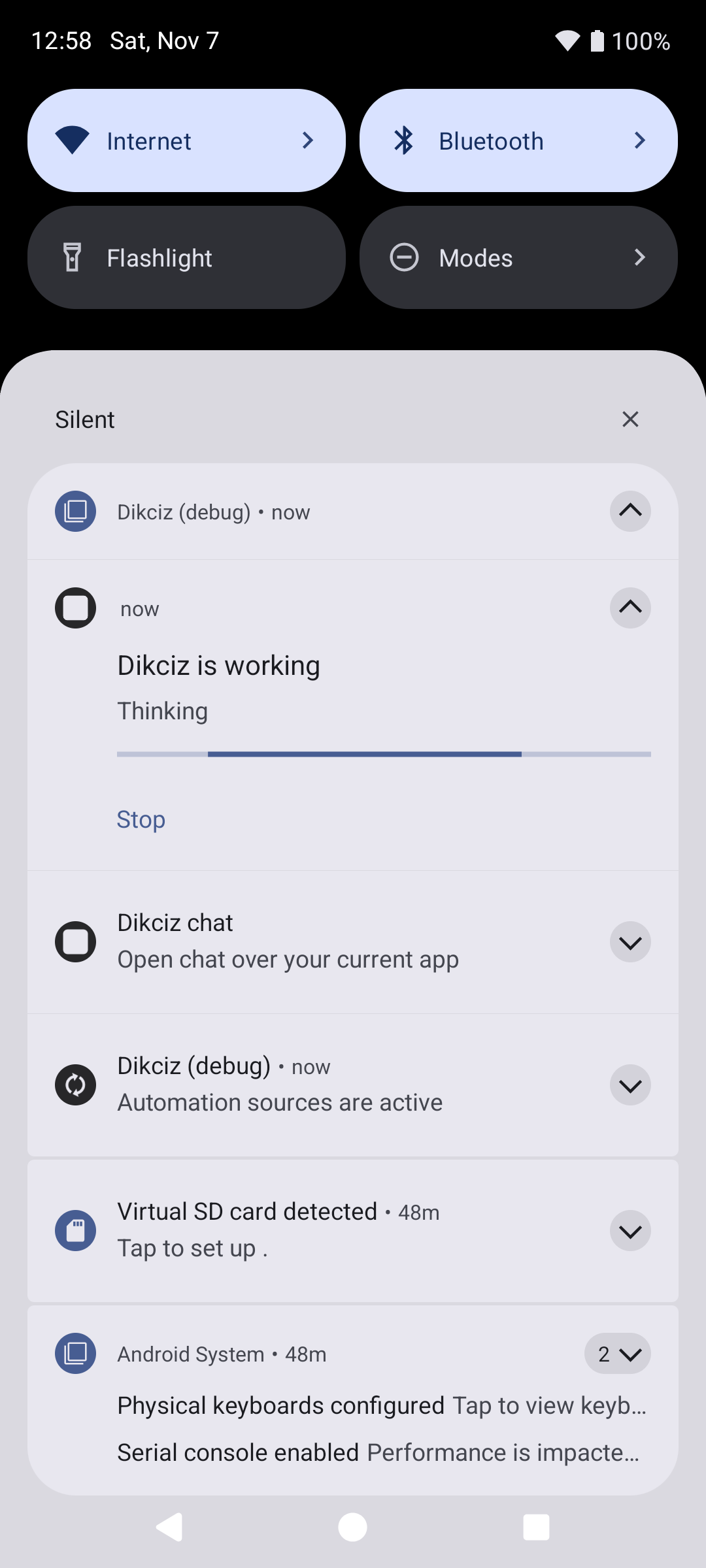
Background progress offers Stop and a route back to the conversation.
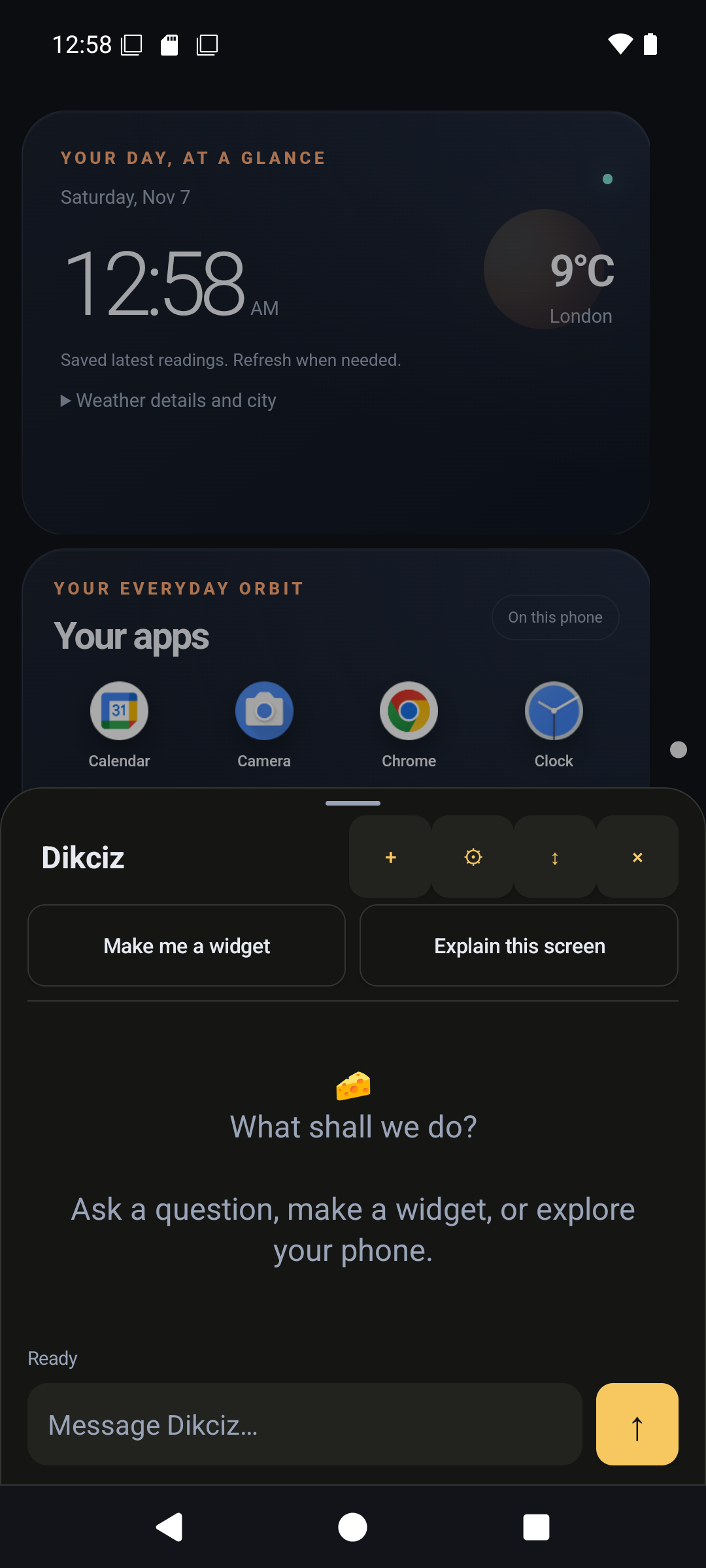
The empty state shows how to start a conversation.
5. Connect without USB
Use a reachable private network or Tailscale connection between the controlling computer and phone. Run the client on that computer. Its 127.0.0.1 refers to itself, not the phone.
On the phone:
- Open Settings, Automation, Configure remote bearer authentication. Set and enable a password.
- Open Configure control ports. Set Listen address to
0.0.0.0for direct IPv4 access and save. The default127.0.0.1accepts only phone-local or forwarded connections. - Allow computer-to-phone TCP traffic on the chosen ports. Defaults are WebSocket
19001and MCP/HTTP19002.
Listener configuration lives in control/ports.json under the public home. Valid address/port changes restart the listeners automatically, including while another app is foreground. 0.0.0.0 is a bind address; clients connect to the actual phone hostname or IP. The listeners supply no TLS themselves, so use a trusted private network or encrypted VPN. Tailscale ping alone does not prove the application ports are reachable.
From a checkout on the controlling computer, load the password into DIKCIZ_REMOTE_BEARER_TOKEN through your secret environment. Keep it outside tracked files and command arguments. Replace phone.example below with the reachable phone address.
python3 scripts/dikciz-control.py websocket controlStatus --host phone.example --port 19001 --pretty
python3 scripts/dikciz-control.py http deviceInfo --host phone.example --port 19002 --pretty
python3 scripts/dikciz-control.py mcp-tools --host phone.example --port 19002 --pretty
python3 scripts/dikciz-control.py mcp dikciz_snapshot --host phone.example --port 19002 --pretty
| Entrypoint | Address | Use |
|---|---|---|
| MCP | http://phone.example:19002/mcp | Tool discovery, typed calls and short documentation resources for agents |
| HTTP | http://phone.example:19002/v1/automation | Individual JSON commands and ordinary client integrations |
| WebSocket | ws://phone.example:19001/v1/automation | Persistent commands and live events |
| HTML, Lua and JavaScript | Local native bridge | Visible widgets and background event scripts |
These bindings share validation, execution, Android access and outcome semantics. Transport envelopes differ. Discover current names and required arguments instead of guessing their spelling. Search a task with dikciz_search_query in collection docs, then read the relevant result URI. Collection tools returns installed input schemas. The embedded agent exposes phone_search directly and uses the same ranked engine for tool discovery. searchIndex can also index explicitly supplied owner text in separate persistent collections. See offline search for aliases, spelling correction, pagination and read-only behavior. MCP browsing still starts at dikciz://docs/index.
A writable call can opt into owner review with autoRequestPermissions: true. For a direct review request, discover requestDeviceAccess or MCP dikciz_request_device_access and choose the required capability. Read the returned status, review-delivery result and instructions. The user still approves in Android; a review request is not a grant or completed action. Read-only conversations cannot request these prompts.
Check: inspect the serving package and version through deviceInfo, then read a snapshot over MCP. Both must describe the intended installed instance. Continue with connection troubleshooting or agent setup if discovery fails.
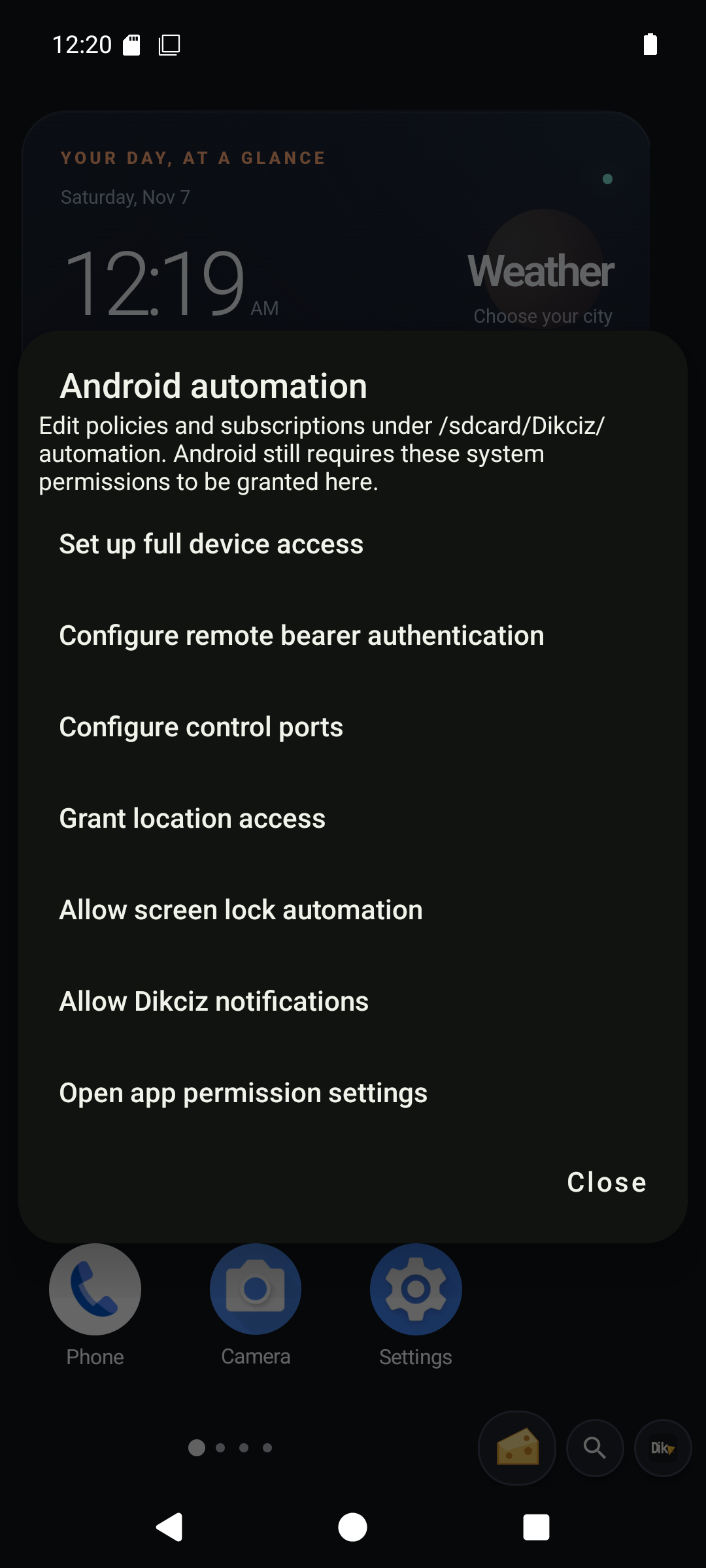
Automation settings collect device access and control-plane configuration.
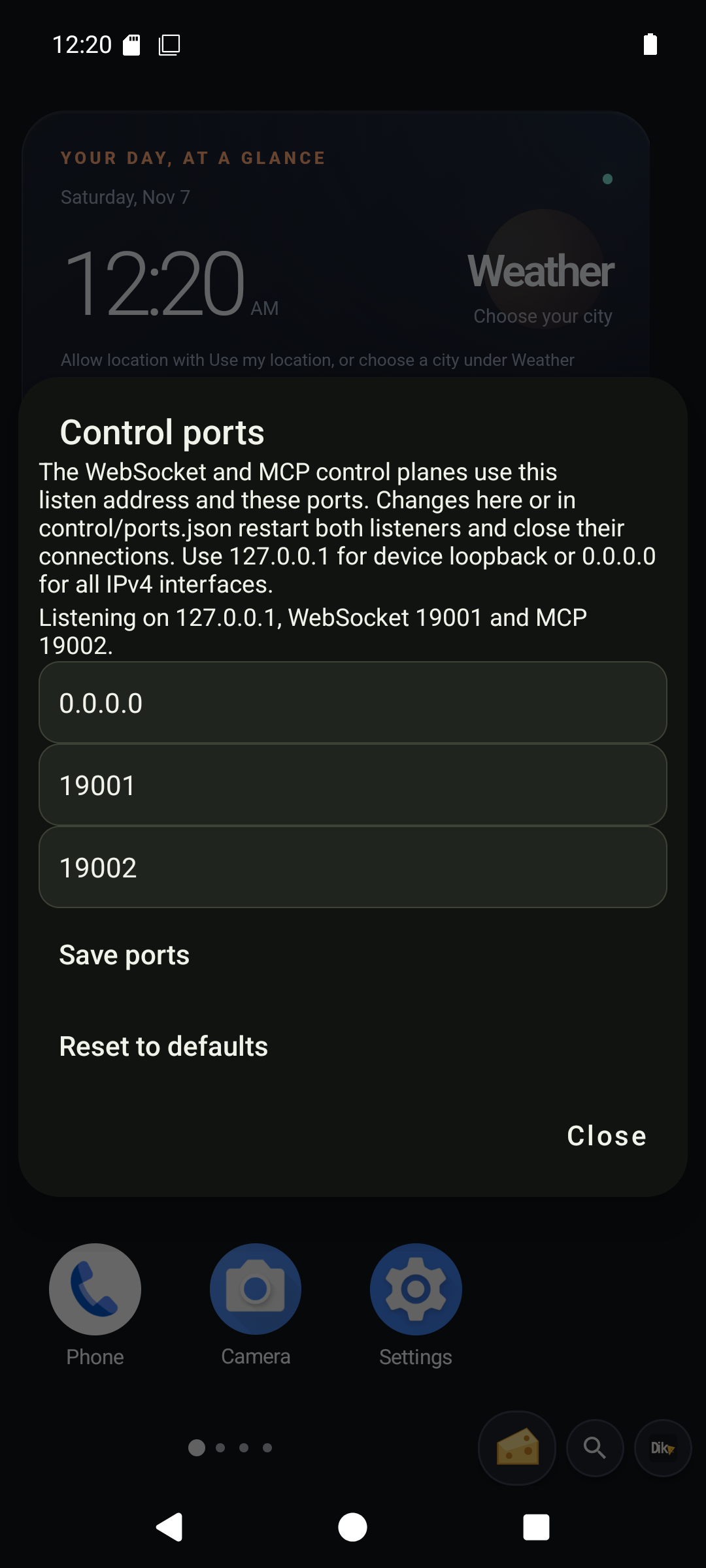
Enter 0.0.0.0 before saving to enable direct IPv4 listening. This capture shows the edit form.
6. Build an event pipeline
Start with Build a todo app that reacts to GPS for the shortest complete app example. Dikciz > Apps > Travel todo contains all five editable source files. Its explicit Watch New York action creates a native geofence, and its background JavaScript checks off the destination after the matching event. The same list accepts a custom event for another task. The walkthrough covers permissions, source editing, independent copies and stopping monitoring.
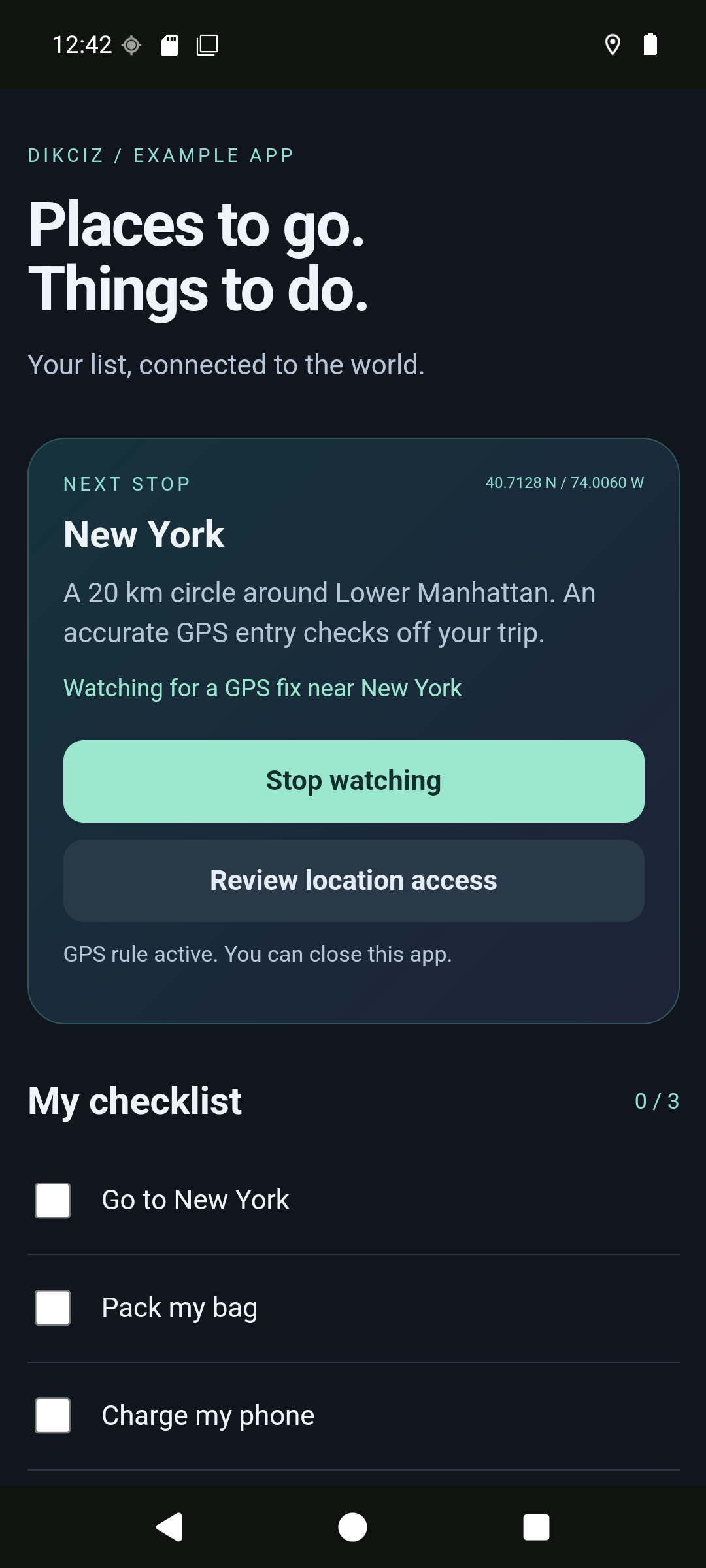
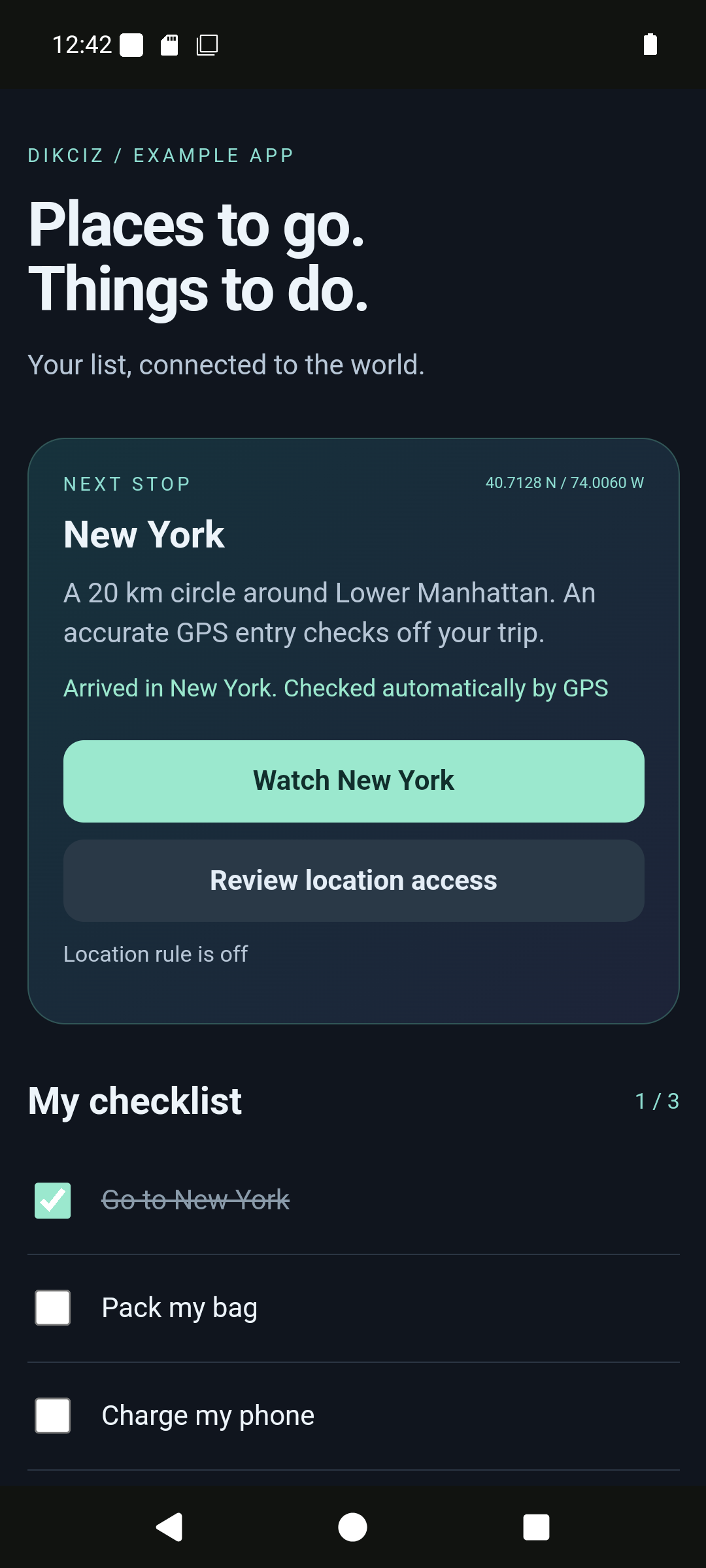
For separate widgets and background scripts, continue with the Lua example below. Headless JavaScript is a second standalone script backend with the same policies, events and command access.
Use the complete custom-event exercise to connect your spare HTML widget to a Lua script:
HTML button -> example.pipeline.request -> Lua -> saved widget state
                                              -> example.pipeline.done -> visible HTML update
That exercise supplies the HTML, CSS, JavaScript, Lua, policy and subscription documents. Replace its sample target address with your actual widget address. Enable the script, its policy and its subscription, then press the button. Inspect the script log for both the state update and emitted result event.
The widget waits for dikciz-ready before using the bridge. It reads selfWidget.state, updates saved state through the bridge, and listens for dikciz-state without reloading the document. Custom events use the same bus as native sources. External clients can publish them too; discover the installed event-publishing command and its schema before calling it.
HTML receives subscribed events while its page is selected and its WebView exists. Lua and headless JavaScript handle enabled subscriptions in the background. Put work that must survive page changes in a background script or app backend, and visible rendering in JavaScript. Add interval limits and filters for noisy sources such as sensors, location or notifications.
After the custom pipeline works, inspect one of the disabled bundled Lua examples. Start with the low-battery rule before adapting a location or heat rule. Policies authorize script actions, but never grant Android permissions. Trusted script command access includes powerful file and shell operations; review the source before enabling it.
Check: publish a request, see the result in the widget and inspect the final script status. Leave and return to the page to verify saved state. Disable the test script/subscription when finished. The event replay guide covers cursors, gaps and reconnecting clients.
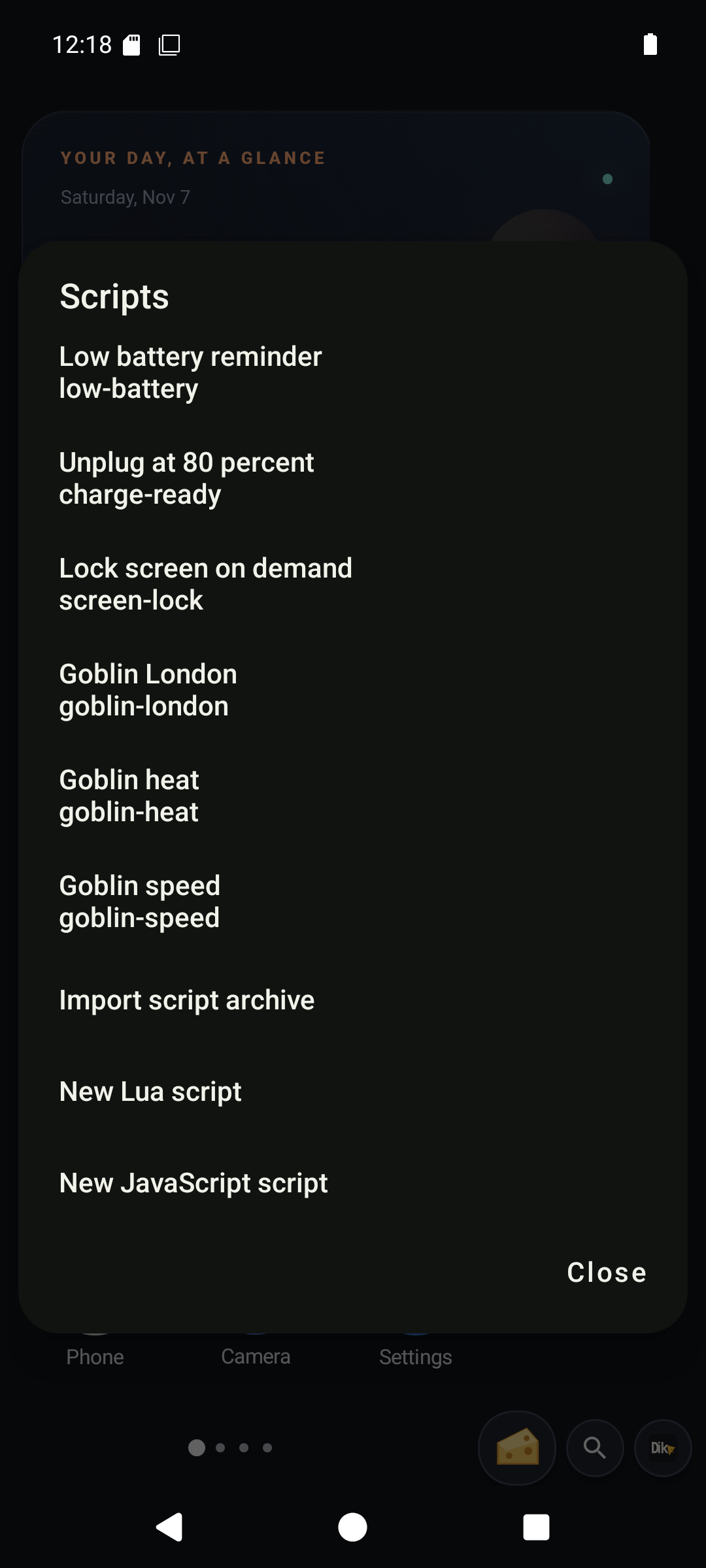
Review bundled scripts and enable only the ones you want.
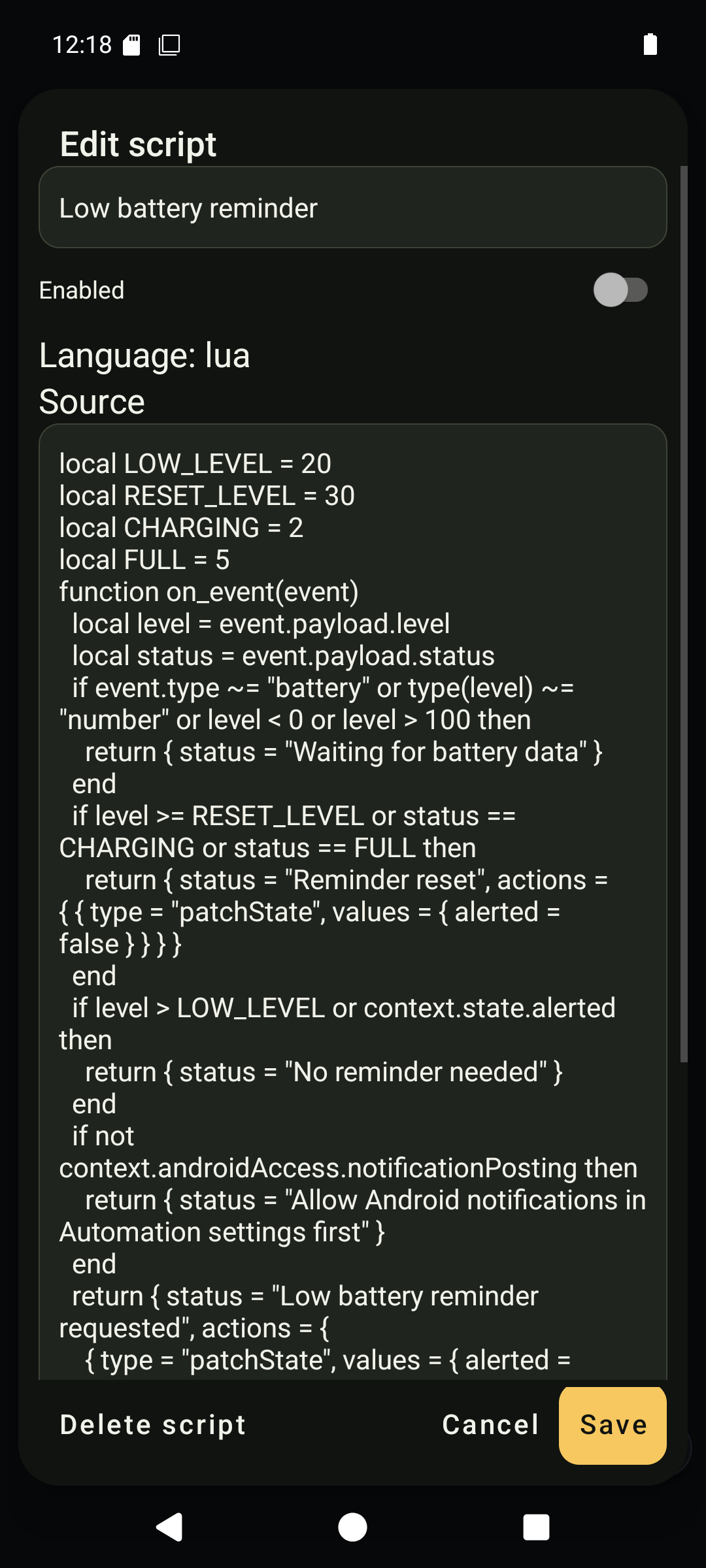
The native Lua editor exposes source, state and the enable switch.
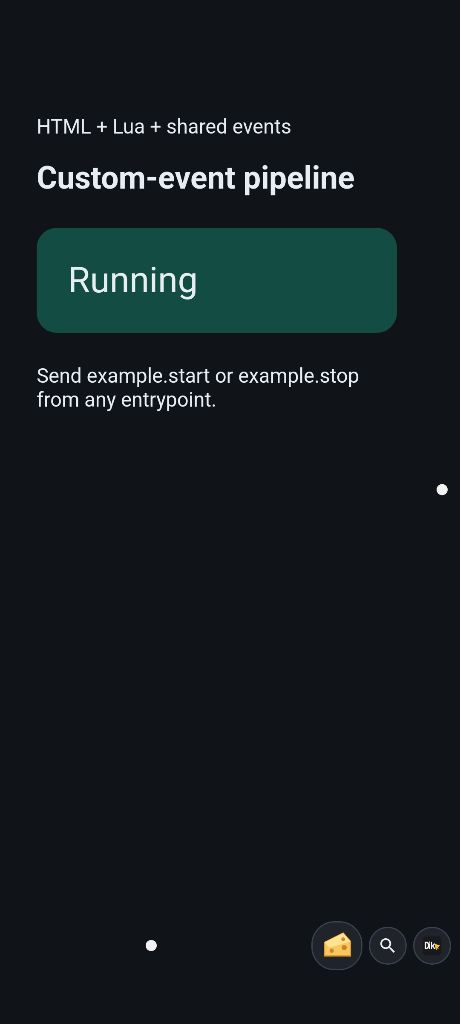
The packaged two-input recipe after example.start: Lua and HTML report Running.
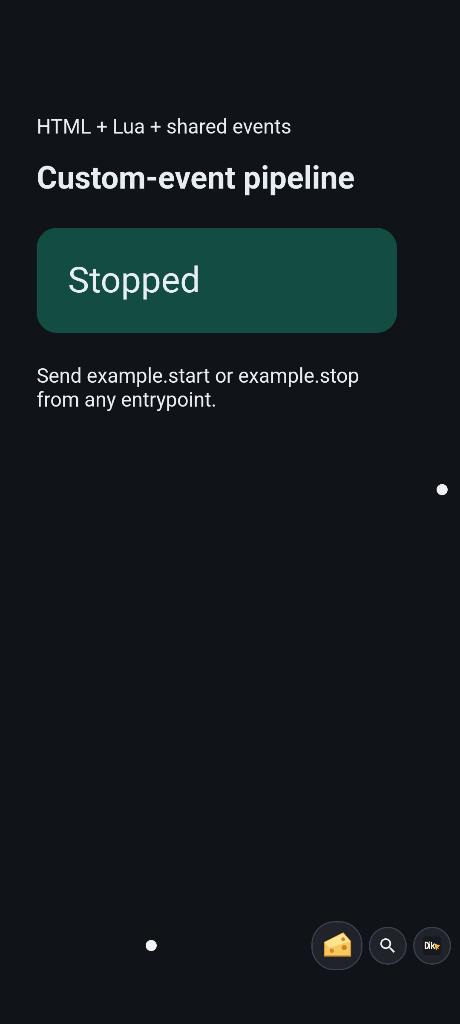
After example.stop, the same pipeline reports Stopped.
The two-input screenshots use the packaged event recipe, which extends the one-button exercise above with separate start/stop inputs.
7. Use Android data and hardware
Discover the installed tools for the task, grant its access, call the read operation first and inspect the result. Prefer dedicated commands over screen tapping when a data API exists. For cross-app UI, use a fresh accessibility snapshot and its semantic node IDs; after navigation, read a fresh snapshot rather than reusing stale IDs.
| Task | Exercise and guide |
|---|---|
| Contacts and SIMs | Search contacts directly and inspect simList. Own numbers can remain unavailable even with the read-number grant. Native data |
| SMS and calls | For an intentional test, choose an owner-approved recipient and SIM, use tracked SMS with an idempotency key, then inspect sent/delivery status. Calls, call logs and carrier USSD have separate requirements. Native data, USSD |
| Calendar and alarms | Read occurrences and the next alarm first. Contact/calendar mutations are separate explicit actions. Native data |
| Notifications and media | Inspect active notifications or media sessions. Replying, dismissing, snoozing and playback changes are writes. Notification management, native data |
| Location and sensors | Get a fix with age/accuracy, enumerate actual sensors and subscribe only to needed samples. Stop streams after testing. Location, native hardware |
| Camera | Deliberately capture one JPEG, inspect actual frame metadata and view the output. Bounded video has a separate lifecycle. Camera, native hardware |
| Microphone and sound | Record a short note, stop it, then play it. Live PCM is a managed stream with replay and an owner stop control. Microphone streams, audio playback |
| Speech | Speak a short test or recognize microphone speech. Check available recognition languages/models before assuming offline support. Recognition, speech models |
| Torch, vibration and settings | Use one bounded effect and stop it. Settings changes need their corresponding access. Hardware controls |
| Bluetooth | Enumerate, scan and inspect a chosen peer before pairing or starting RFCOMM/GATT work. Close connections afterward. Bluetooth |
| NFC | Present a tag and inspect discovery before a deliberate NDEF write or raw transaction. A bank card is not an unrestricted tag. NFC |
| USB and Wi-Fi | Request access to the intended peripheral or scan, inspect freshness/status and close transfers/sessions. USB, Wi-Fi |
| Other platform services | Consult declared coverage for Health Connect, inventories, administration and restricted paths. Coverage |
Check: each result describes the source, freshness and actual outcome. A permission grant cannot create absent hardware or privileged Android access. Ordinary app access does not provide unrestricted cellular-call audio interception/injection, other apps private data or fastboot control.
Android results on screen
The inspector below displays real command results, with a visible preview notice for long responses. These are demonstration documents, not extra built-in settings screens. Missing emulator hardware remains explicit. NFC transactions, physical Bluetooth/USB peers and carrier delivery require suitable hardware to demonstrate.
Show sensor, camera, audio, provider and connectivity results
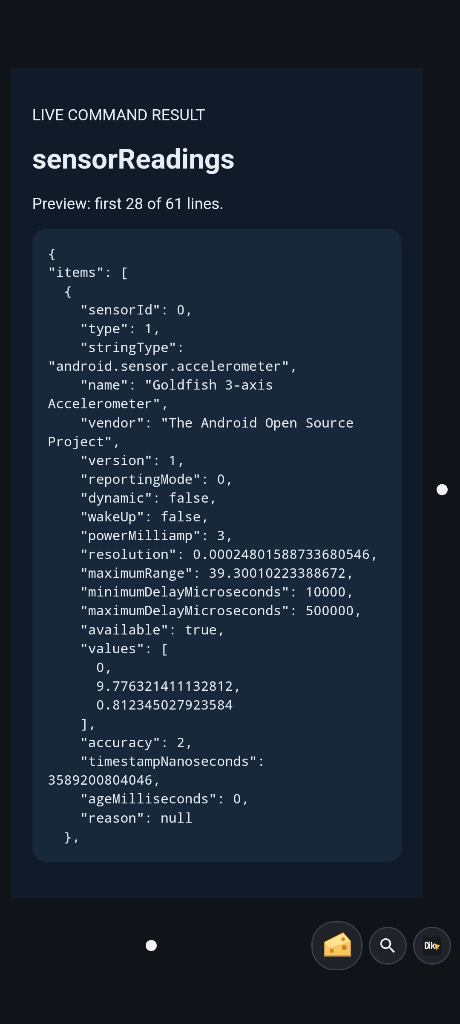
Actual bounded sensor readings, including timestamps and availability.
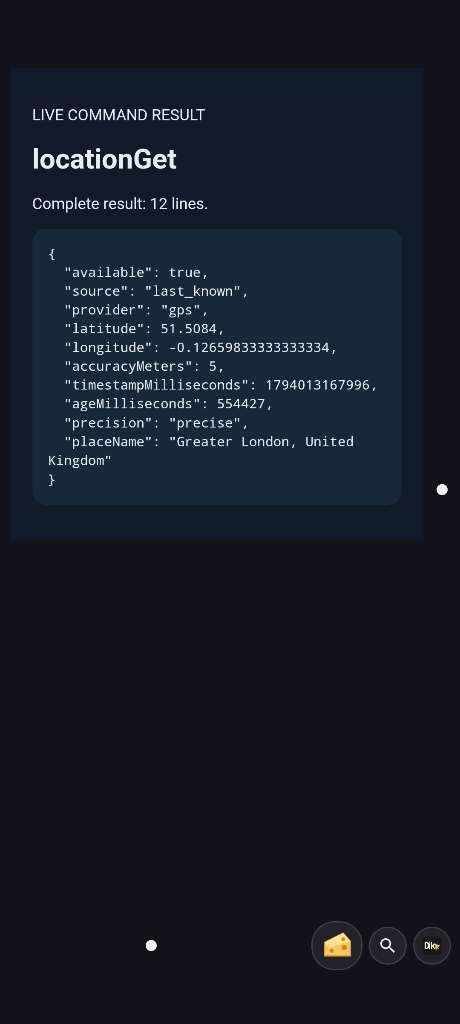
A location result with the configured emulator fix and freshness.
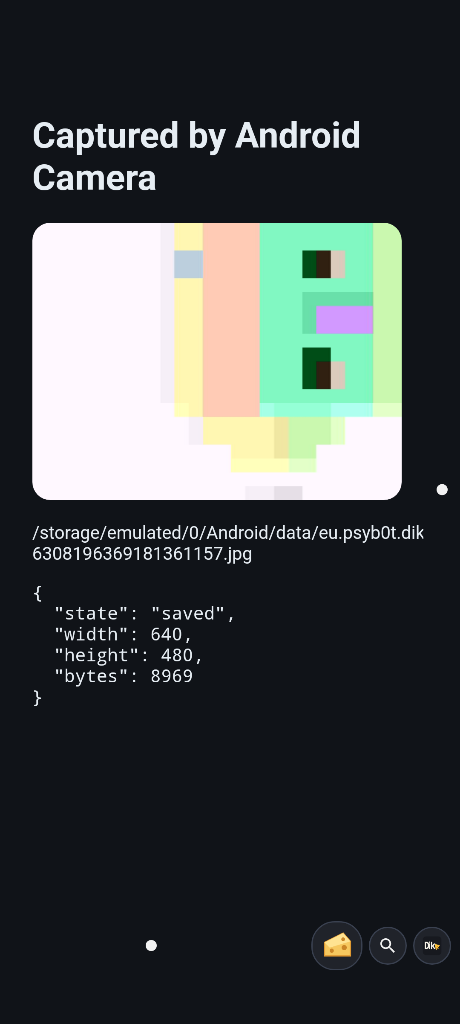
A JPEG captured through the Android camera and shown in a widget. The scene belongs to the emulator camera.
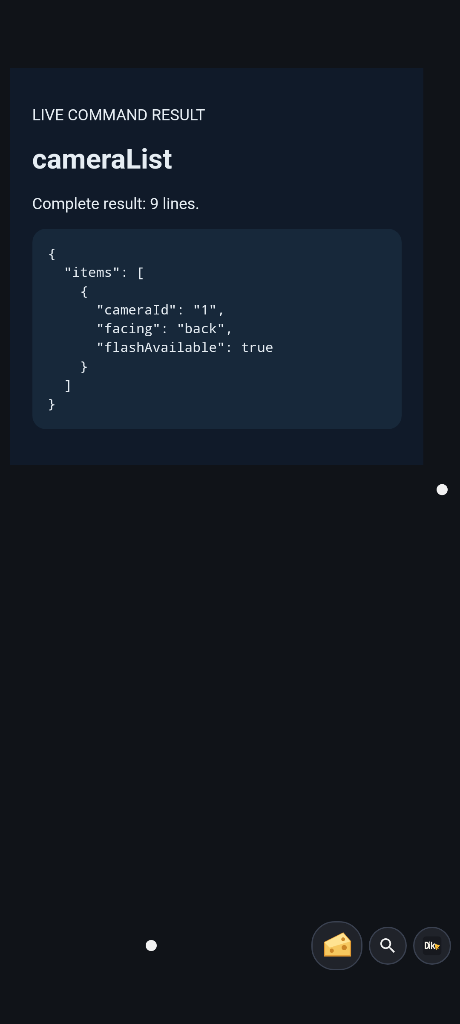
The camera inventory returned by Android.
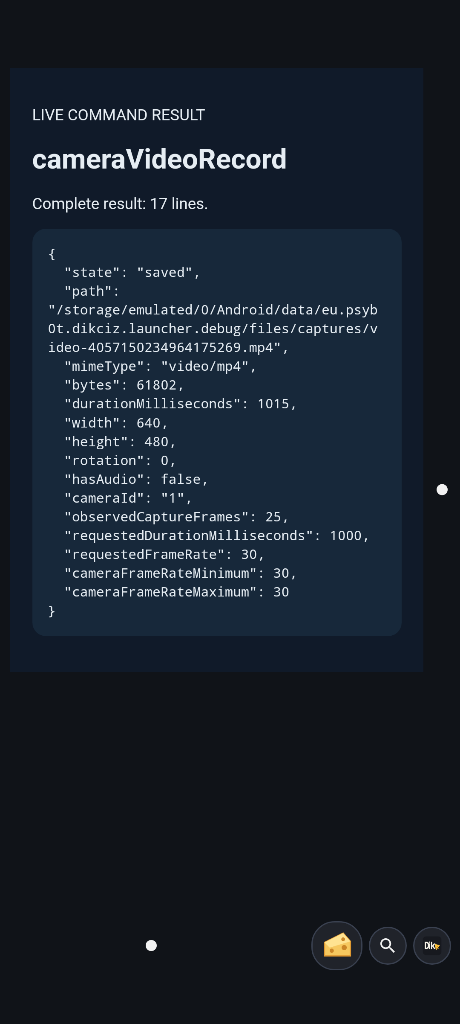
Finalized bounded video metadata, rather than an accepted-start claim.
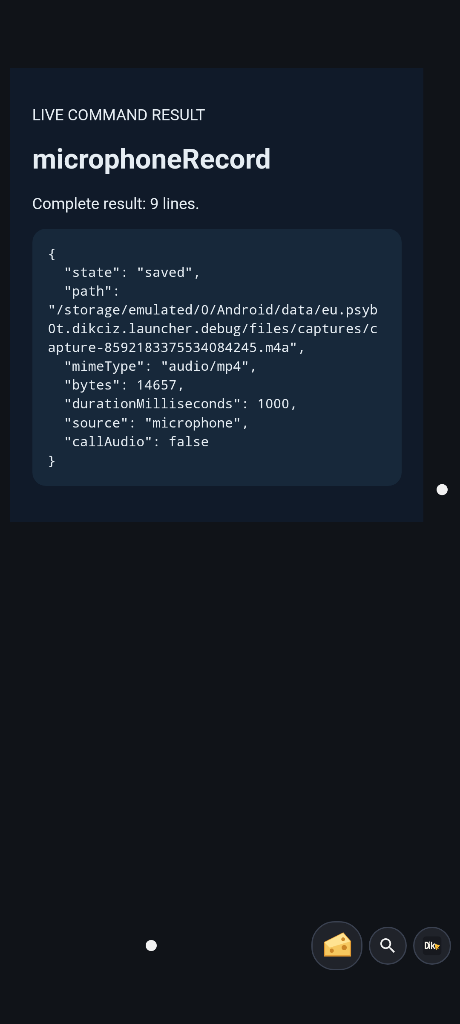
A completed short emulator microphone recording.
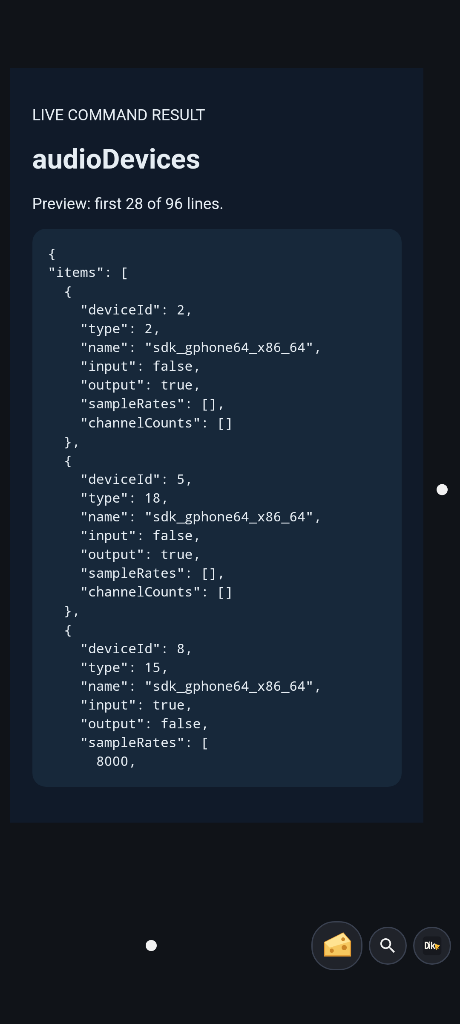
Audio input/output devices exposed by Android.
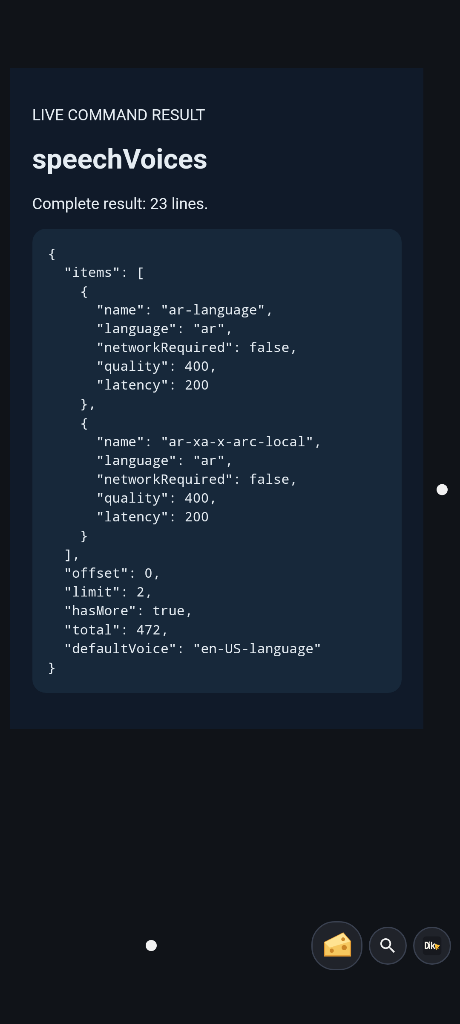
Speech voices reported by the installed engine.
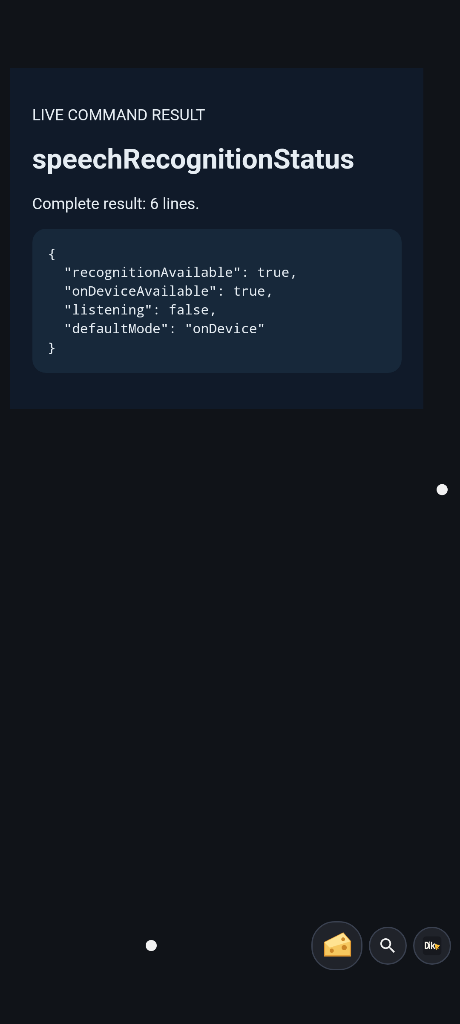
Recognition availability and listening state.
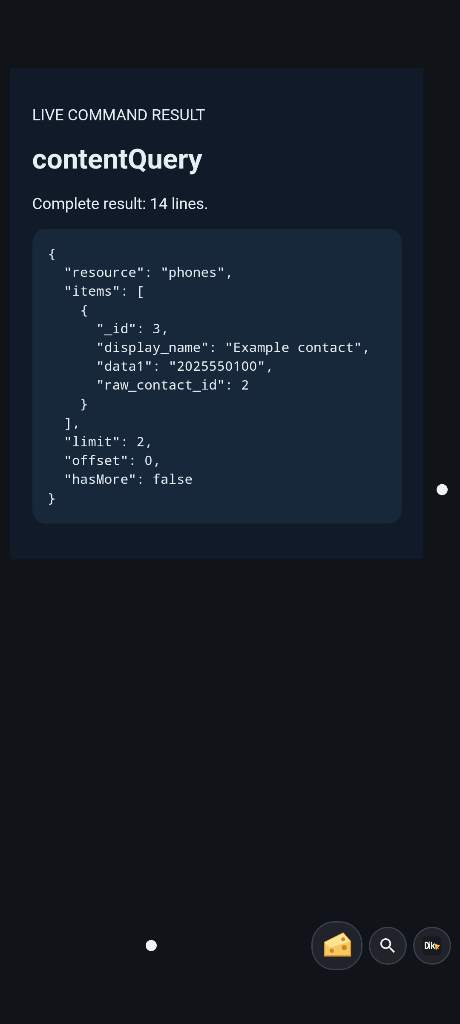
Direct provider query against a synthetic emulator contact.
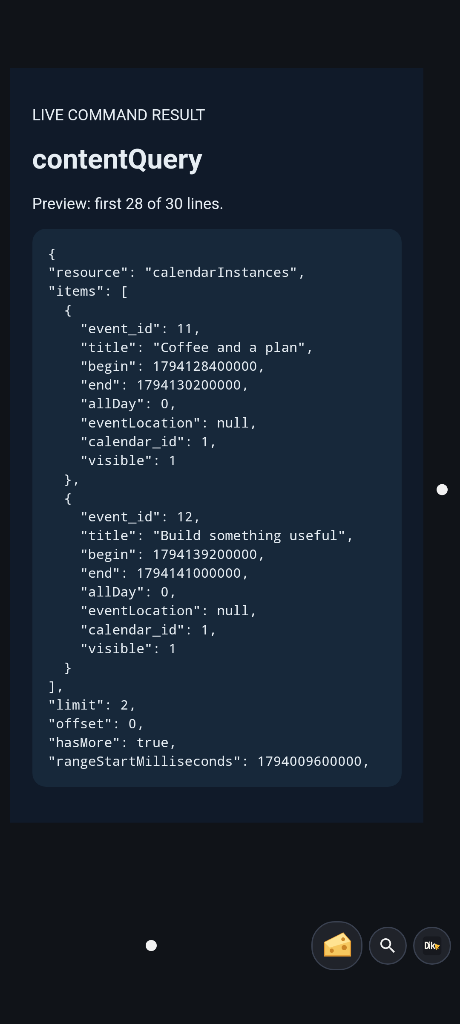
Direct calendar occurrences from the emulator fixture.
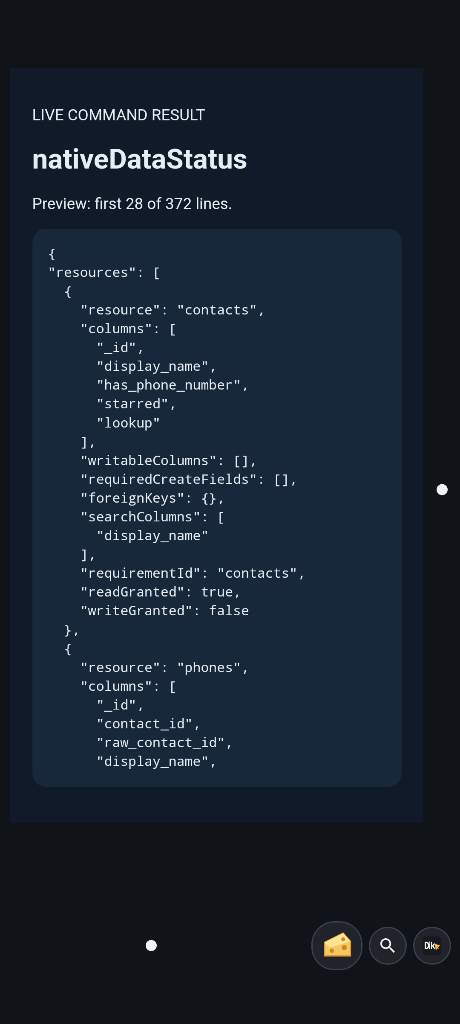
Provider discovery describes supported resources and access.
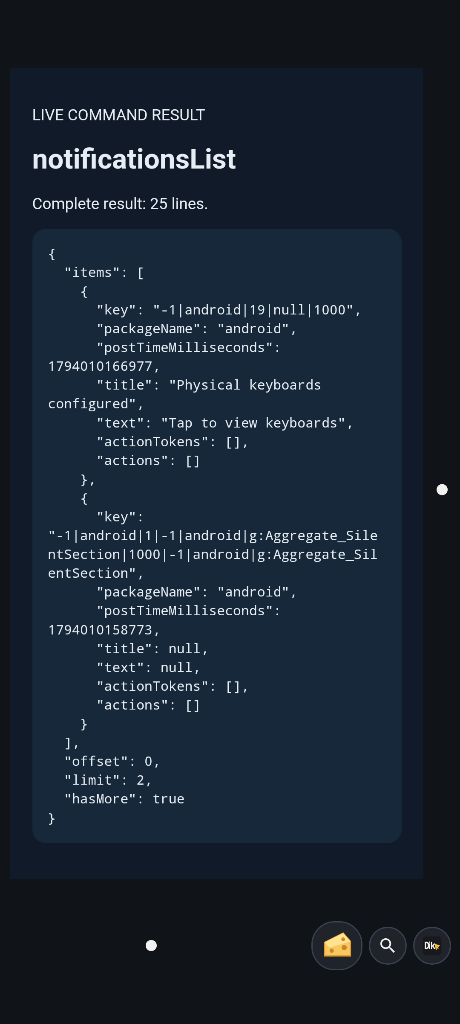
A bounded query of Android notifications.
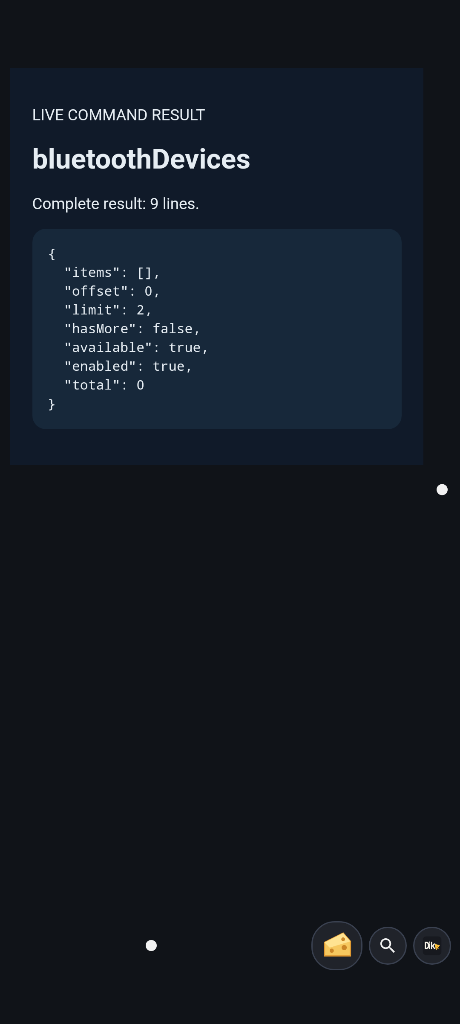
Bluetooth inventory and its actual availability on the emulator.
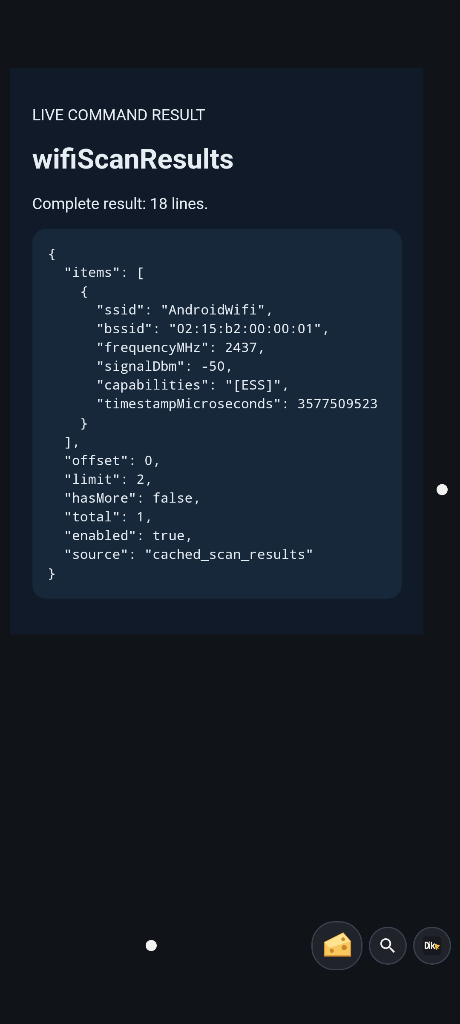
Wi-Fi scan-cache state, including freshness and availability.
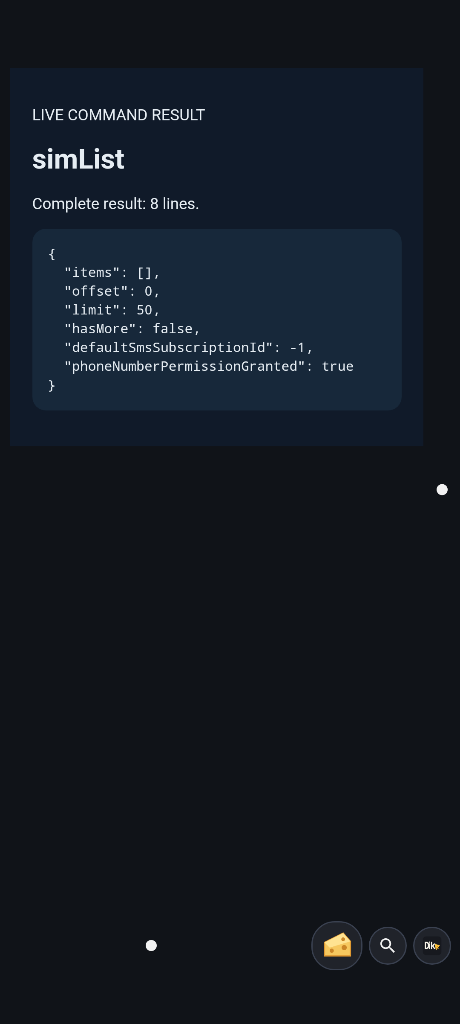
SIM metadata on this emulator. An empty inventory does not demonstrate a physical SIM or number lookup.
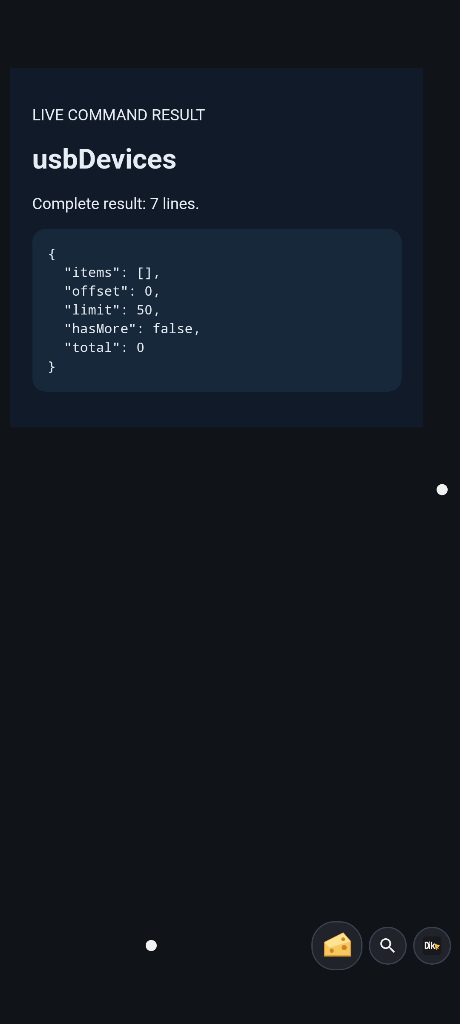
USB-host inventory. No attached peripheral means no demonstrated transfer.
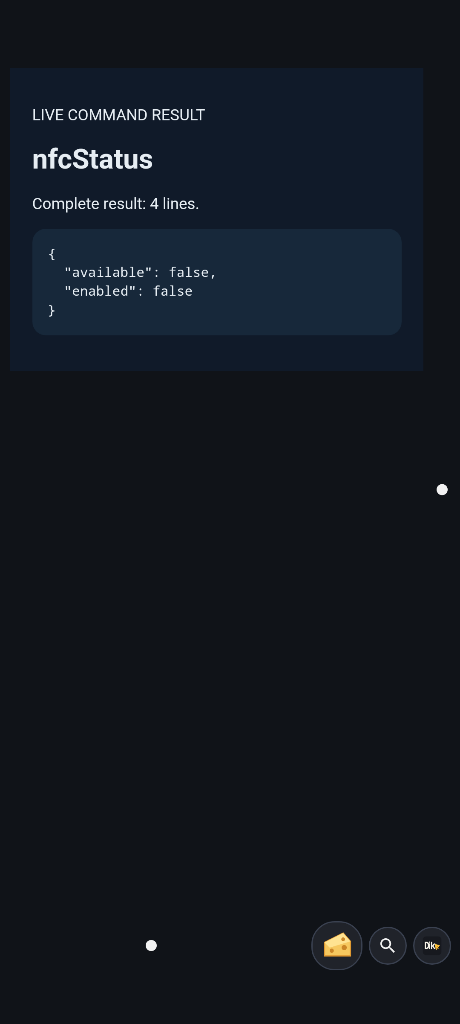
Actual NFC status. An unavailable emulator adapter is not a successful tag transaction.
8. Manage files, installs and long-running work
Use file discovery to browse paths Android permits, then read or download a chosen file. Upload a small test document to a new path before trying an APK. Transfers expose explicit offsets and completion state; finish or cancel a session deliberately. The authentication hash and private credentials are protected from ordinary remote file access.
For APK updates, upload the standalone APK and request installation. Android owns install permission and confirmation. An accepted install request is not a completed update: inspect final installation status and the serving package/version after reconnecting. Release and debug packages are distinct apps; use the documented handoff procedure rather than uninstalling your active controller and assuming access will survive.
Shell commands default to a 30-second timeout with per-request options. Root is requested by default; set root: false for the app sandbox. Android shell is not a desktop Linux environment and app permissions still apply. Read stdout, stderr, exit status and any explicit output-limit marker. A truncated preview is not the full output. Use incremental shell sessions, command jobs or streaming where appropriate instead of raising every response limit.
For work that outlives one request, use a durable command job and retain its identity/idempotency key. Poll the recorded result or cancel the job. After interruption, inspect the outcome before retrying a side effect. Stream logs or shell output with cursors; stop and forget sessions when done. Logcat visibility follows Android privilege limits.
Check: download the test file and compare its contents. For an intentional command test, inspect the exit status, not just transport success. See files, APKs and shell, shell sessions, jobs and update recovery.
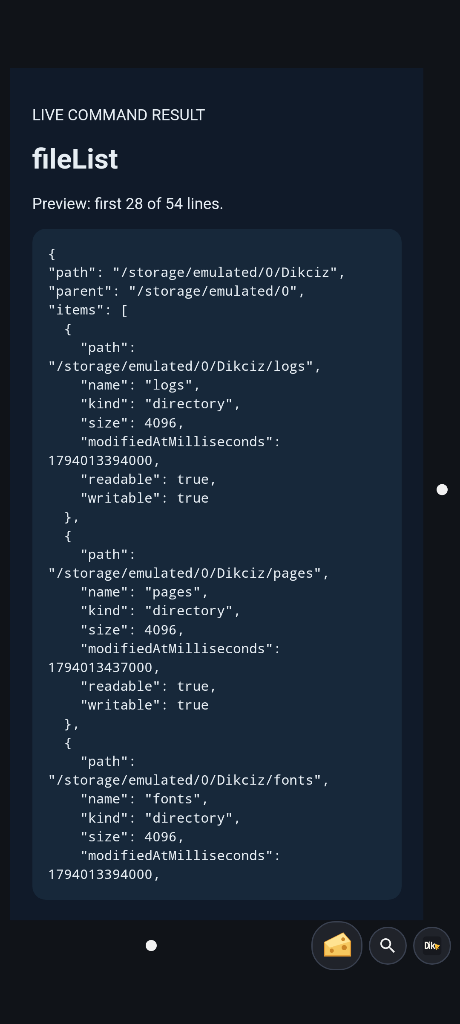
Directory entries returned by the shared file API.
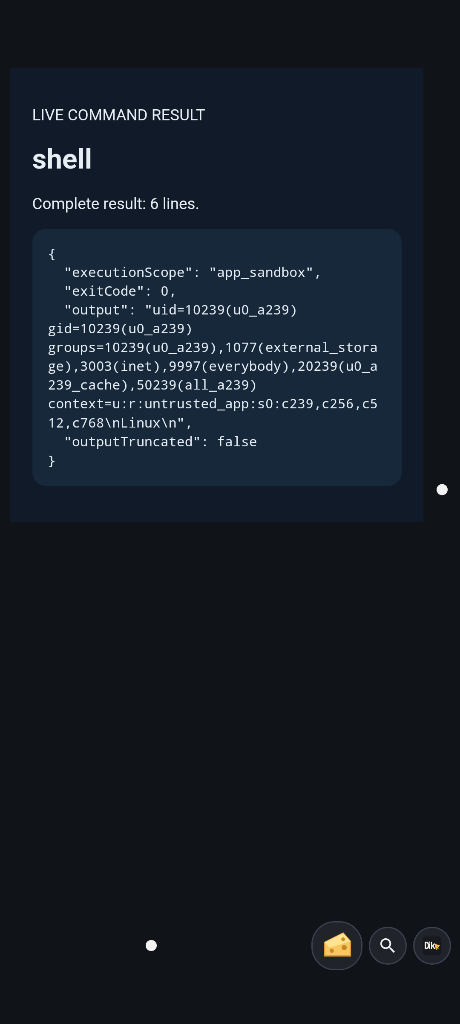
An unprivileged shell command with its real output and exit status.
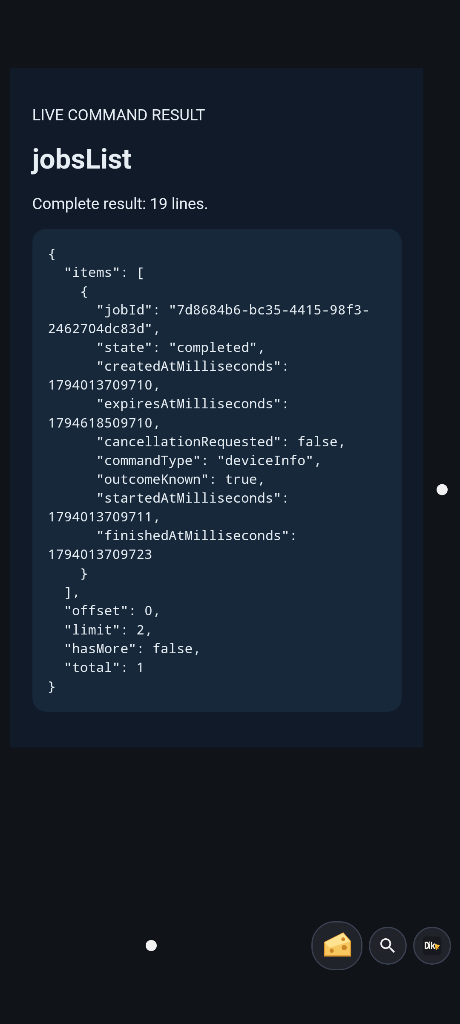
A harmless durable job completed and retained its result.
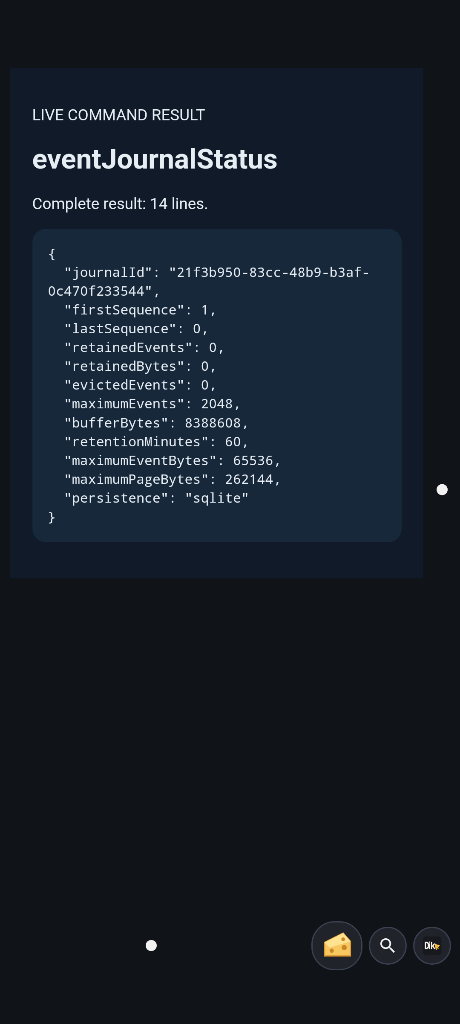
Event-journal retention and replay status.
9. Discover public Android SDK calls
The generic SDK bridge covers exact public classes and signatures from a pinned API catalogue. Discovery is broader than permission to invoke a method. Prefer a dedicated native tool when it already expresses your task.
After the network checks, discover a battery overload and read it:
python3 scripts/dikciz-control.py http androidApiDiscover --host phone.example --port 19002 --pretty \
  --arguments '{"className":"android.os.BatteryManager","query":"getIntProperty"}'
python3 scripts/dikciz-control.py http androidApiRead --host phone.example --port 19002 --pretty \
  --arguments '{"className":"android.os.BatteryManager","member":"getIntProperty(int)","target":"service:batterymanager","arguments":[4]}'
Property 4 is Android BATTERY_PROPERTY_CAPACITY. Compare its returned value with the dedicated battery state. For another method, inspect bridgePermitted, runtimeAvailable, exact positional types, permission annotations and pagination before calling. Supply arguments, including [] for a no-argument member; the bridge does not guess overloads.
androidApiRead permits only explicitly approved reads, even for writable callers. Writable invocation uses androidApiInvoke and requires an idempotency key. Object results use process-scoped handles. Page their contents with androidApiObjects; unregister/stop SDK sessions before releasing handles. Callbacks record events and can publish android_api_callback on the shared bus. A timeout can mean unknown completion, not cancellation.
Check: distinguish a method returning from a downstream Android operation completing. Catalogue presence proves neither hardware availability nor platform privilege. Read the SDK guide before constructors, callbacks, mutable methods or handle cleanup.
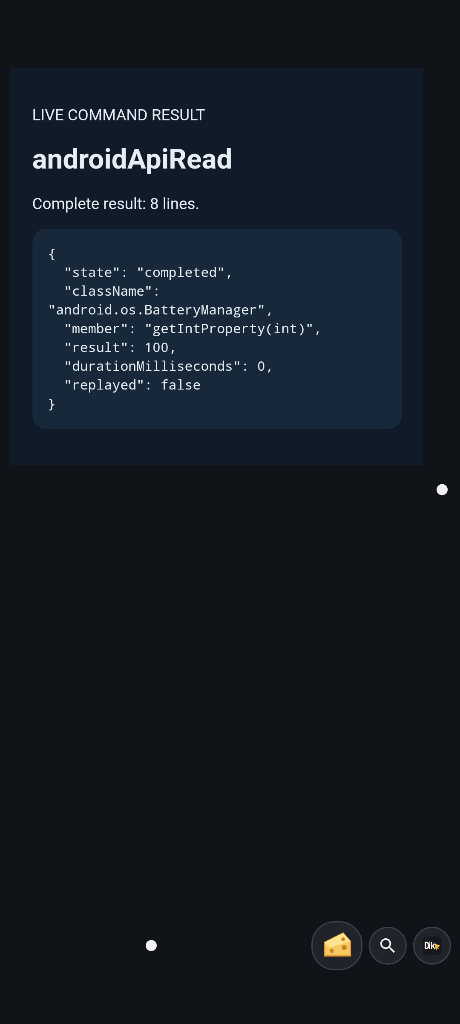
The exact BatteryManager overload returned through androidApiRead.
10. Check results and recover
Read the response at the layer that owns the effect. These are different outcomes:
| Reply | What to verify next |
|---|---|
| App launch accepted | Observed foreground package or a fresh screenshot/tree |
| SMS submitted | Tracked sent/delivery status, including unsupported delivery evidence |
| APK install requested | Android confirmation, terminal install status and installed version |
| Permission review shown | Actual Android grant, then a deliberate retry |
| Agent turn queued | Conversation state, tool outcomes and final reply |
| SDK method returned | Any separate callback, session or external completion |
Daily UTC JSON Lines logs live under /sdcard/Dikciz/logs/. Settings, Configure logging selects DEBUG, INFO, WARN or ERROR and retention. Defaults are INFO and seven days. Use DEBUG for investigation, inspect script/tool failures and keep sensitive phone data out of shared bug reports.
Valid home/configuration and asset edits reload automatically. Invalid input reports an error rather than making a working configuration proof of a valid new edit. If a widget breaks, edit that document or restore its saved source before resetting the home. APK updates preserve placed custom documents; a new bundled template does not overwrite an old placed copy automatically.
When updating, Dikciz reopens if it is default Home or has overlay access. If Android prevents it, tap Dikciz updated or open the app. Recheck device identity and listeners afterward. A home reset and chat-history deletion are separate operations; back up wanted public files and exports before any reset.
Finish an experiment by disabling its scripts and chat event rules, stopping recordings/streams/jobs/effects, unregistering SDK callbacks and restoring settings you changed. Closing a chat panel or leaving a page is not a universal undo.
For a specific failure, use the documentation index, command schemas and capability coverage. Report the installed version, operation, exact structured error and relevant redacted log lines.
Settings and recovery screens
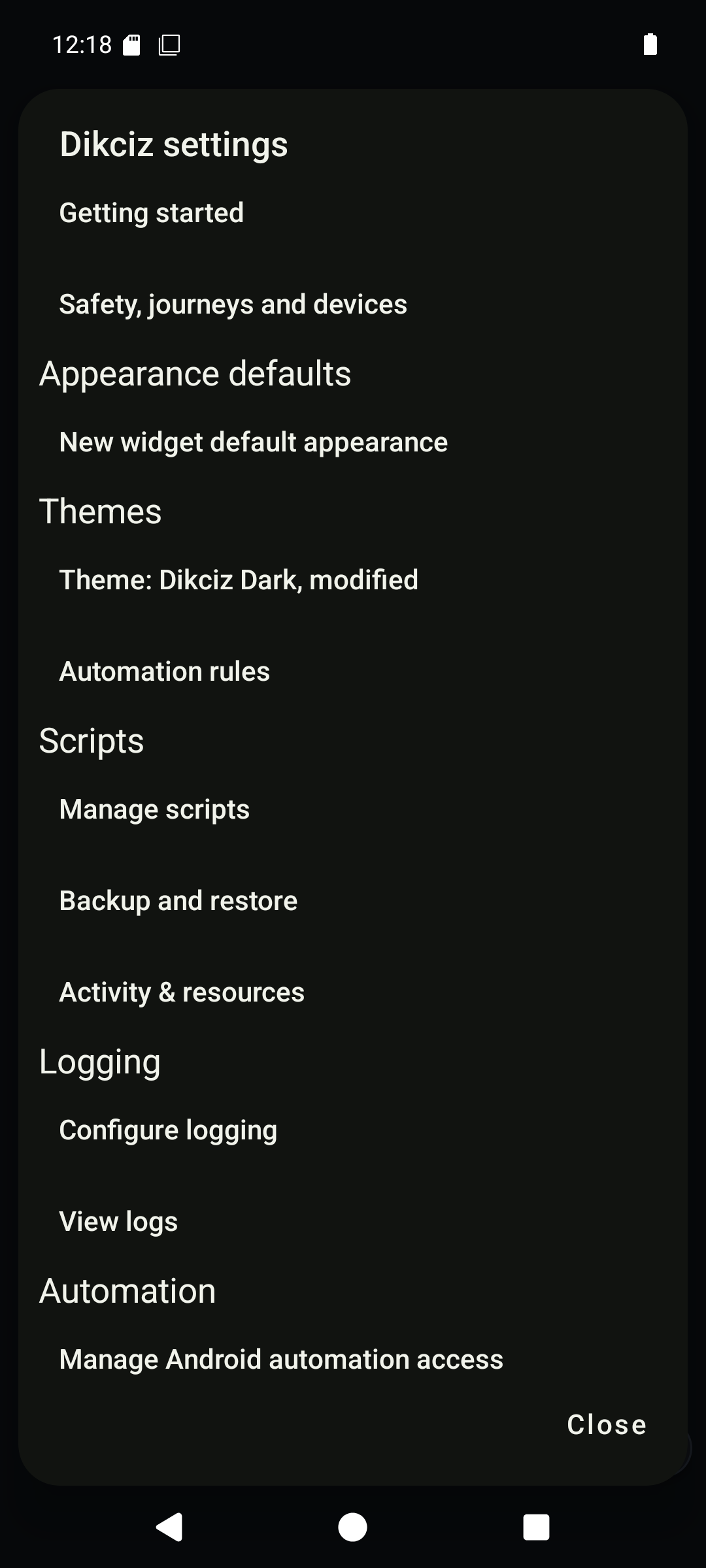
Launcher settings collect layout, scripts, appearance and automation.
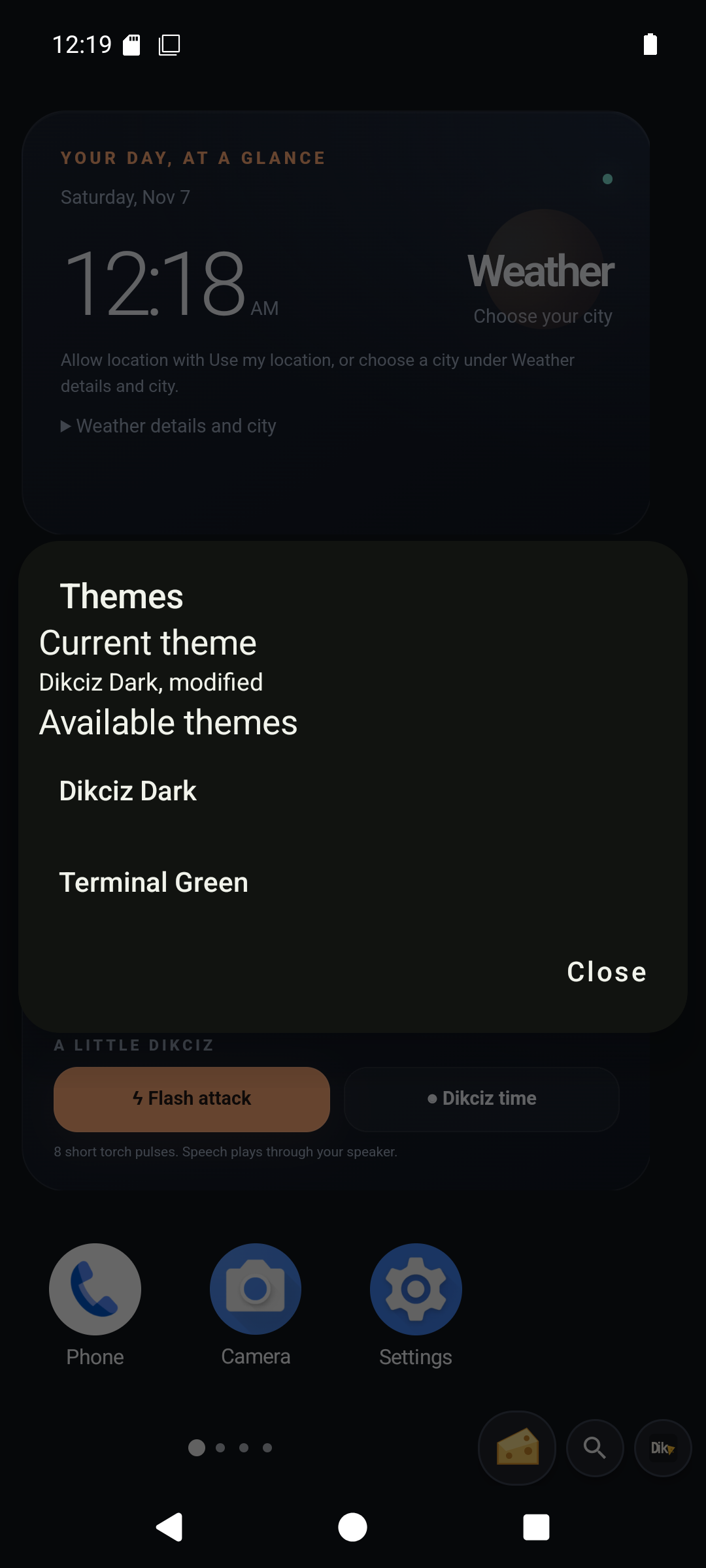
Choose or customize the home theme.
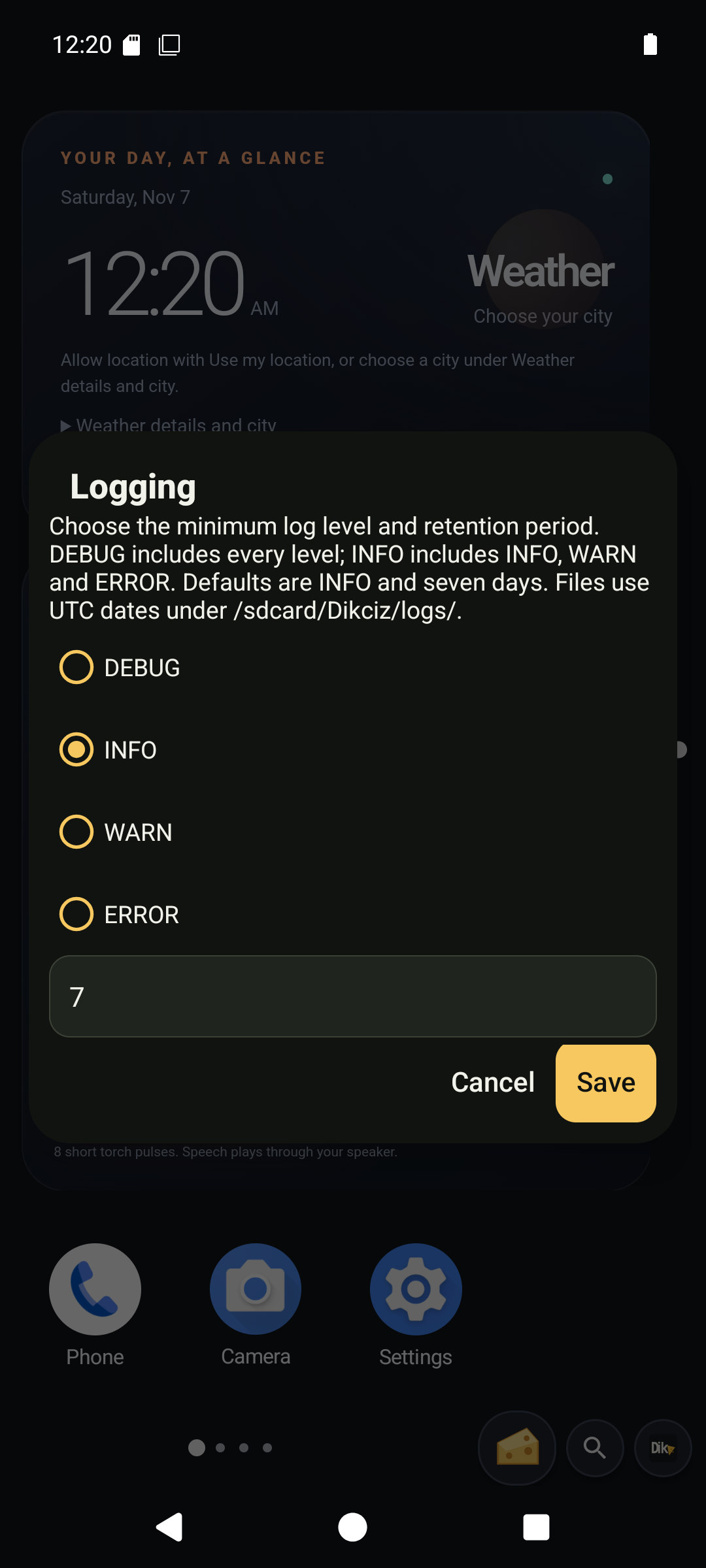
Configure log detail and retention without changing source.
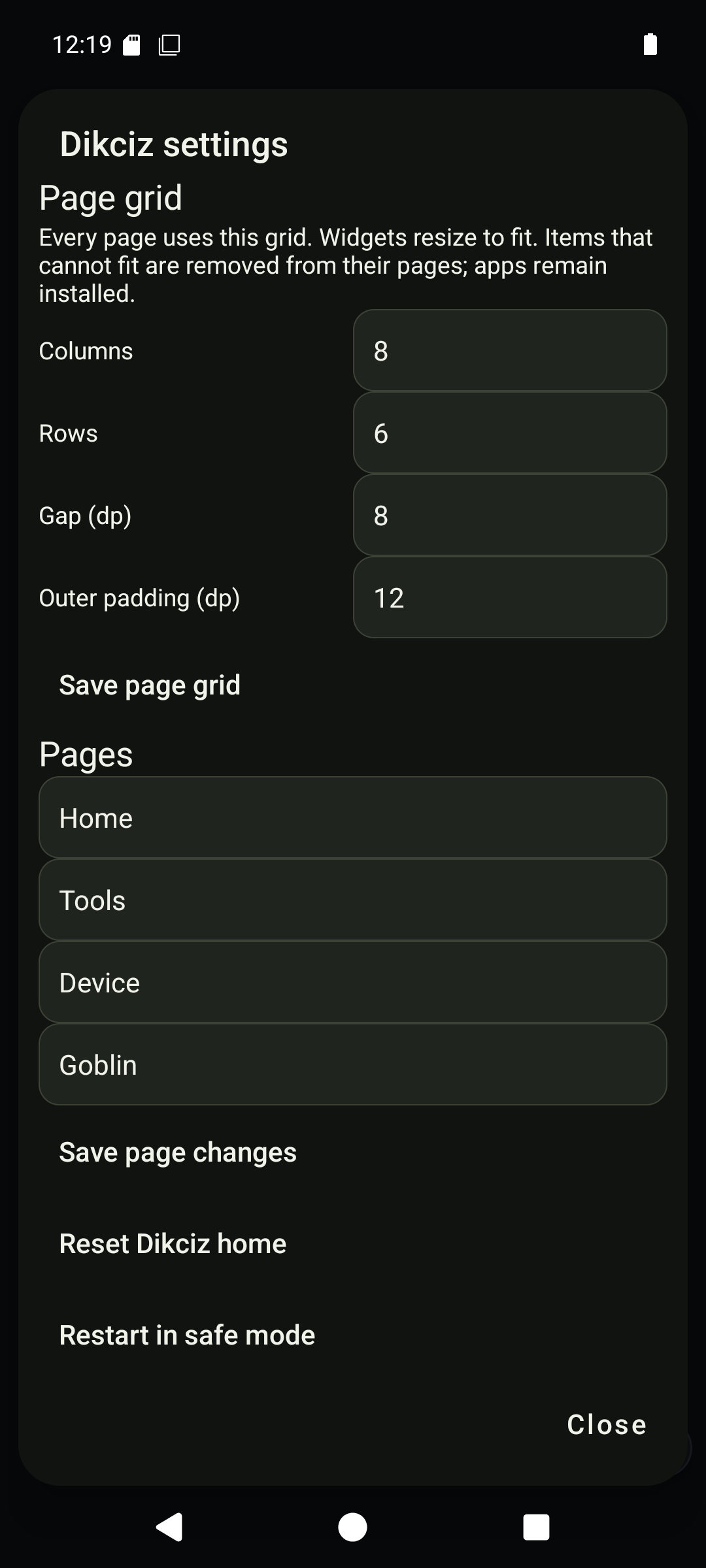
Safe mode offers a recovery path for a broken home.
Complete template gallery
These captures show the bundled documents as separate WebViews. The starter above shows the normal mixed-size layout. Data sources, required access and intended spans are listed in the template catalog. Action templates wait for a tap; a screenshot of their controls does not prove the effect ran.
Show the captured HTML templates
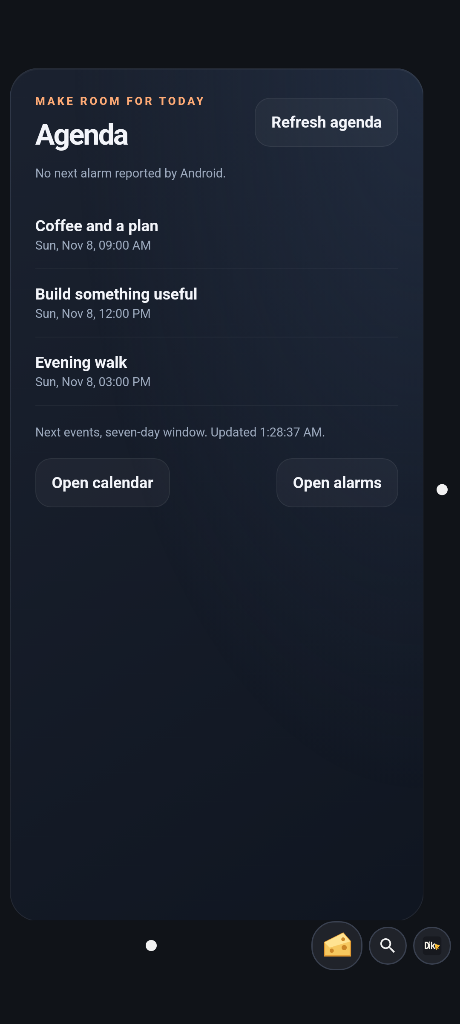
Agenda
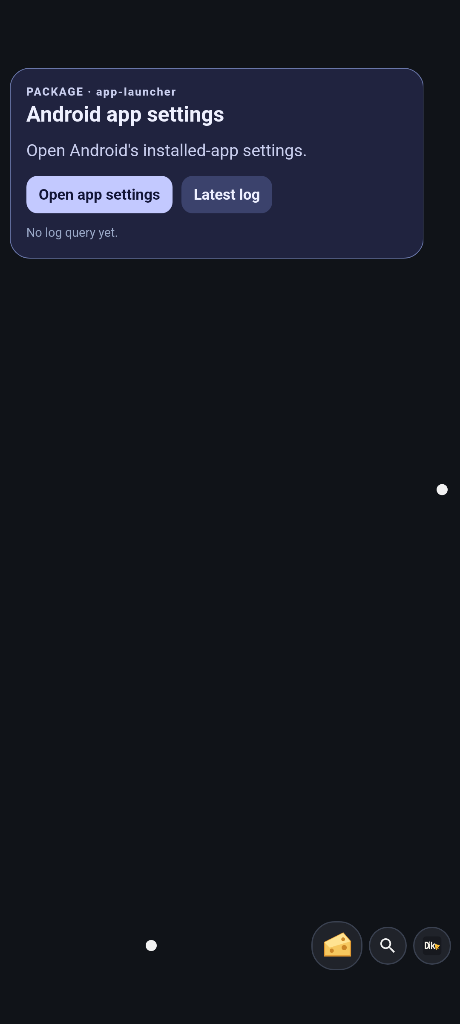
Android app settings
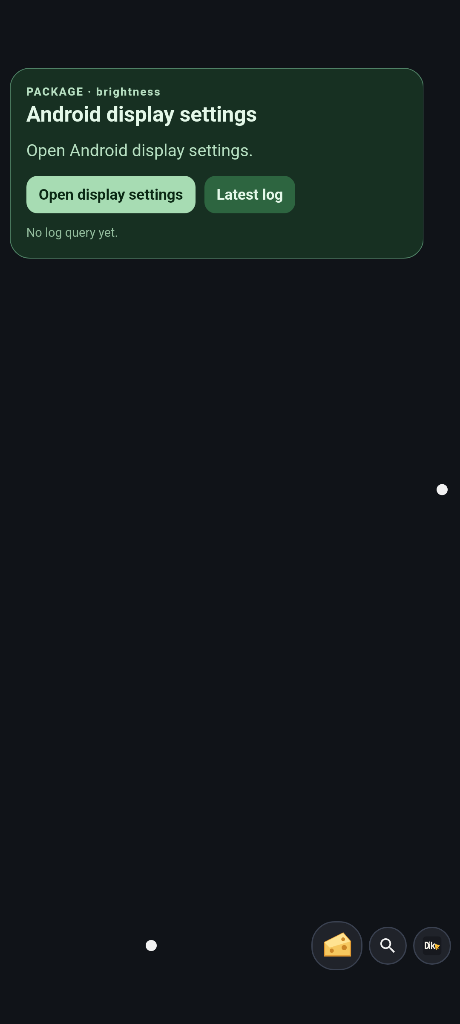
Android display settings
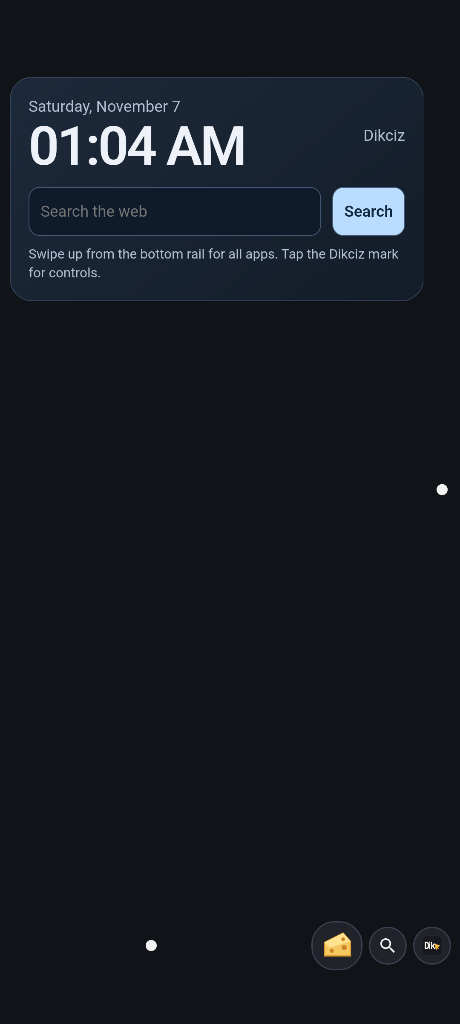
Clock and search
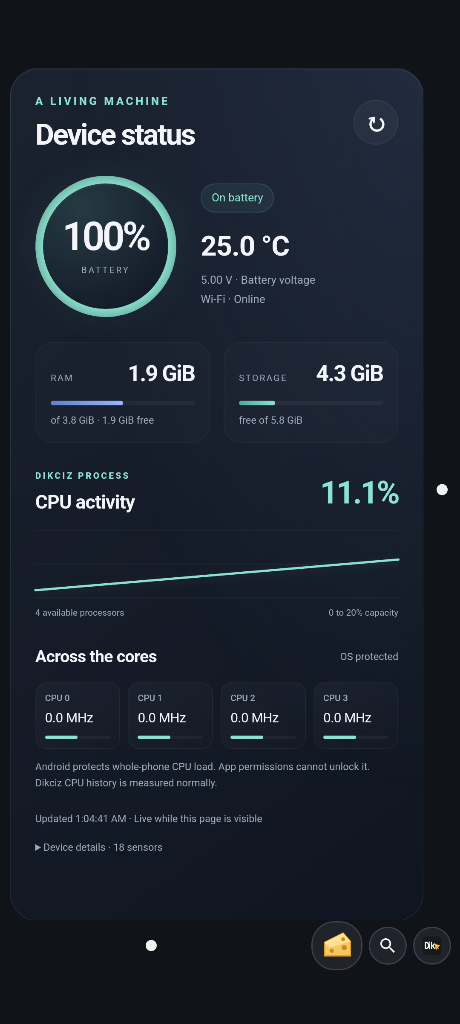
Device status
Goblin control
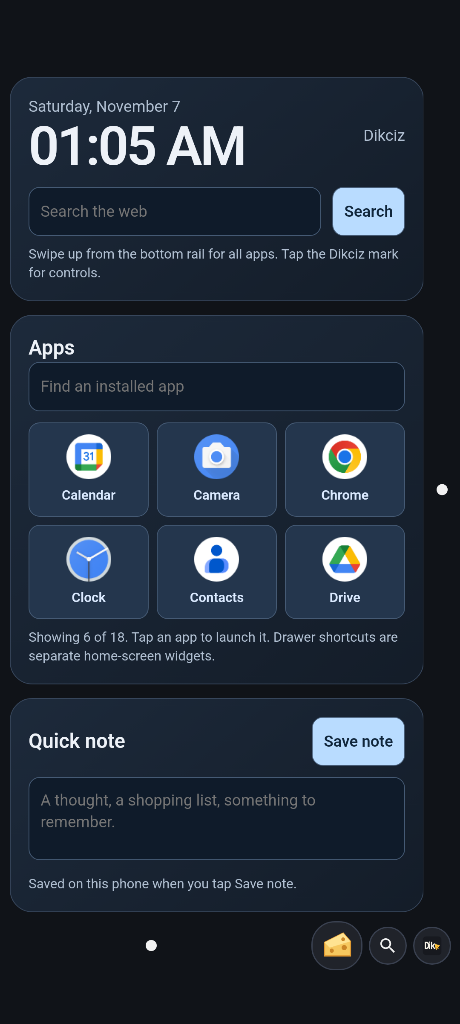
Home dashboard
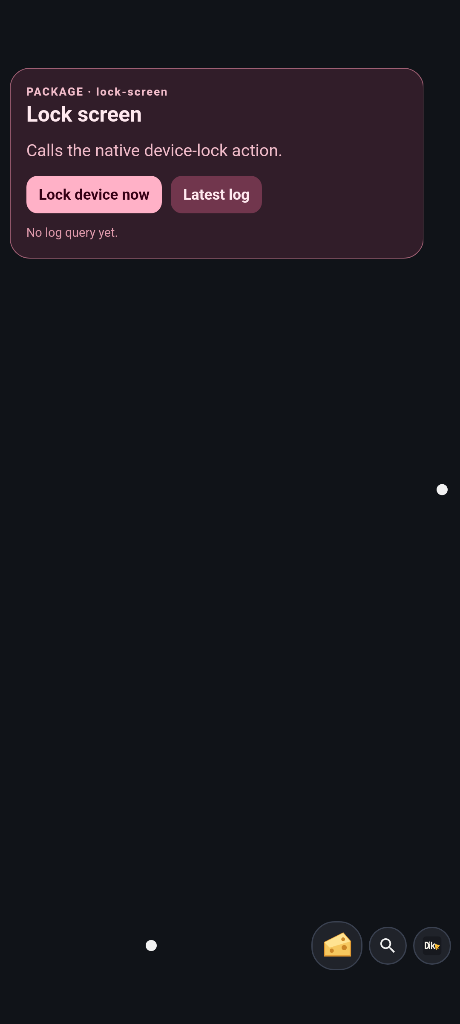
Lock screen
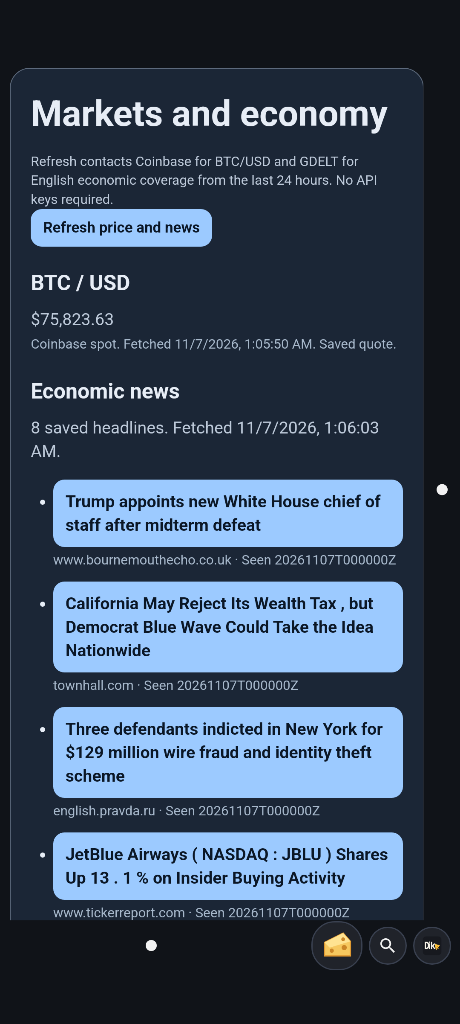
BTC and economic news. The quote fetched successfully; GDELT returned HTTP 429 for news.
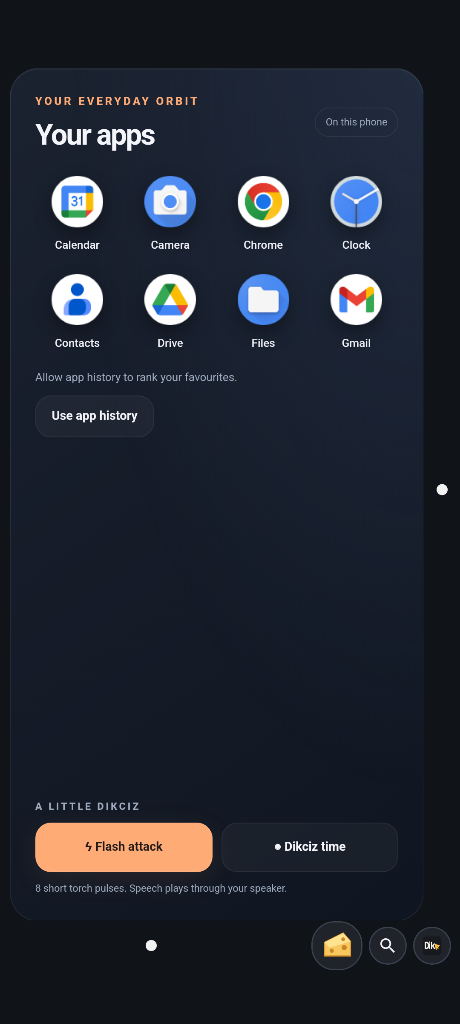
Most used apps
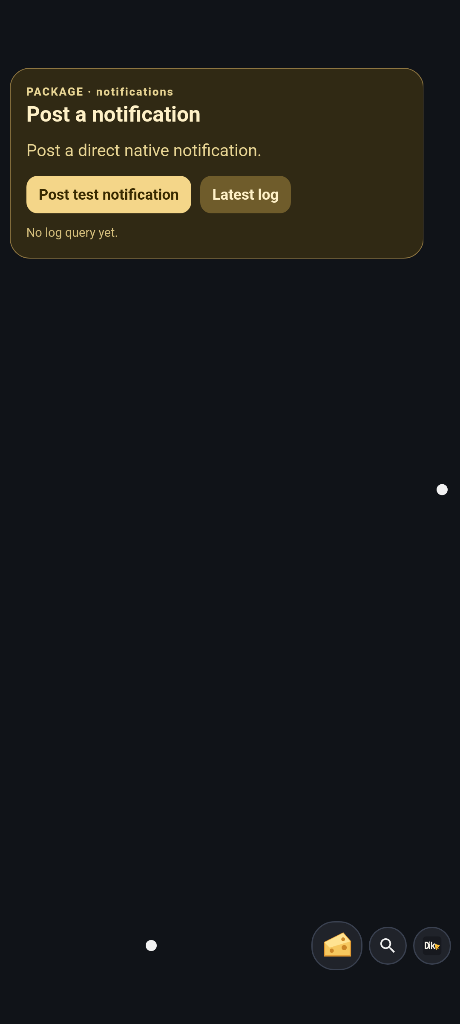
Post a notification
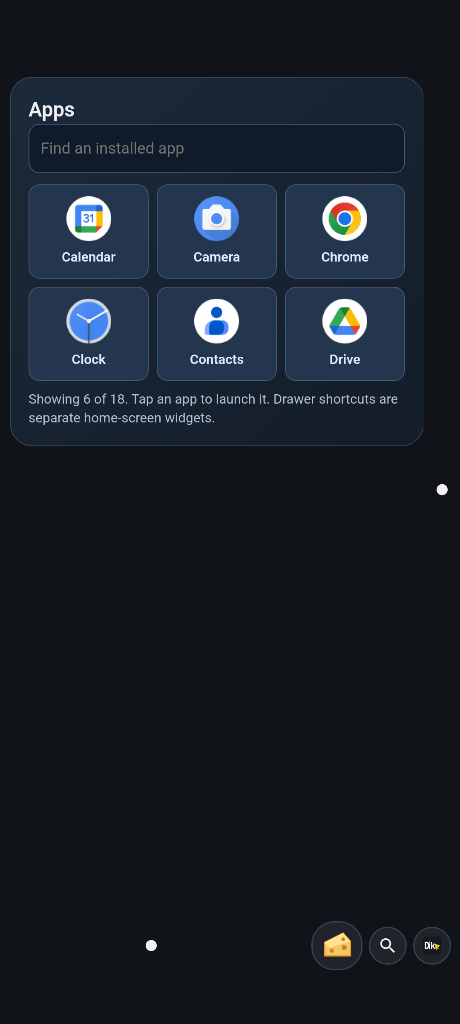
Find an app
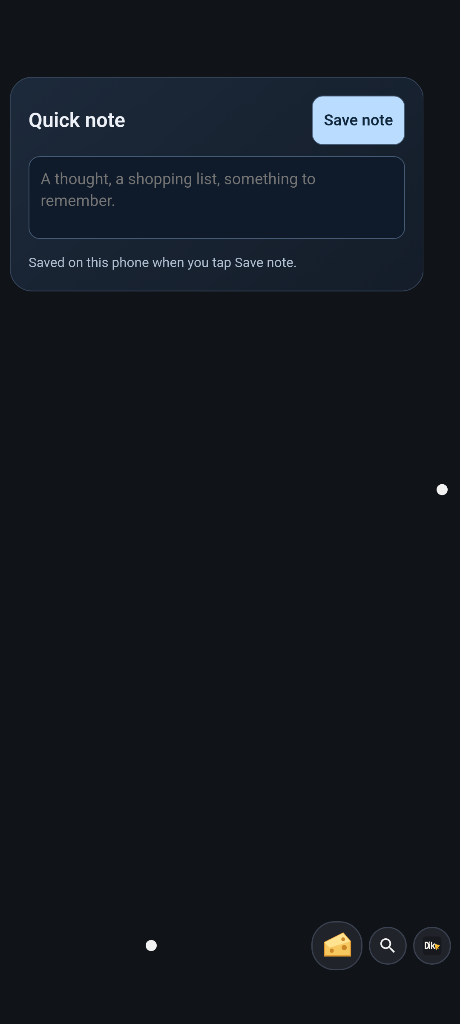
Quick note
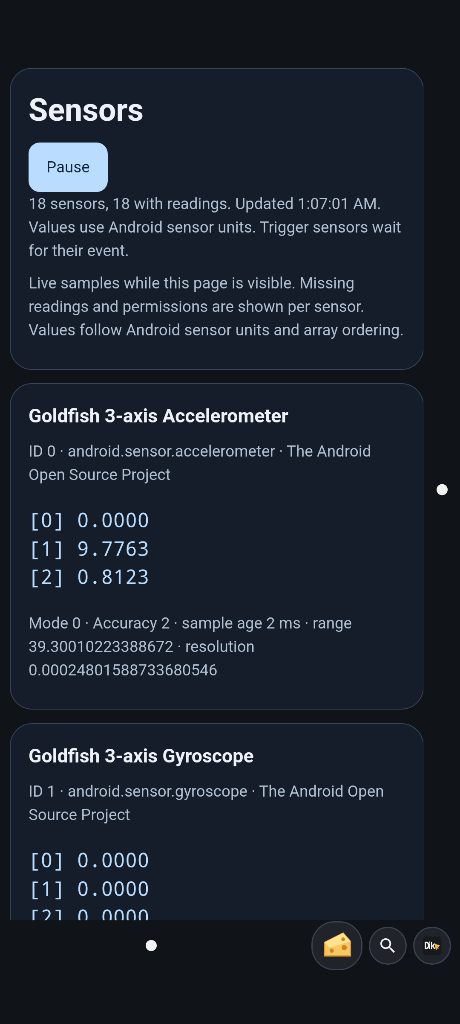
Live sensors
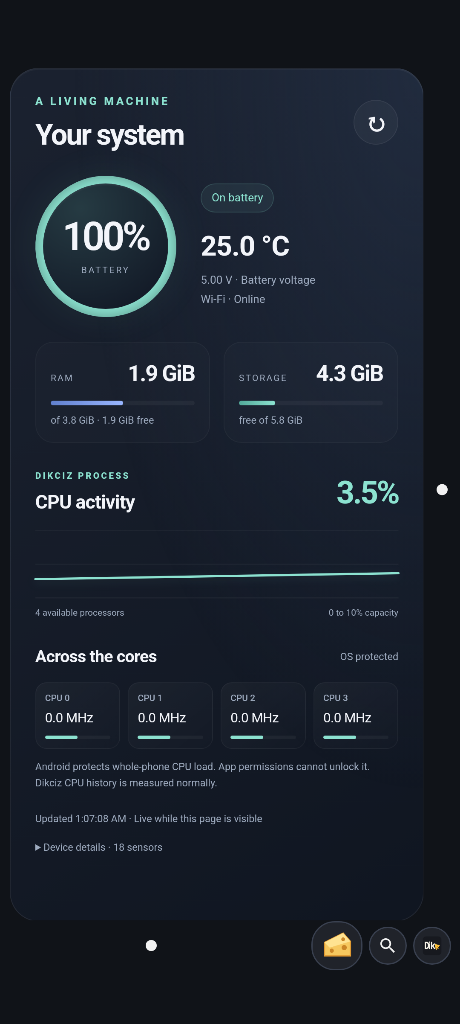
System dashboard
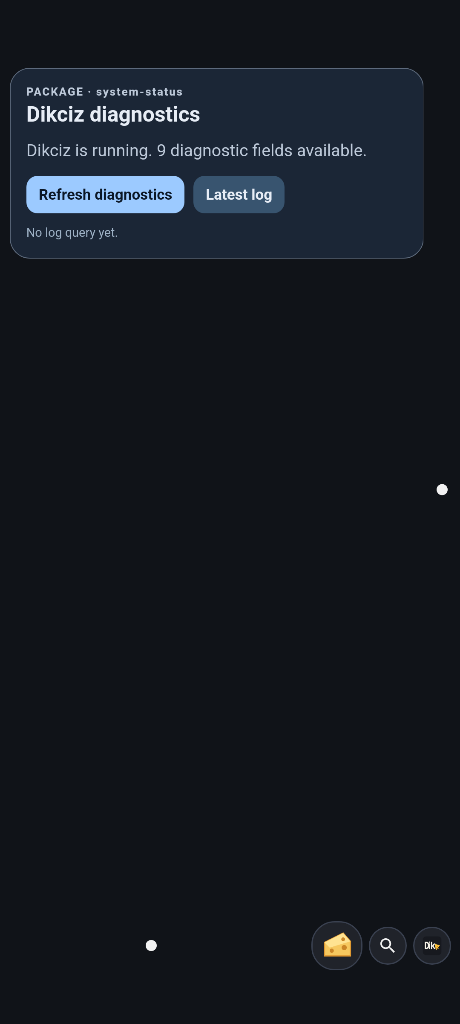
Dikciz diagnostics
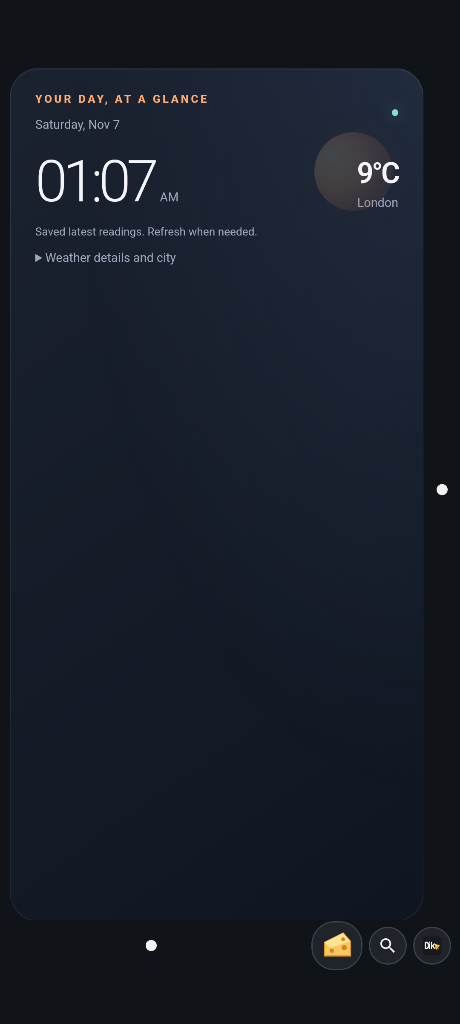
Time and weather
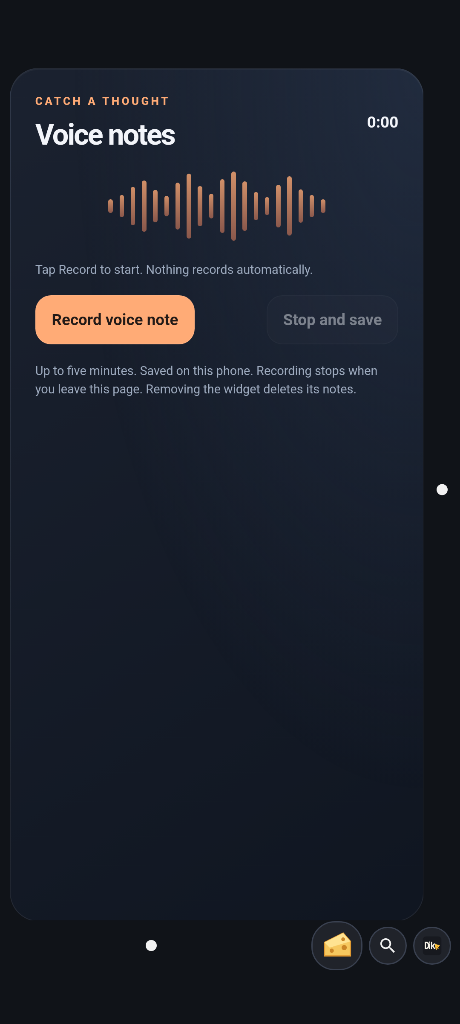
Voice notes
Inspect activity and preserve a setup
Use Settings, Activity & resources to inspect callers, failures and resource measurements. Pause a script, HTML widget or chat event rule there. Create an encrypted backup, preview its counts and confirm the exact archive before replacing home and chat history. See the guide.
Companion workflows
See the focused companion guide for safety, geofences, routes, peripherals, health and Wi-Fi, including grants and actual outcome states. SOS is an editable custom app. Custom apps explains complete UI/backend bundles, durable timers, dimmed urgent modals and source-only exports. Travel todo is the small working reference for that platform.