Local voice notes for Android
Voice notes records microphone audio and keeps it in the app's local files. Open it from the launcher when you want a quick recording you can play back later.
Install the signed Dikciz APK, complete first-run setup, then open Dikciz > Dikciz apps > Voice notes.
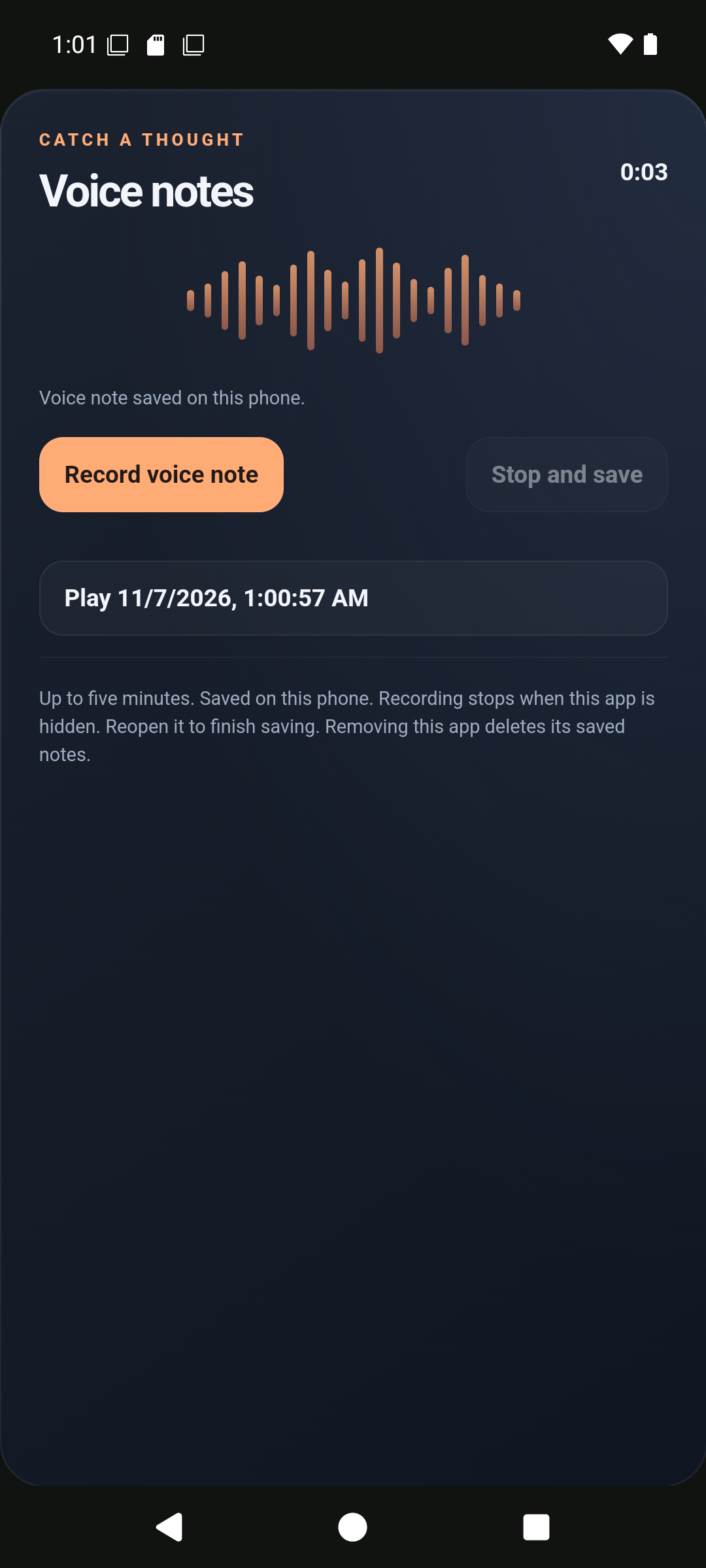
- Tap Record voice note and grant microphone access if Android asks. Tap Record again if the permission request interrupted the first attempt.
- Tap Stop and save. Leaving the app stops recording. Reopen Voice notes to finish a pending save.
- Use the playback control next to the saved note.
Recordings live in /sdcard/Dikciz/apps/voice-notes/files/. A source-only app export excludes audio. Use a complete backup to retain recordings alongside settings. The Voice notes source shows microphone sessions and app-local file handling.